April 2026 Blog Roundup: Microsoft 365 Copilot, Teams, Excel, and Word

Chris Menard - Microsoft MVP

Share
April 2026 Blog Roundup: Microsoft 365 Copilot, Teams, Excel, and Word
April 2026 Blog Roundup by Chris Menard - Microsoft MVP

April was a busy and exciting month, with a strong focus on real‑world Microsoft 365 Copilot usage, alongside practical tips for Excel, Teams, Word, and Power Query. This collection brings together everything published in April 2026—from Copilot agents and in‑app AI changes to smarter data cleanup techniques and new meeting recap features in Microsoft Teams.

Whether you’re exploring how Copilot behaves across Word, Excel, and Teams, deciding when Power Query is the better choice over formulas, or staying current on Microsoft’s latest Copilot licensing and feature updates, this roundup makes it easy to catch up in one place. Below, you’ll find every April article with direct links, so you can quickly jump to the topics that matter most to your work.

Nine Articles with Thumbnails

Power Query: Remove Extra Spaces in the Middle of Words (Beyond TRIM)
Extra spaces are one of the most common data problems in Excel — leading spaces, trailing spaces, and the trickiest of all, extra spaces in the middle of words. The TRIM function handles all three. But what happens when you switch to Power Query for a larger data cleanup? Power Query’s
Copilot in Word: Summary Differences Between Word for the Web and Word Desktop
Microsoft 365 Copilot can summarize a Word document in seconds, and it is one of the most popular features for licensed users. What is not obvious is that the summarize experience differs between Word Desktop and Word for the Web. The summary itself is identical in both, but Word for
New Microsoft Teams Meeting Recap Features with Copilot (Speaker Summary, Executive Report, Audio Recap)
Microsoft Teams has rolled out new recap features for recorded meetings that work with a Microsoft 365 Copilot license. Alongside the AI summary and transcript we have had for a while, there is now a Custom summary section with three options — Speaker summary, Executive report, and Create template — plus an
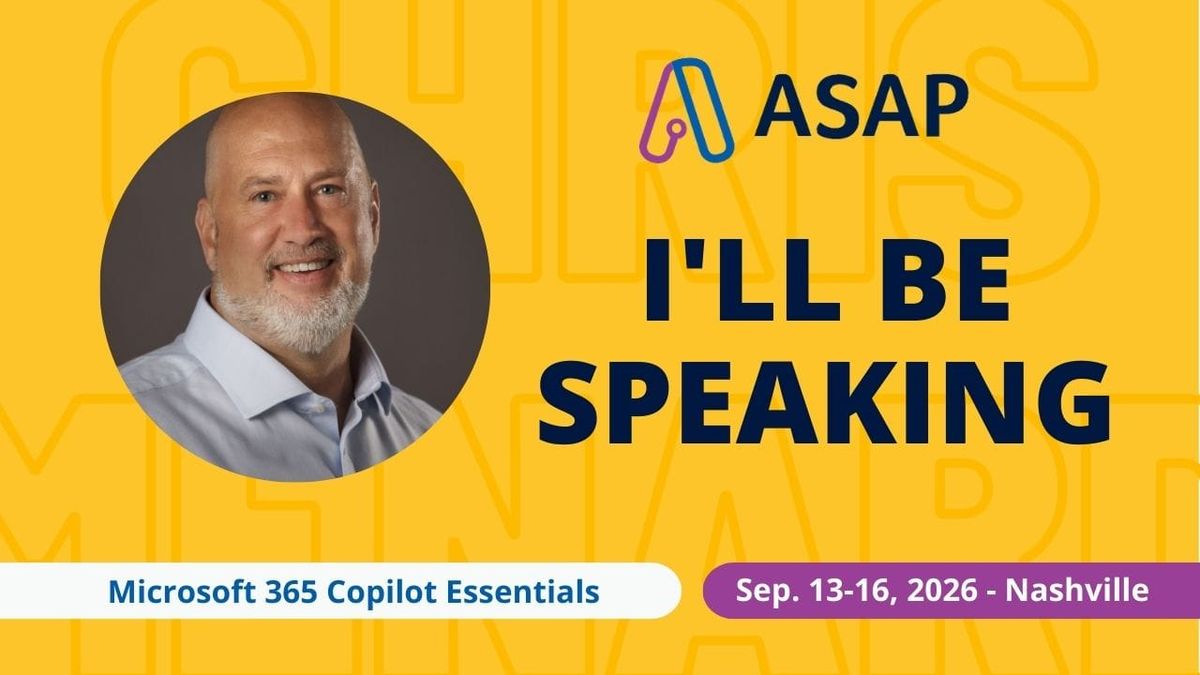
Join Me at the Administrative Professional Conference (APC) 2026 in Nashville for M365 Copilot Essentials
I’ll be presenting in-person on M365 Copilot at the APC Conference on September 13-16, 2026, in Nashville, TN. Updated on 4/13/2026
Copilot in Excel: When to Use a PivotTable vs Functions
Copilot in Excel can create PivotTables in seconds, and that is great for basic summaries. But when you need calculations that go beyond what a PivotTable can show — median, second highest, third highest — functions are the better approach. Here is how to use Copilot for both, and when to choose
My 102 Microsoft 365 Training Videos from 2025
Videos cover M365 Copilot, Excel, Outlook, Word, PowerPoint, and Teams
How to Customize the Enter Key in Microsoft Teams Chat
By default, pressing Enter in a Microsoft Teams chat sends the message immediately. If you have ever accidentally sent a half-finished message, there is now a setting to change this behavior so Enter starts a new line instead. The Default Behavior In the default Teams configuration, typing a message and
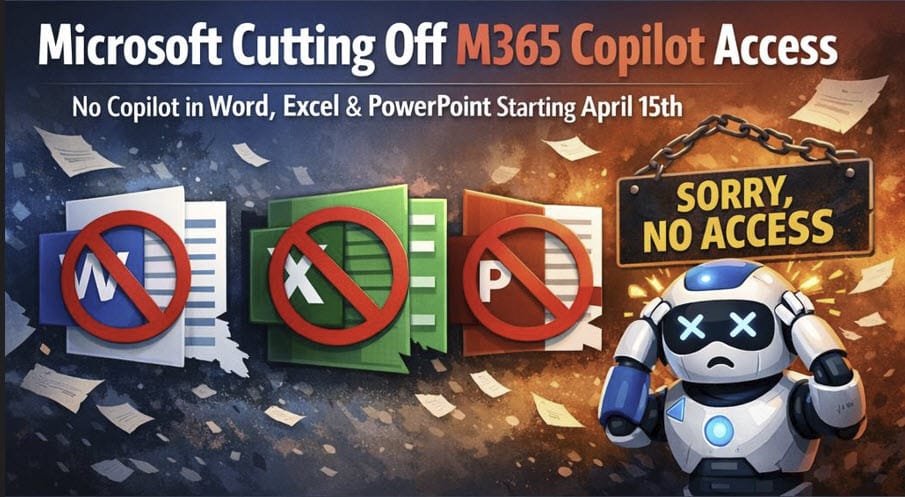
Microsoft 365 Copilot Chat Changes on May 16, 2026: What Unlicensed Users Need to Know
Was originally scheduled for April 15, 2026. Moved to May 16, 2026
Microsoft Word Copilot Agent: Create Full Documents in Minutes
Microsoft is making major updates to Copilot, and one of the most significant changes is how you create new documents in Word. There are now two distinct Copilot experiences: Edit with Copilot for modifying existing content, and the Word Agent in M365 Copilot chat for creating brand-new documents from scratch.

Nine Articles in a Table

Publication Date Article URL
Apr 30, 2026 Power Query: Remove Extra Spaces in the Middle of Words (Beyond TRIM) https://chrismenardtraining.com/post/power-query-remove-extra-spaces-in-the-middle-of-words-beyond-trim/
Apr 25, 2026 New Microsoft Teams Meeting Recap Features with Copilot (Speaker Summary, Executive Report, Audio Recap) https://chrismenardtraining.com/post/new-microsoft-teams-meeting-recap-features-with-copilot-speaker-summary-executive-report-audio-recap/
Apr 22, 2026 Copilot in Word: Summary Differences Between Word for the Web and Word Desktop https://chrismenardtraining.com/post/copilot-in-word-summary-differences-between-word-for-the-web-and-word-desktop/
Apr 20, 2026 Copilot in Excel: When to Use a PivotTable vs Functions https://chrismenardtraining.com/post/copilot-in-excel-when-to-use-a-pivottable-vs-functions/
Apr 13, 2026 Join Me at the Administrative Professional Conference (APC) 2026 in Nashville for M365 Copilot Essentials https://chrismenardtraining.com/post/join-me-at-apc-2026-in-nashville-for-m365-copilot-essentials/
Apr 12, 2026 My 102 Microsoft 365 Training Videos from 2025 https://chrismenardtraining.com/post/my-102-microsoft-365-training-videos-from-2025/
Apr 08, 2026 How to Customize the Enter Key in Microsoft Teams Chat https://chrismenardtraining.com/post/how-to-customize-the-enter-key-in-microsoft-teams-chat/
Apr 04, 2026 Microsoft 365 Copilot Chat Changes on May 16, 2026: What Unlicensed Users Need to Know https://chrismenardtraining.com/post/microsoft-365-copilot-chat-changes-on-april-15-2026-what-unlicensed-users-need-to-know/
Apr 01, 2026 Microsoft Word Copilot Agent: Create Full Documents in Minutes https://chrismenardtraining.com/post/microsoft-word-copilot-agent-create-full-documents-in-minutes/
Excel COPILOT() Function and Formula Completion Preview
Live Stream on M365 Copilot Function and Formula Completion in Excel. Registration is NOT required. Just join at noon ET on 03/18/2026
4 Most Popular New Outlook Features from 2024
According to Microsoft 365 Insider, these are four of the most popular features that rolled out in Outlook during 2024. All four are available to Microsoft 365 subscribers using the new Outlook or Outlook on the web. Three of the four do not work in classic Outlook. 1. Shorten Meeting
How to Clean Messy Data in Excel with Agent Mode and One Prompt
Excel’s desktop version now has Agent Mode in Copilot, and it is incredible. I’ve already used it to build a complete dashboard automatically, and now I want to show you how it can clean messy data with a single prompt. Identify the Data Problems In this example, I have a

Read more