
Microsoft Excel
Excel's New List Feature: Filter and Count Multiple Items in One Cell
Excel can now hold a list of items in one cell. Create lists with Ctrl+J, filter by a single name, and summarize them with FLATTEN, UNIQUE, SORT, and COUNTIF.

Chris Menard is a Microsoft MVP. He is certified in Excel, Word, Outlook, and PowerPoint. His YouTube videos have over 25 million views.

Microsoft Excel
Excel can now hold a list of items in one cell. Create lists with Ctrl+J, filter by a single name, and summarize them with FLATTEN, UNIQUE, SORT, and COUNTIF.

Chrome can show two tabs side by side in one window. Right-click a tab, choose Add tab to new split view, and pick the second tab. Here is how to start it, exit it, and swap sides.

Microsoft Copilot
Copilot can create images from a prompt. Start from Apps and more > Create or from a new chat, open the result in the image editor, and refine it with a follow-up prompt.

Microsoft PowerPoint
Already built a PowerPoint presentation without your organization's template? Attach the template to Copilot, prompt it to apply the template to the existing deck, then review the slides for layout and content accuracy.

Microsoft Copilot
Join Chris Menard live on October 20 at noon ET for a hands-on look at six new Copilot Skills in PowerPoint. No registration required.

Microsoft Excel
A full day of hands-on Excel with the UGA Terry College Executive MBA class, from essential skills to break-even analysis and the three financial statements.

Microsoft Excel
Copilot Chat can see your screen and hear you at the same time. Start a voice chat, share your Excel window, and ask for highest, lowest, totals, averages and rankings out loud — no typing, no formulas.

Microsoft Excel
Working with a large data set? Turn on Defer Layout Update in the PivotTable Fields pane, arrange every field you need, and apply all the changes at once with a single click on Update.

Microsoft Copilot and Excel Advanced sessions - Gaylord Opryland Resort
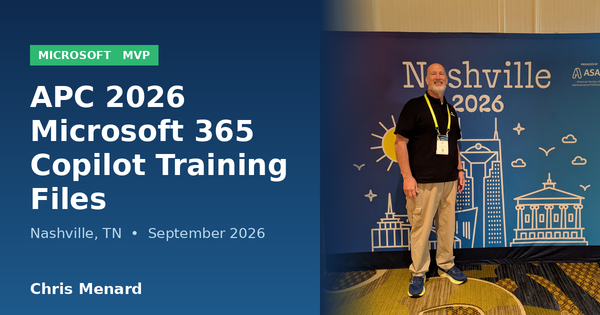
It was a pleasure presenting my Microsoft 365 Copilot training sessions at APC 2026 at Gaylord Opryland in Nashville, Tennessee. In addition to the two Copilot sessions that I ran, we also ran two advanced Excel sessions. More than 300 people attended each of my two Copilot sessions on September

Chris Menard's Session on Monday, September 14, 2026

Microsoft Excel
The COPILOT function retires on September 14, 2026. I ran three real data tasks — sentiment ratings, ZIP code extraction, and address cleanup — through both the function and the Copilot Dynamic Action Button (DAB) in Excel to see what you actually lose.