
Microsoft 365 Copilot Chat Changes on May 16, 2026: What Unlicensed Users Need to Know
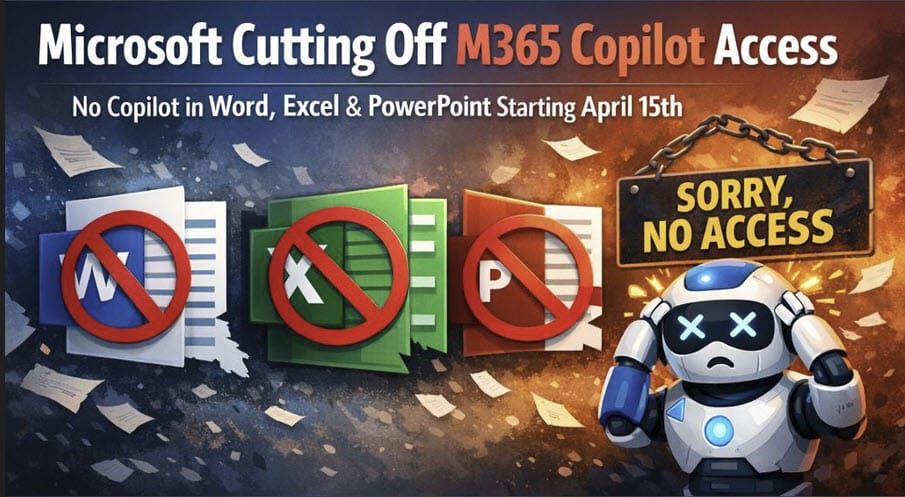
Change was originally scheduled for April 15, 2026. Moved to May 16, 2026.

Article updated: May 23, 2026
Microsoft is making an important change to Microsoft 365 Copilot Chat for users without a paid Microsoft 365 Copilot license. Starting May 16, 2026, many of those users will no longer have the same Copilot experience inside apps like Word, Excel, PowerPoint, and OneNote.
IMPORTANT: Microsoft has announced on April 16, 2026, that this change is now scheduled for May 16, 2026. It is expected to be completed by mid-May.
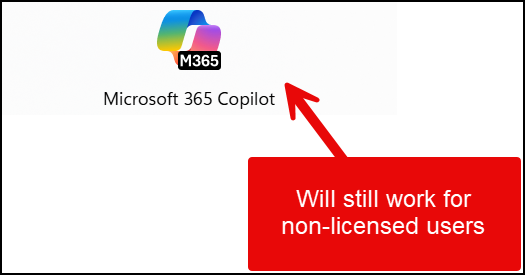
The image below shows how Copilot appears in Microsoft Word for a non-licensed user before May 16, 2026.
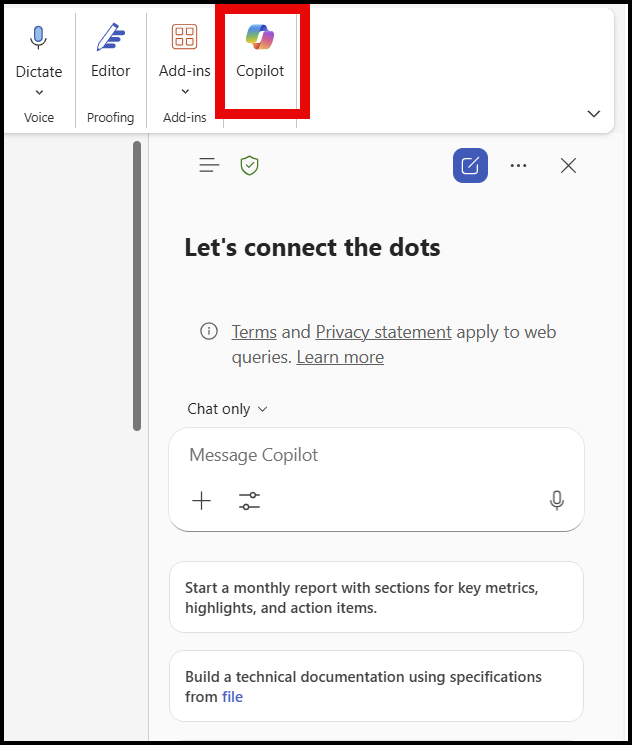
In simple terms, Microsoft is moving the best in-app Copilot experience behind the paid Microsoft 365 Copilot license. That means if your organization has been using the free or included Copilot Chat experience in those apps - Word, Excel, and PowerPoint - things may change depending on your company's size.
What is a Paid License Cost for M365 Copilot?
👉 $30 per user, per month (USD)
👉Typical Annual Commitment
👉 Add-on license — on top of an existing Microsoft 365 Enterprise plan
Is Microsoft doing a 180 for non-licensed users?
It was in September 2025, when Microsoft announced that M365 Copilot Chat would be available for non-licensed users in Word, Excel, OneNote, PowerPoint, and Outlook. See the image below from Microsoft Sep 30, 2025 blog post.
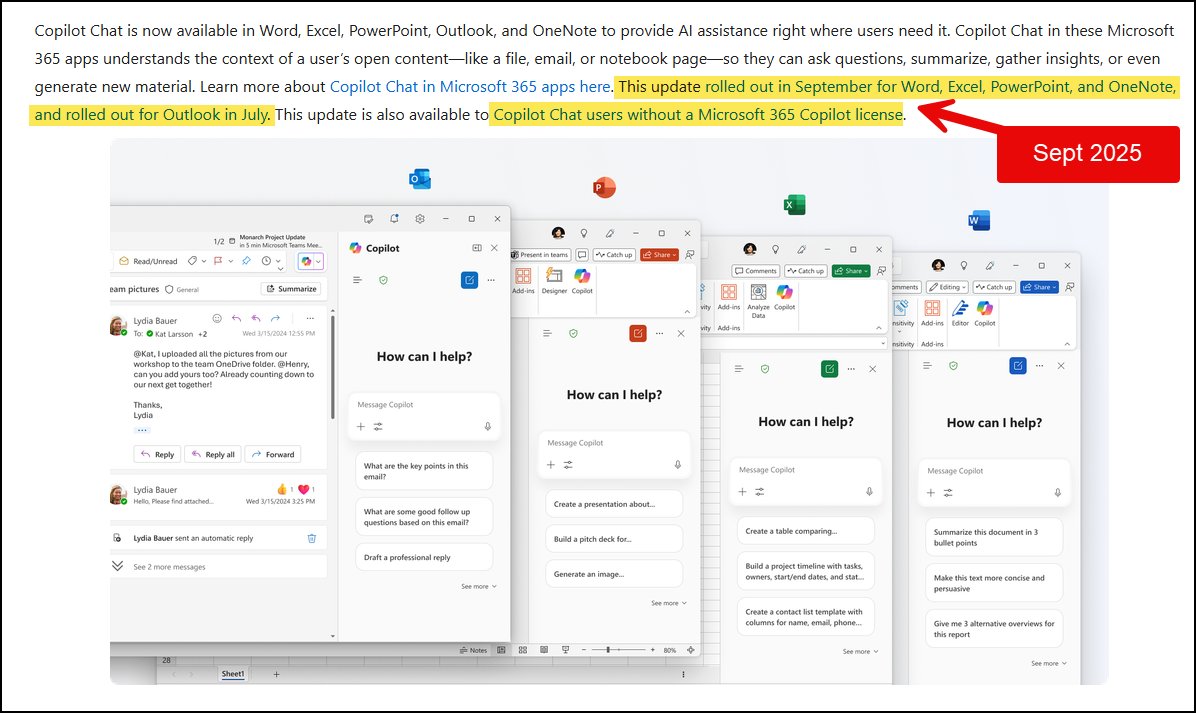
Eight months later, Microsoft is doing a 180 by removing M365 Copilot Chat in Word, Excel, PowerPoint, and OneNote for non-licensed users (tenants over 2K users)
Quick Summary of the changes from Sep. 2025 to May 16, 2026
In September 2025, Microsoft was explicitly saying:
- ✅ Copilot Chat was available inside Word, Excel, PowerPoint, OneNote
- ✅ Even for users without a Microsoft 365 Copilot license
- ✅ Positioned as “AI assistance where users need it”
Fast forward to May 2026, and Microsoft is:
- ❌ Removing Copilot Chat from Office apps for non-licensed users
- ✅ Repositioning Copilot Chat as:
- Web-only (copilot.microsoft.com), or
- App-only for licensed Copilot users
- ✅ Tightening the value moat around the paid Copilot license
Important detail: the impact depends on tenant size
For organizations with more than 2,000 users
Microsoft’s March 17 message for larger tenants says that, beginning May 16, 2026, unlicensed users will no longer be able to use Copilot in Word, Excel, PowerPoint, and OneNote entirely, while licensed users are unaffected.
For organizations with fewer than 2,000 users
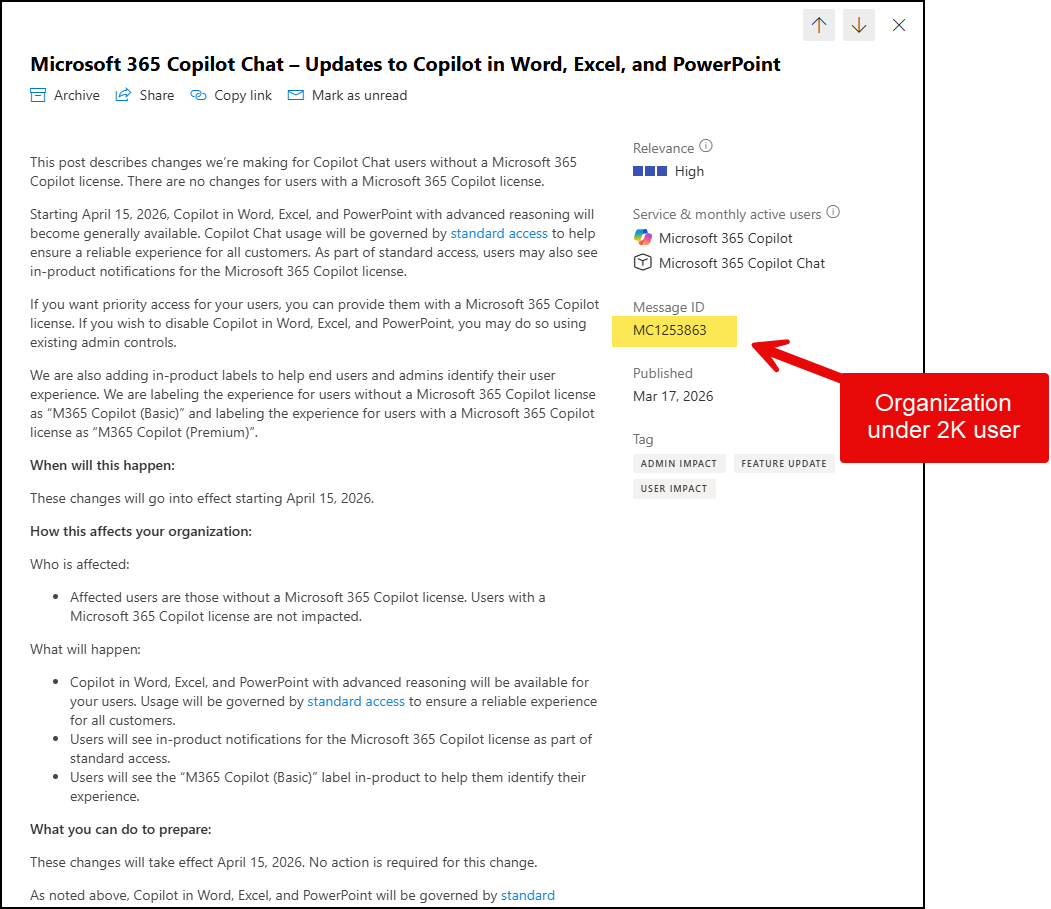
A separate Microsoft message says unlicensed users will still have Copilot in Word, Excel, and PowerPoint, but it will run under “standard access”, meaning quality/performance can vary based on service capacity, and users may see upgrade prompts for the paid license.
What is Standard Access?
standard access = available, but not guaranteed at premium performance. Unlicensed users can still use Copilot, but speed, availability, and sometimes feature depth can vary based on Microsoft’s capacity. Licensed users get priority in the queue.
🆕NEW - Labels in Copilot
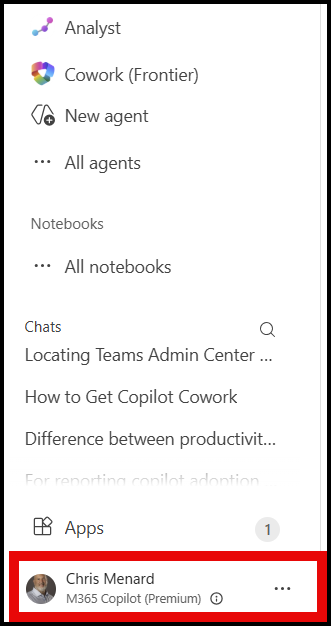
Microsoft is also introducing new labels to help people understand which Copilot experience they have. Users without a paid license may see Copilot Chat (Basic), while licensed users may see M365 Copilot (Premium).
The big takeaway is this: Copilot Chat is not disappearing entirely for unlicensed users, but the in-app experience inside Word, Excel, PowerPoint, and OneNote is changing significantly on April 15, 2026.
If you do not have a paid Microsoft 365 Copilot license, you may need to rely more on the Microsoft 365 Copilot app rather than using Copilot directly inside those desktop or web apps.
Link to M365 Copilot Chat app - Use this if you have a Microsoft 365 work or enterprise license
Microsoft Message Center (MC) Sources
MC1253863 - for organizations under 2K users (this is my tenant)
MC1253858, dated March 17 — only viewable by organizations with more than 2,000 M365 users (so, no image since I do not have over 2k in my tenant)
What MC1253858 Means - Over 2K user
MC1253858 communicated a pullback of Copilot capabilities for unlicensed users. According to reproductions of the message, starting April 15, 2026, Copilot would no longer be available inside Word, Excel, PowerPoint, and OneNote for users who only had the unlicensed Copilot Chat experience. The message also said Microsoft was reserving the full in-app Copilot experience — including advanced reasoning and model choice — for users with a paid Microsoft 365 Copilot license.
Understanding the Difference Between MC1253858 and MC1253863 for Microsoft 365 Copilot
If you’ve been trying to make sense of Microsoft’s May 16, 2026 Copilot changes, you’re not alone. Two Message Center posts published on March 17, 2026 — MC1253858 and MC1253863 — created a lot of confusion because they sound similar, but they do not describe the same experience for every organization.
The easiest way to think about it is this: MC1253858 was the restriction message, and MC1253863 was the availability and labeling message. Both posts relate to users without a paid Microsoft 365 Copilot license, and both point to May 16, 2026 as the key date, but they describe different outcomes depending on tenant circumstances.
Other Sources
- Microsoft Community Hub - not a technical support channel
- LinkedIn Post
Popular Copilot Articles
 Chris Menard
 Chris Menard
 Chris Menard
 Chris Menard