
Microsoft Copilot
How to Create and Edit AI Images in Microsoft Copilot
Copilot can create images from a prompt. Start from Apps and more > Create or from a new chat, open the result in the image editor, and refine it with a follow-up prompt.

Microsoft Copilot
Copilot can create images from a prompt. Start from Apps and more > Create or from a new chat, open the result in the image editor, and refine it with a follow-up prompt.

Microsoft PowerPoint
Already built a PowerPoint presentation without your organization's template? Attach the template to Copilot, prompt it to apply the template to the existing deck, then review the slides for layout and content accuracy.

Microsoft Excel
Copilot Chat can see your screen and hear you at the same time. Start a voice chat, share your Excel window, and ask for highest, lowest, totals, averages and rankings out loud — no typing, no formulas.

Microsoft Excel
The COPILOT function retires on September 14, 2026. I ran three real data tasks — sentiment ratings, ZIP code extraction, and address cleanup — through both the function and the Copilot Dynamic Action Button (DAB) in Excel to see what you actually lose.
Microsoft PowerPoint
The Create interactive slides skill in PowerPoint Copilot turns a table, an Excel workbook, or plain slide content into a clickable slide with filters, live totals, and swapping visuals — and it all works in normal editing view.

Microsoft PowerPoint
Microsoft Copilot's new Prepare for questions skill in PowerPoint reads your whole deck and predicts the objections your audience will raise, with slide-level evidence for each one.

Microsoft Outlook
Reply to email faster in Outlook with Copilot — use one-click suggested drafts for quick replies, or the Copilot task pane and Draft Assistant when you need to add details, cities, and venues the sender never mentioned.
MVPBUZZ
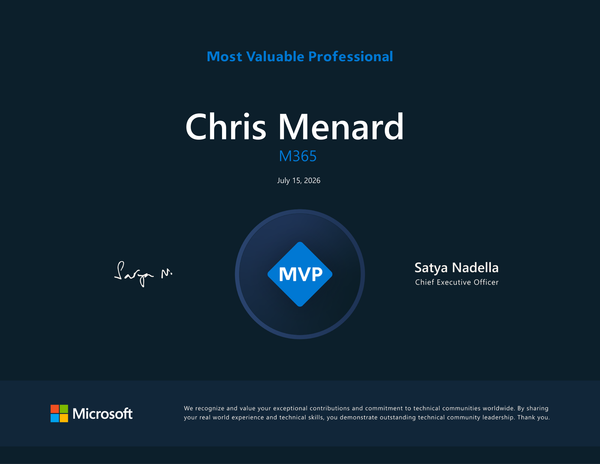
July 15, 2026 - Chris Menard has been named a Microsoft MVP for the second year in a row, recognized for his work in Microsoft 365, Copilot, and Teams. Here's what the award means and how he's giving back to the community.

Microsoft Outlook
Use Copilot in the new Outlook and Outlook on the web to add 30-minute prep blocks and 15-minute hold blocks around your calendar events — with one specific prompt.
Microsoft 365 Copilot
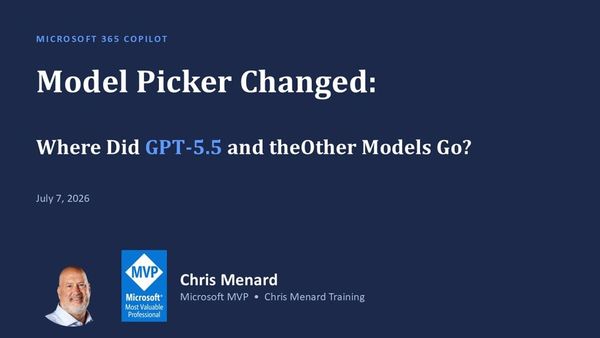
Microsoft 365 Copilot users are noticing a major change: the model picker no longer shows options like GPT‑5.5 and other models.

Microsoft Excel
Copilot in Excel can now read a column of free-text answers — survey responses, feedback, help desk tickets — and summarize it into clean categories with a live count. Here is the exact prompt and workflow.
Microsoft Copilot
Licensed Copilot Chat now has a toggle to switch between the new Work IQ look and the classic Work and Web view. Here is where it lives and how it works.