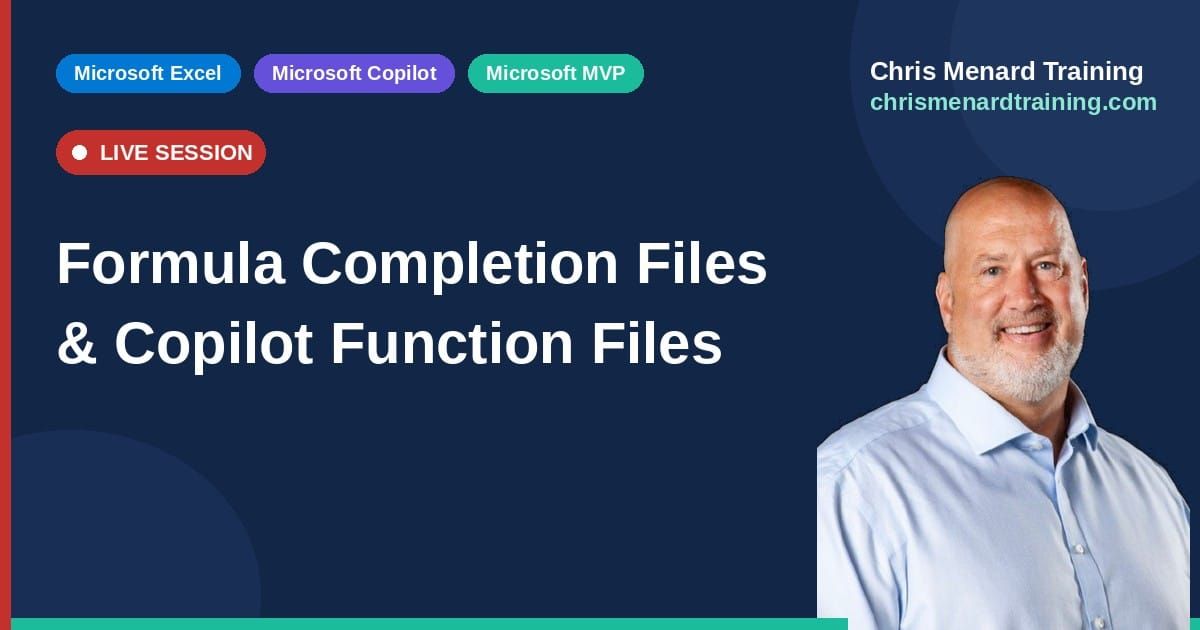
Formula Completion Files and Copilot Function files
Masterminds Copilot Implementation - June 17, 2026

I’m excited to share a collection of Excel files from my M365 Copilot presentation delivered on June 17, 2026, for International Legal Technology Association (ILTA). Whether you attended the session or are exploring these topics on your own, this downloadable set is designed to give you hands-on examples that you can open, explore, and immediately apply in your own work.
My name is Chris Menard, and I’m a Microsoft MVP specializing in Microsoft 365, Teams, and Copilot, with a focus on practical, real-world solutions in Excel, Teams, Word, Outlook, and Power Query. As a professional trainer and speaker, I spend my time helping organizations and users simplify complex tasks, improve productivity, and take full advantage of the tools they already own. Everything I teach is built around making your day-to-day work easier and more efficient.

Inside this download, you’ll find a curated set of four Excel files that were used throughout the session.
These four Excel files demonstrate both Microsoft Copilot's Formula Completion and the COPILOT function, giving users practical, hands-on examples of each.
Copilot in Excel - Files
Thanks again for attending the session—or for stopping by to check out these resources. I hope these files provide immediate value and help you take your Copilot in Excel (and Microsoft 365) skills to the next level.
 Chris Menard
 Chris Menard
 Chris Menard