Microsoft Excel
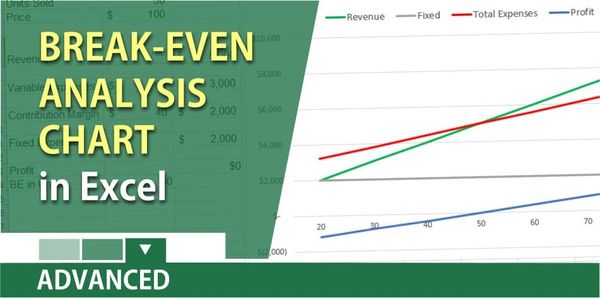
Create a break even analysis chart in Excel
To find the break-even, you need to take your variable expenses and subtract them from your revenue or sales. This is knows as the Contribution Margin. **Variable** expenses are: 1. Direct material 2. Commission per unit 3. Hourly production wages 4. Shipping cost 5. Packaging Variable expenses are those