
Create odd and even headers/footers in Word for duplex printing

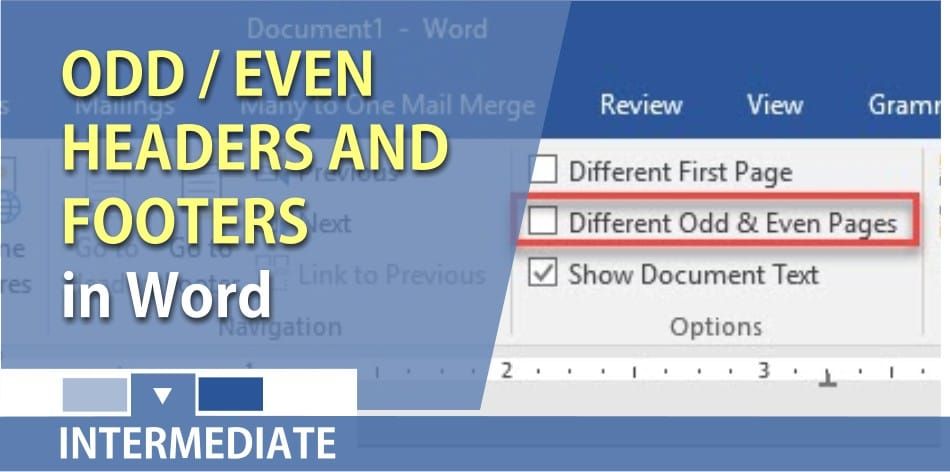
In Microsoft Word, to print two-sided or duplex printing, your page numbers need to be aligned to the right on odd pages and to the left for even pages. To do this in Word, you turn on Different Odd and Even headers/footers.
Steps to creating Odd and Even Headers
01. Start Microsoft Word. It does not matter what version you have.
02. On page 1, type **=Rand(25,7)** and press **Enter**. This will give you at least four pages of random text in your document.
03. **Ctrl + Home** on the keyboard to get to the top of the document.
04. Click the **Insert** tab – click **Header**– click **Blank (Three Columns)** (51 seconds in the video)
05. In the first type text box, type in your company name, click the middle text box and press **delete** on the keyboard.
06. Click on the third text box. When doing odd and even page numbers, the odd pages will need to be aligned on the right. Click **Page number**, point to **current** **position**, click **Accent bar 2**.
07. Click **Different Odd and Even Pages** located in the Options Group. (1:37 in the video)
08. Click **Next** in the Navigation Group to get to the Even-page header. 09. Click **Header**, click **Blank (Three Columns)**.
10. It now reads Even Page Header. Click Page Number, point to the **current position**, click **Accent bar 1**. The even pages, the page numbers should be left aligned.
11. Click and type “your name” in the middle text box. Example: Mary Davis
12. Click and type “your department” in the right text box. Example: Marketing
13. **Double click** in your document to get out of the Header and Footer, or you can click Close Header and Footer.
14. Scroll and look at the odd page header. The page numbers should be 1, 3, 5 and aligned to the right. Also, look at the even page numbers and they should be 2, 4, and aligned to the left.
YouTube video
Odd and Even headers/footers for duplex printing by Chris Menard
Tip
Even if you do not need to print two-sided, turning on Different Odd and Even Headers allow you to have two separate headers in your document.
Applies to Word 2016, Word 2013, Word 2010, Word 2007|



