
Use Quickstarter to set up a great presentation in PowerPoint quickly

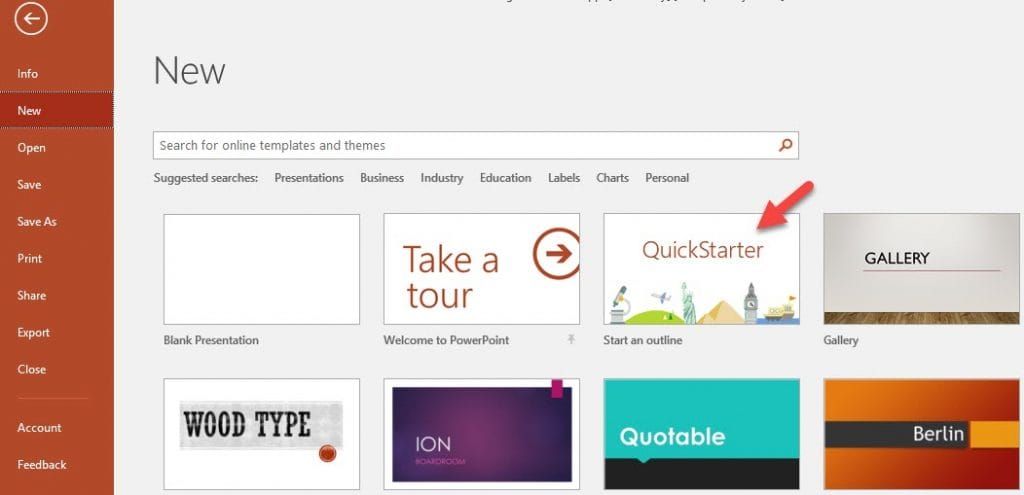
PowerPoint has a new feature called QuickStarter. I think it is awesome! PowerPoint QuickStarter solves this problem by building an outline for you with suggested sections, talking points, and properly attributed Creative Commons images to help get you started. It doesn’t create a finished product for you, but it gives you a slide with related possible topics and it creates an Agenda or Contents slide. We know slide1 is the Title slide. When I teach PowerPoint I always stress that slide 2 should show your Agenda or Outline or Contents. Most people don’t do this but they should.
Steps to get QuickStarter going
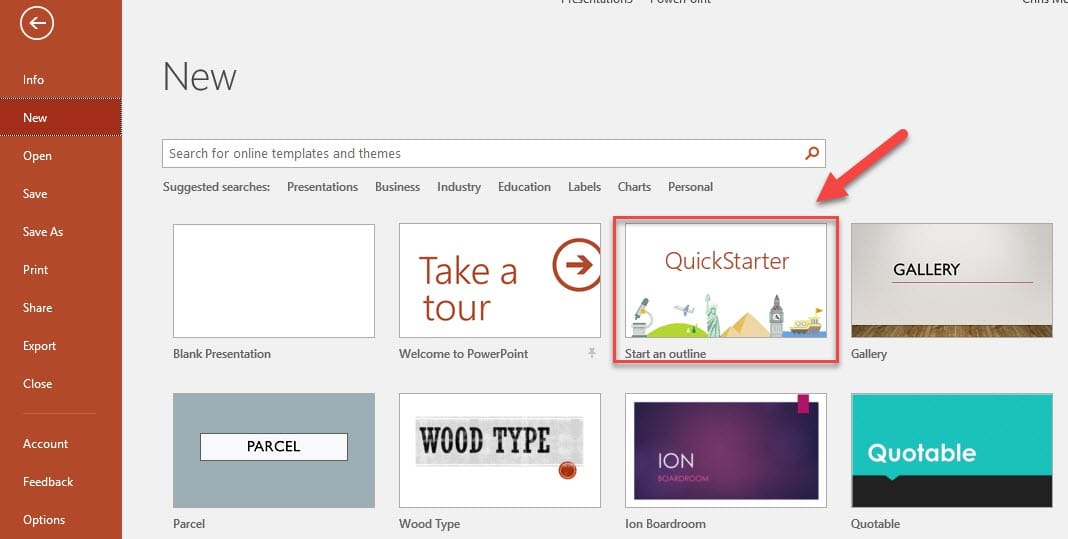
- Click File in the top left corner. - Click New. - Click Quick Starter.
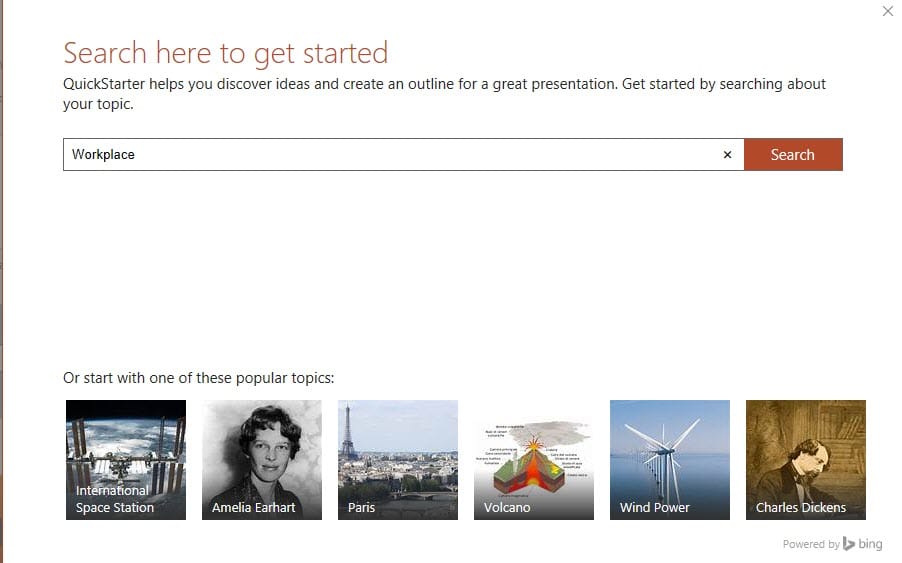
- Type in a topic on the search bar (example, workplace) and search.
- Quick Starter will show you possible presentations topics.
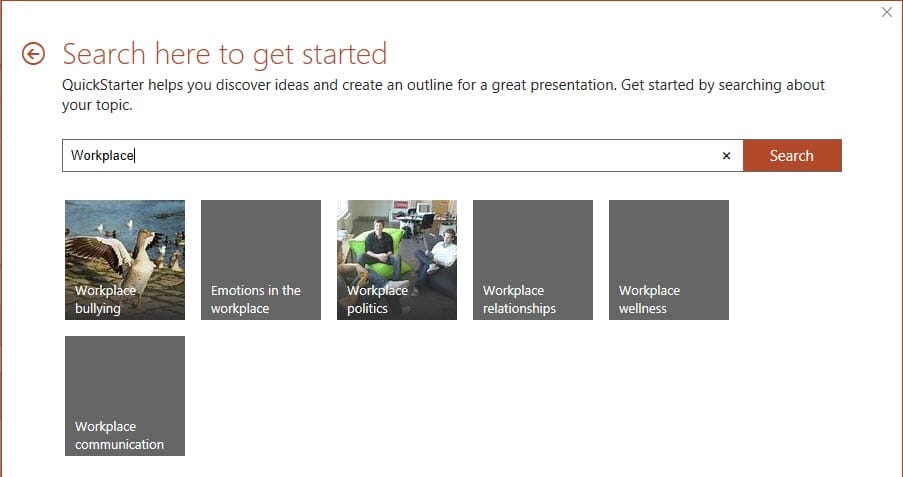
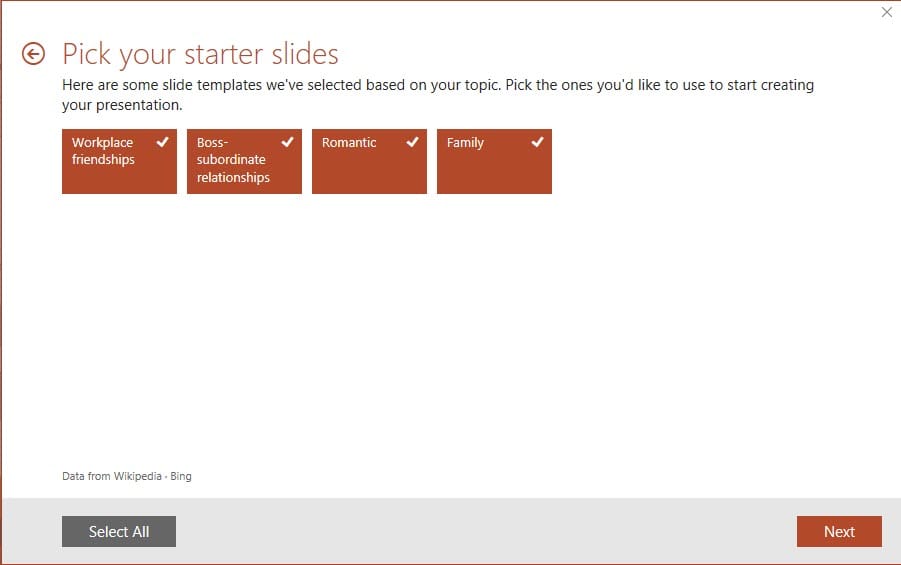
- Click on a topic. - All slides will be checked by default. If you all the slides click **Next**. If you don’t want some slide, uncheck the ones you don’t want and click **Next**.
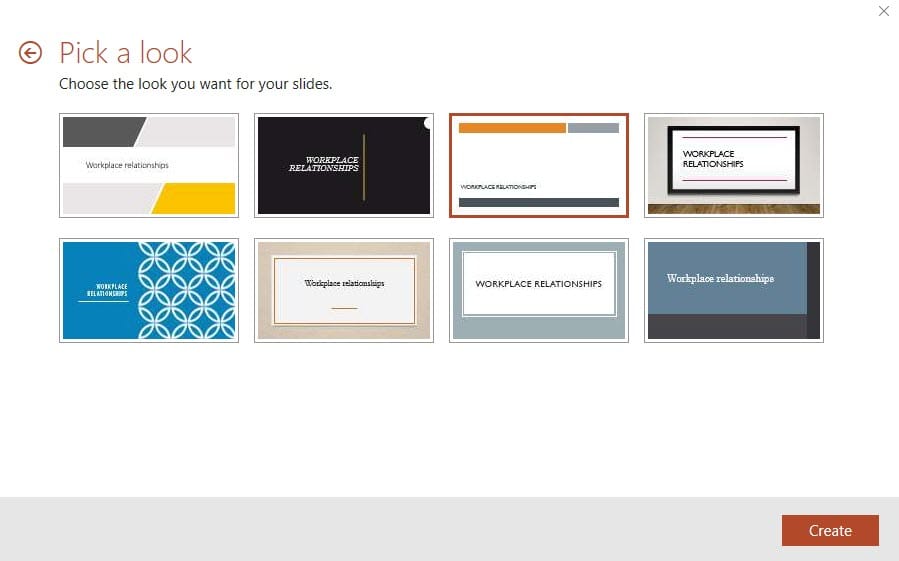
- Pick a look for your slides and click Create.
Your presentation will show in PowerPoint. Slides 1 and 2 are hidden but give your related topics.
Video on PowerPoint QuickStarter
Use Quick Starter and Smark Lookup in PowerPoint by Chris Menard - YouTube



