
Delay Delivery of all messages sent in Microsoft Outlook

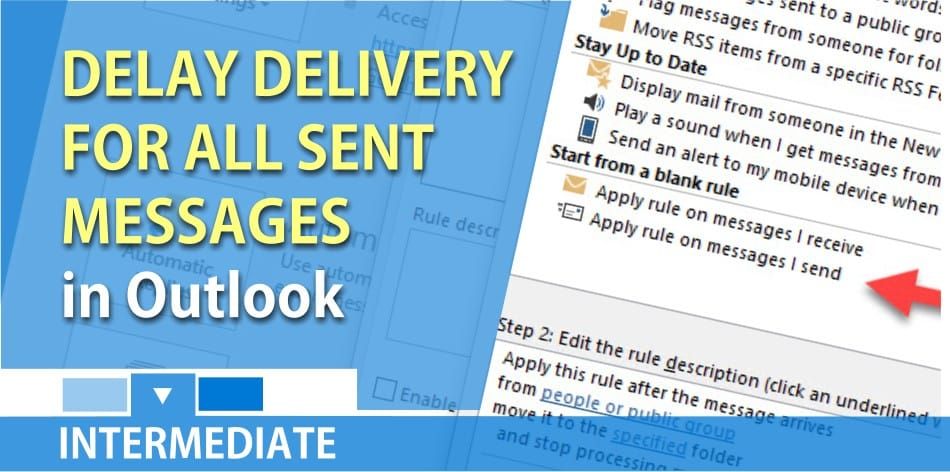
You can delay the delivery of all outgoing Outlook messages by creating a simple rule. If you want to delay just one email, you do that within the message itself. That is located on the Options Tab and Delayed Delivery. Here is my blog post of delaying just one email message.
To delay the delivery of all message create this rule. You can delay from 1 minute to 120 minutes. I prefer just the 60 seconds, but you decide how long you want to delay the messages. To create the rule click on the word file in the top left corner and then select rules and alerts select when I send out messages.
To create the rule to delay all messages in Outlook
1. Click on the **File** in the top left corner.
2. Click **Manage Rules & Alerts**.
3. Click **New Rule**.
4. Click **Apply Rule on messages I send**. Click Next.
5. Click **Next** on the screen that reads “Which conditions do you want to check?
6. Click **Yes** and you will get a message “The rule will be applied for every message you send…”
7. When asked “What do you want to do with the message? Click **defer delivery by a number of minutes**. This is at the 50-second mark in the YouTube video below. Then down below click **a number of**. Put in 1 minute up to 120 minutes. I prefer 60 seconds (1 minute) personally.
8. Click **OK**. Click **Next**, and **Finish**. You will get a message that this is a client rule. Click OK.
A “ _client rule_”, which you just created, only works on the machine you are working on. If you log into another machine, the rule will not work.
YouTube video of delaying delivery for all messages in Outlook
Outlook - delayed delivery of all messages by Chris Menard



