
Create a break even analysis chart in Excel

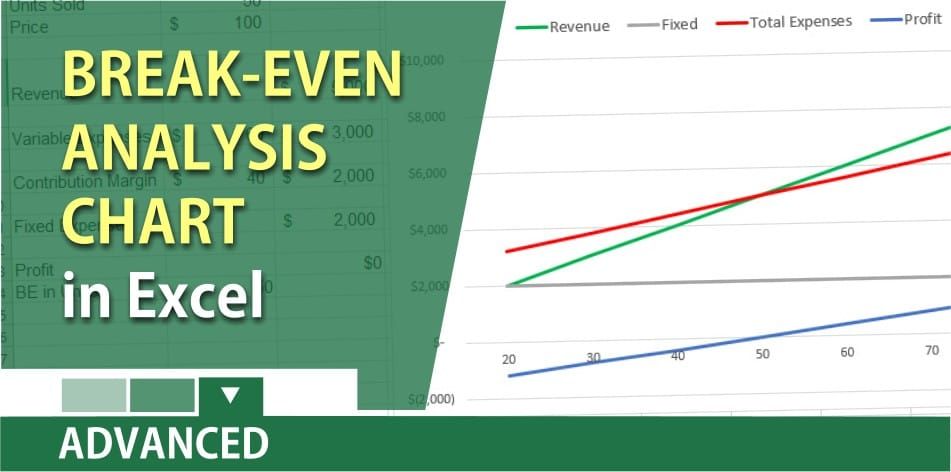
To find the break-even, you need to take your variable expenses and subtract them from your revenue or sales. This is knows as the Contribution Margin. **Variable** expenses are:
1. Direct material 2. Commission per unit 3. Hourly production wages 4. Shipping cost 5. Packaging
Variable expenses are those expenses that are directly related to volume. The more you produce the higher your variable cost.
Next, we are going to take our **fixed** expenses, and divide by the Contribution Margin per unit. Fixed expenses do not fluctuate. They include such expenses:
1. rent 2. insurance 3. Security 4. dues and subscriptions 5. equipment leases 6. payments on loans 7. depreciation 8. management salaries 9. advertising
Dividing your fixed expenses by the Contribution margin per unit will give you the break-even in units. Anything above that number is profit and below that number will be a loss.
YouTube Video of creating a break-even analysis chart
Break-even analysis in Excel with a chart / cost-volume-profit analysis by Chris Menard



