Microsoft Word
Word and Outlook: Dictate with Auto Punctuation and Voice Commands
The Dictate feature in Word and Outlook has been greatly improved. Dictate will now allow Auto Punctuation, Voice Commands, and a Profanity Filter.

Microsoft Word
The Dictate feature in Word and Outlook has been greatly improved. Dictate will now allow Auto Punctuation, Voice Commands, and a Profanity Filter.

Microsoft Word
In this article I'm going to show you some major security features added in the Zoom update for May 2020. To show you these new features, I have started a test meeting, and I will explain them one by one. 1. The first new feature in this update
Microsoft Excel
Zoom Meetings Updates Zoom: PowerPoint / Keynote as Virtual Background Zoom's Virtual Background feature is trendy. It is easy to share a PowerPoint or Keynote presentations in a Zoom meeting, but now you can share your presentation as a Virtual Background and it allows your participants to view your
Microsoft Excel
Posted on: 09/08/2020 Welcome to the third issue of my Training Roundup! Today's issue is packed with updates on multiple fronts. I hope you can benefit from at least a few of them! You're receiving this email because you have subscribed on my website
Microsoft Excel
Posted on: 08/07/2020 Welcome to the second issue of my Training Roundup! You're receiving this email because you have subscribed on my website ChrisMenardTraining.com at some point in the previous weeks. The Training Roundup | Issue #2 1. Microsoft continues to add new Excel templates and
Microsoft Excel
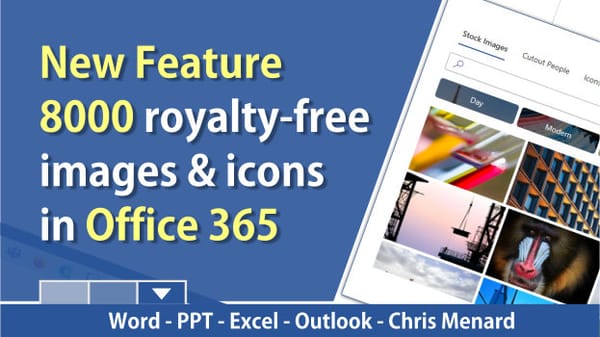
Microsoft brings 8000 royalty-free images and icons to Office 365. These images work in Word, Excel, PowerPoint, and Outlook. Right now, these are only available to Office 365 Fast Insiders. Steps to use the images and icons 1. Click the Insert Tab 2. Click Picture 3. Select Stock Images... 4.
Microsoft Word
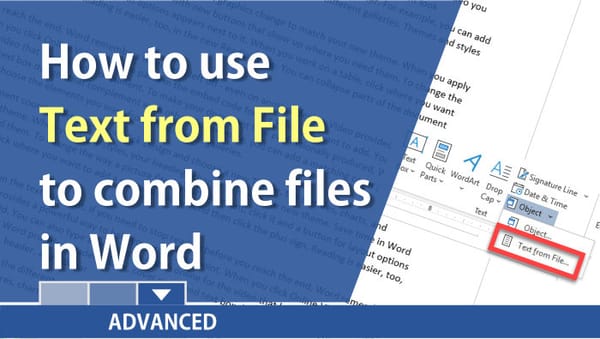
Steps to combine multiple Word documents: 1. Have one Word document open. 2. Insert a Section break next page by clicking the **Layout** tab - Breaks - and selecting **Section Break Next Page**. 3. Add or combine the next Word document by selecting the **Insert** tab - clicking the **drop-down
Microsoft Word
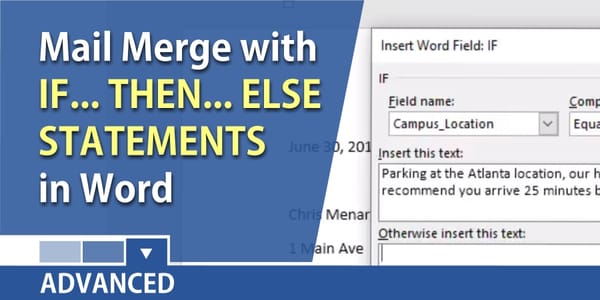
Microsoft Word has rules for Mail Merge. One of the rules we will look at today is the If…Then…Else statement. It is actually really simple to use. If one condition is met, do one thing, if the condition is not met, do something else. It is similar to
Microsoft Word
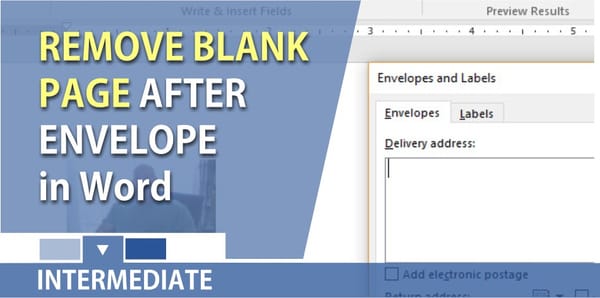
After you insert an envelope in Word, you end up with page 2 of your document being a blank page to type the letter. Page 1 is the envelope. Most of the time you only want the envelope and not the blank page. Steps for removing the blank page: 01.
Microsoft Word
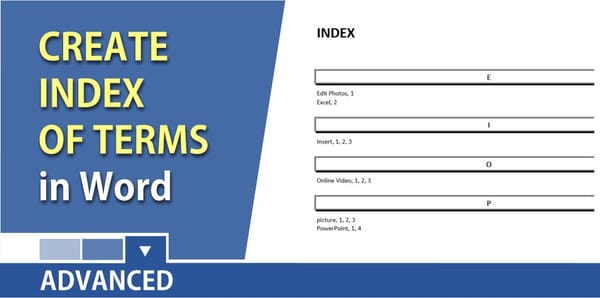
An index lists the terms and topics that are discussed in a document, along with the pages that they appear on. To create an index, you mark the index entries by providing the name of the main entry and the cross-reference in your document, and then you build the index.
Microsoft Word
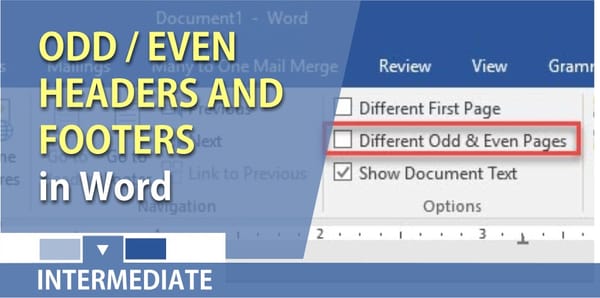
In Microsoft Word, to print two-sided or duplex printing, your page numbers need to be aligned to the right on odd pages and to the left for even pages. To do this in Word, you turn on Different Odd and Even headers/footers. Steps to creating Odd and Even Headers

Microsoft Word
Microsoft Word performs a One to One mail merge by default. This means if you have five sales reps and each rep has 5 new potential leads, when you do a mail merge, each rep will receive five letters. That is 25 letters when ideally, you only want to send