
Microsoft Word – Mail Merge with If…Then… Else statement

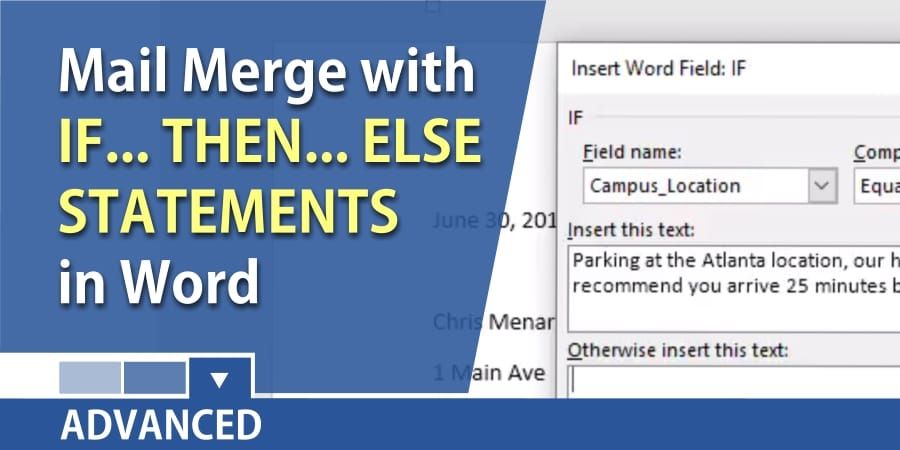
Microsoft Word has rules for Mail Merge. One of the rules we will look at today is the If…Then…Else statement. It is actually really simple to use. If one condition is met, do one thing, if the condition is not met, do something else. It is similar to an IF statement in Excel.
Advanced Mail Merge with If...Then...Else by Chris Menard
Setting up your mail merge
1. In the video above, an Excel file is my data source. 2. Mail Merge – Letters. 3. Filled in the letter but did not use the field Campus Location which is the conditional field. 4. Rules – If…Then…Else was used.
Other examples of If…Then…Else
- Years of service – If an employee has been with us over 5 years, put in one paragraph, if not, put in another paragraph. - Products – Customers that purchased product A, the newest product put in one paragraph, any other products, put in another paragraph of text.



