My Microsoft Teams Course Is Getting a Full Refresh — Here's What's Changing
My Microsoft Teams online training is getting a full revamp by July 28, 2026 — a current-look rebuild, better-organized lessons, written steps with every video, more quizzes, and live streams for students.

If you have already purchased my Microsoft Teams online training, thank you for your support. I have a big update to share with you, and it is included free with your existing access.
I am completely updating and revamping the course, with the revised version going live by July 28, 2026. The lessons are still solid, but Teams has moved on and so should the training. Here is exactly what is changing and what I am adding.
A look that matches today's Teams
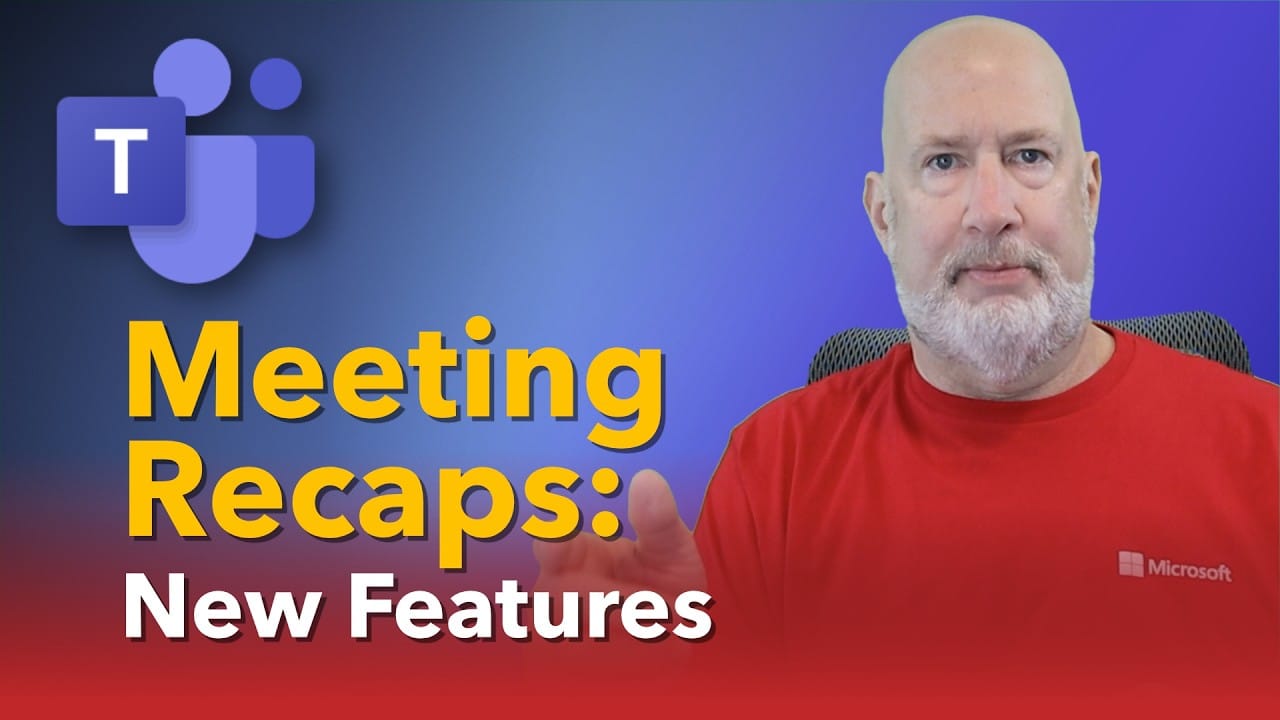
The current course still shows the older Teams interface with the purple look. The content holds up, but the screens no longer match what you see when you open Teams. I am rebuilding the lessons against the current design so that what you watch is exactly what is on your screen, with no mental translation required.
Lessons organized where they belong
As Teams added features over the years, I covered them as they shipped and parked them in a catch-all section I simply called New. That made sense at the time, but it scattered related material. In the revamp I am moving everything back to where it belongs. If a feature lives in chat, you will find it in the Chat section at the right spot. The same goes for Meetings, Channels, and the rest, so the course flows the way you actually use Teams.
Written steps, screenshots, and text with every video
This one is a direct response to what students asked for. Every lesson keeps its video, but now it also includes written steps, screenshots, and supporting text alongside it. That does two things. You can follow along without rewinding the video, and you can search the course and land on the exact steps you need. Search for something like "How do I make a new section?" and the steps will be right there with the result.
More quizzes and more exercises
To help what you learn actually stick, I am adding more quizzes and more hands-on exercises throughout the course. They give you a quick way to check yourself and a reason to open Teams and practice rather than just watch.
Live streams just for Teams students
I already run live streams for Excel, Copilot, and other tools, and I am bringing them to Teams. These sessions are exclusively for enrolled students and run periodically. I will use them to walk through new Teams features as they roll out and, just as important, to answer your questions in dedicated Q&A time.
Already enrolled or thinking about it?
If you already own the course, you do not need to do anything. These updates land automatically and your access continues. If you have been considering it, either as an individual or through your company, the fully revised version goes live by July 28, 2026. You can get the Microsoft Teams course here.
Thank you again for your support. Have a wonderful day.
Related guides
 Chris Menard
 Chris Menard
 Chris Menard
 Chris Menard