
Microsoft Teams Is Getting a Major Meeting Controls Redesign

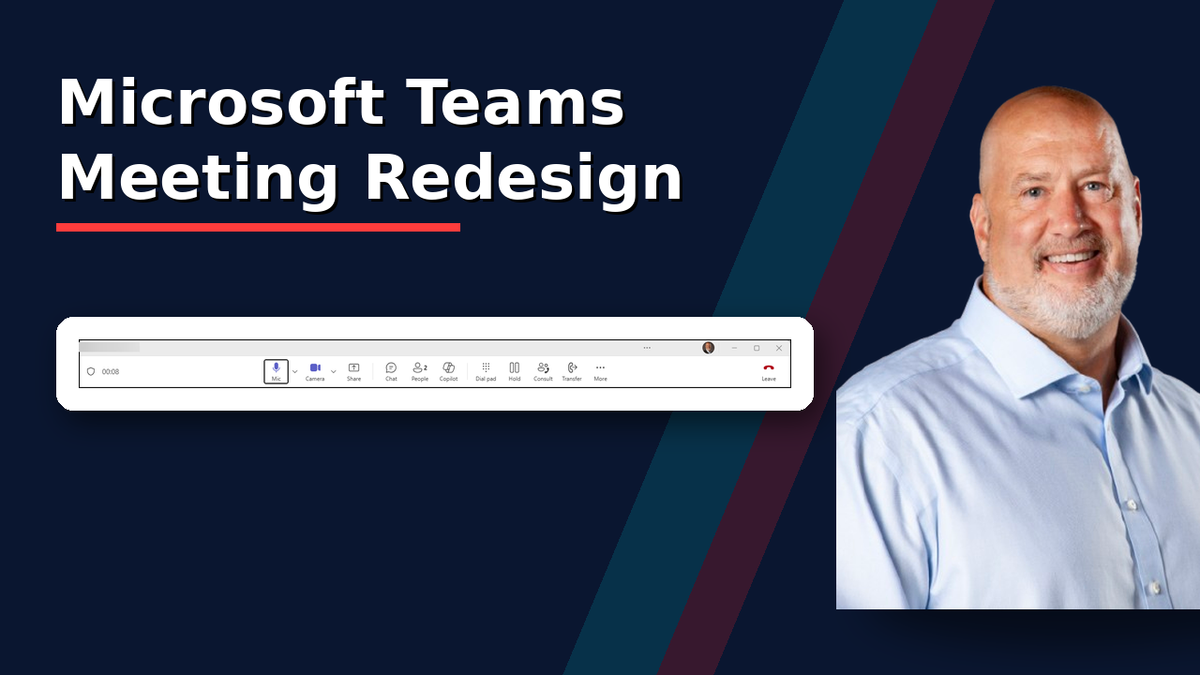
If you spend your day in Microsoft Teams meetings, get ready for a noticeable change.
Microsoft is rolling out a redesigned meeting experience that simplifies the meeting toolbar, makes screen sharing safer, and gives users more control over the arrangement of meeting buttons. The goal is straightforward: reduce accidental clicks and make the most-used meeting actions easier to find.
When Will You See It?
According to Microsoft, the rollout schedule is:
- Targeted Release: Late July 2026 through mid-August 2026
- Worldwide General Availability: Early September 2026 through late September 2026
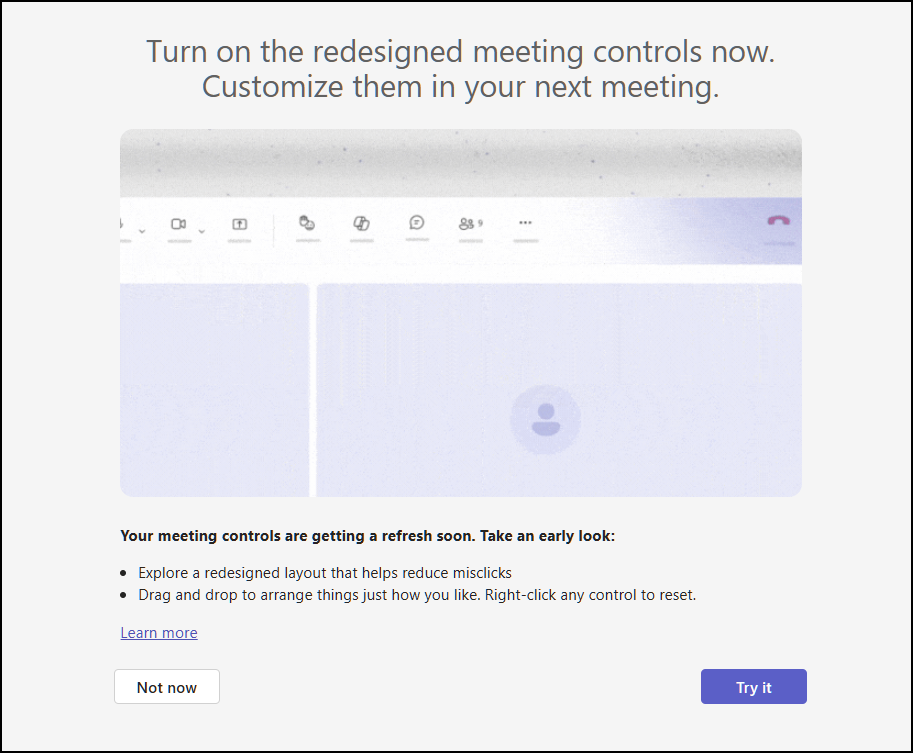
What's Changing?
Meeting Controls Move to the Center
For years, Teams meeting controls have been spread across the meeting window. With this redesign, the primary controls will move to the center of the screen.
The microphone, camera, and sharing controls will be grouped together, making them easier to locate during a meeting.
Images of the new layout and current layout are below.


 Chris Menard
The Leave Button Gets Its Own Space
Have you ever accidentally clicked Leave when you meant to share your screen?
You're not alone.

Microsoft is separating the Leave button from the Share button to reduce accidental meeting exits. This is one of the most user-friendly improvements in the update and should eliminate a common frustration for Teams users.
You Can Rearrange Your Meeting Controls
One of the most interesting additions is the ability to customize your meeting toolbar.
Users will be able to:
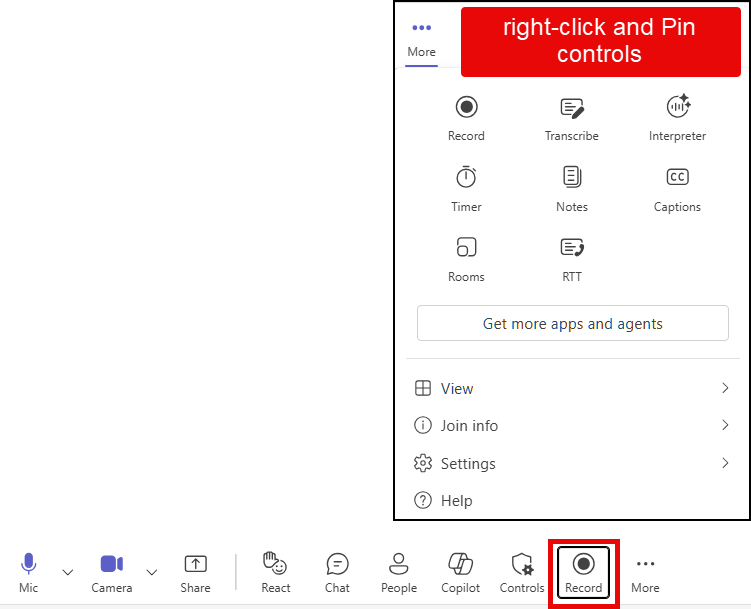
- Drag controls to different positions
- Pin frequently used controls (see image below for Record being pinned)
- Unpin controls they rarely use
- Personalize the experience to match their workflow
This means the Teams toolbar can adapt to how you work, rather than forcing everyone into the same layout.
Sharing Content Gets a Major Overhaul
Live Previews Before You Share
Before presenting, you'll see a preview of what you're about to share.
This can help prevent those embarrassing moments when the wrong screen, application, or monitor is selected.
Two-Step Confirmation
Microsoft is introducing a two-step sharing experience.
Instead of immediately sharing content after a click, you'll first confirm your selection before your audience sees it. This extra step is designed to reduce accidental sharing of sensitive information or the use of the wrong application window.
Raise Hand is now with React
Another change users may notice is where Raise hand appears. In the redesigned meeting controls, Raise hand is grouped with React.
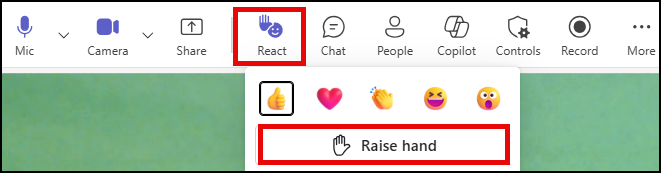
Raise hand is a way to let others know you have something to share without interrupting, while React lets users choose emoji reactions during a meeting.
 Chris Menard
Why This Matters
Over the years, Teams meetings have gained numerous features, which has led to a more crowded toolbar. Microsoft is responding to user feedback by simplifying the experience, reducing accidental clicks, and making core meeting actions easier to access.
For organizations that rely heavily on Teams, these changes should make meetings smoother and less stressful, especially when presenting to clients, leadership teams, or large audiences.
My Take
As a Microsoft MVP and someone who trains Microsoft Teams regularly, I think the redesign is a big win.
I've seen countless users pause before sharing their screen because of concerns about clicking the wrong button. The ability to customize the toolbar is another welcome addition, especially for power users who rely on specific meeting features every day.
Have you seen the new Teams meeting controls yet? What do you think about the redesigned toolbar?



