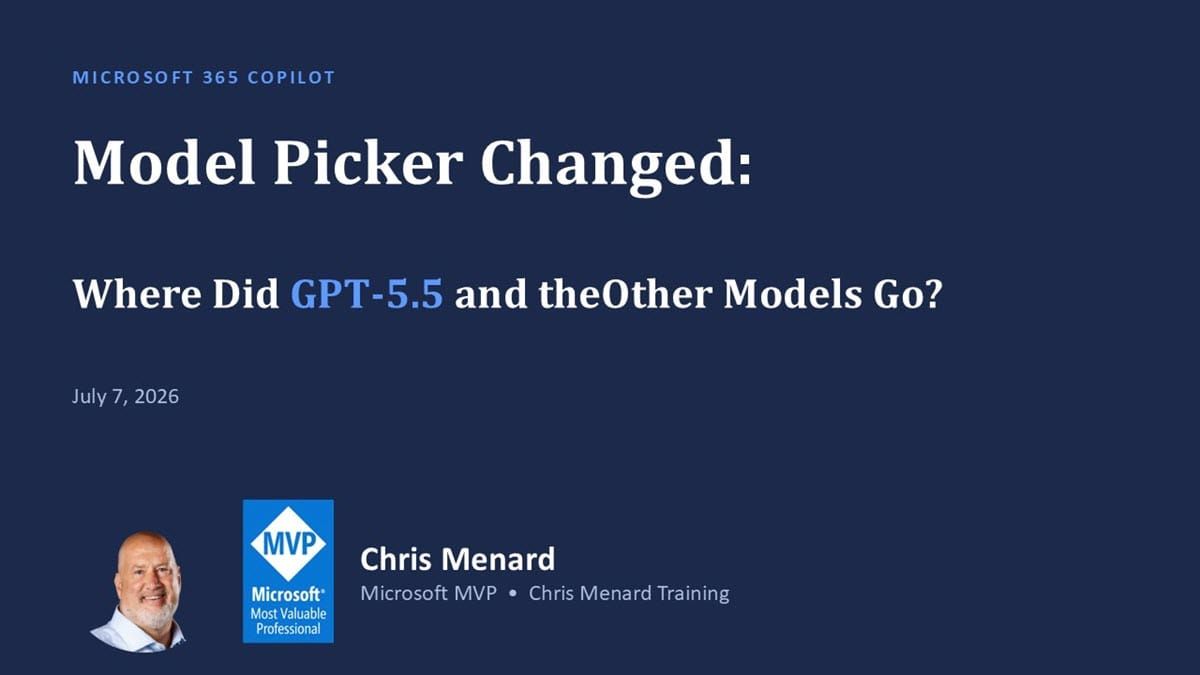
Microsoft 365 Copilot Model Picker Changed: Where Did GPT‑5.5 and the Other Models Go?
Microsoft 365 Copilot users are noticing a major change: the model picker no longer shows options like GPT‑5.5 and other models.

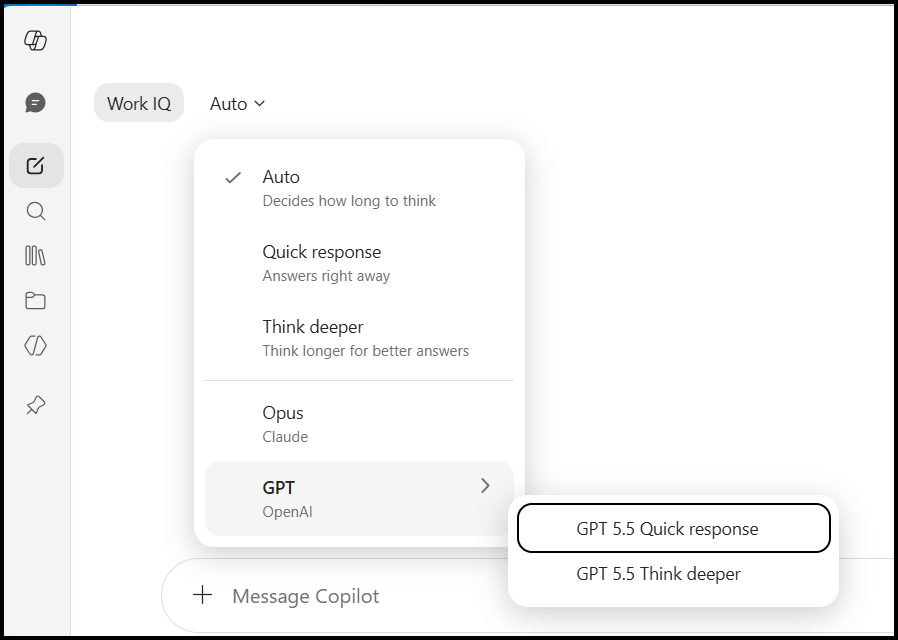
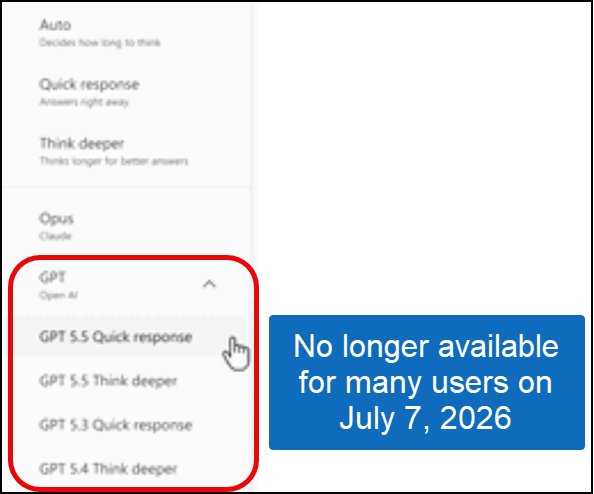
IMPORTANT UPDATE - The names of the models are back for me as of July 8, 2026, at 8:15 pm ET (see the image below)
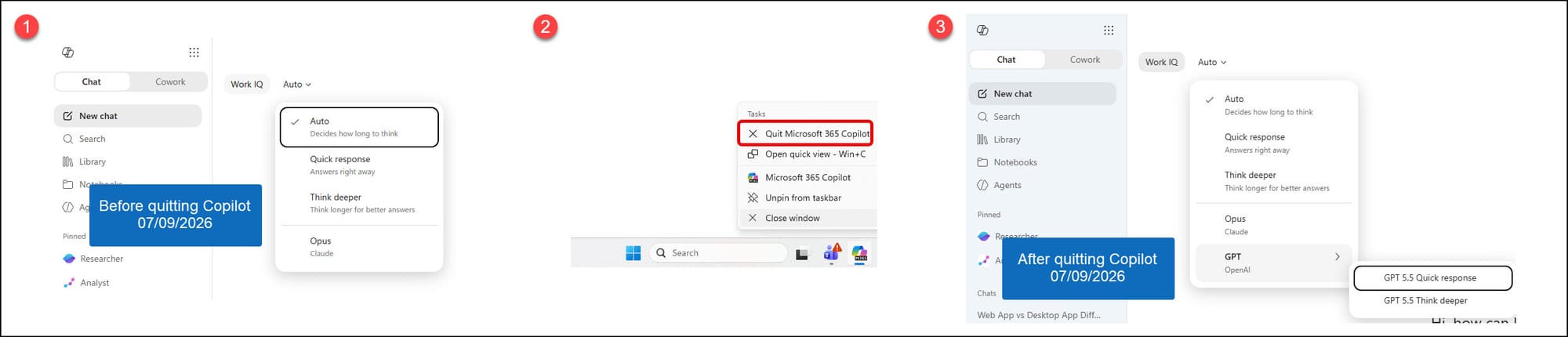
If you do not see GPT 5.5 Quick response and GPT 5.5 Think deeper, the trick is to Quit Copilot and launch again. See the image below. This leads me to believe that GPT 5.6 will soon be available. GPT 5.6 launches on July 9th.
The original article is below
If you've opened Microsoft 365 Copilot Chat recently and thought, "Wait... where did all the GPT models go?" you're not alone.
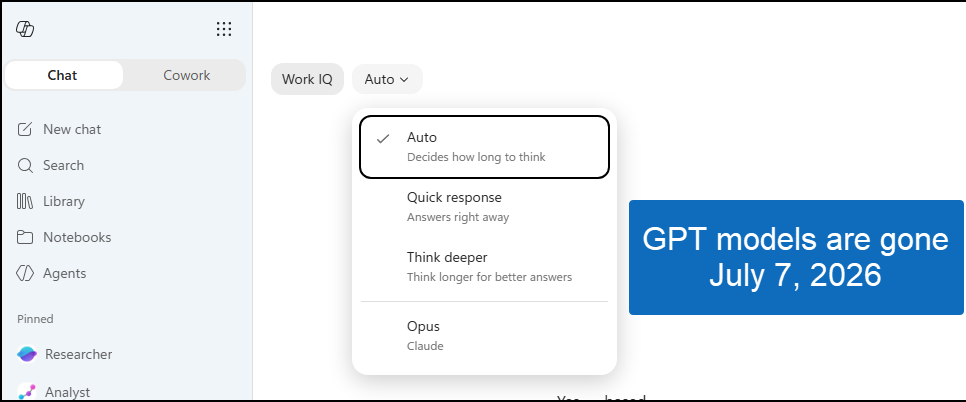
Before July 7, here were my options (sorry for the low-quality image)
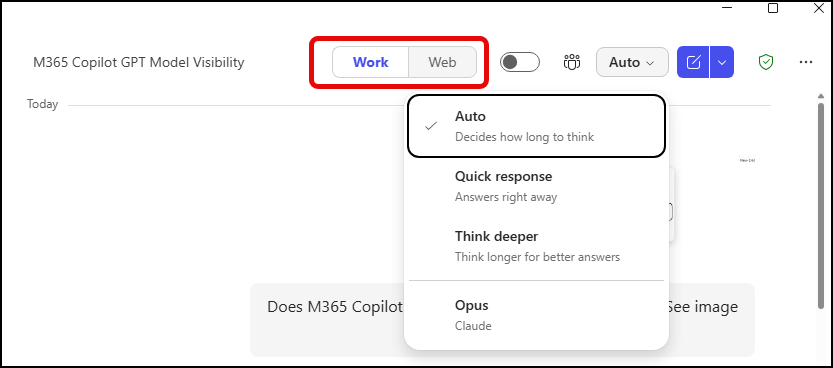
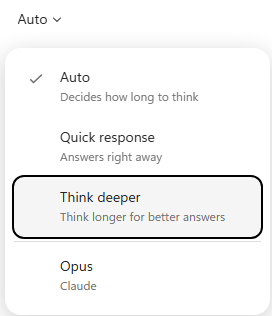
I recently noticed something interesting in both the Microsoft 365 Copilot desktop app and the web version. Instead of seeing multiple GPT model options, the model picker now displays:
- Auto
- Quick response
- Think deeper
- Opus (Claude) - you may not have this
That's it.
For many users, the familiar list of GPT models appears to be gone. This isn't just for the new Copilot look with Work IQ (image above), it is also for the Work/Web model.
 Chris Menard
What Changed?
In earlier Copilot experiences, many users could see specific model names and versions. Today, Microsoft appears to be shifting the experience away from choosing a specific model and toward choosing how you want Copilot to respond.
Rather than asking:
Which GPT model do you want?
Microsoft is increasingly asking:
How much thinking do you want Copilot to do?
The result is a much simpler interface.
Understanding the New Options
Auto
This is the default experience.
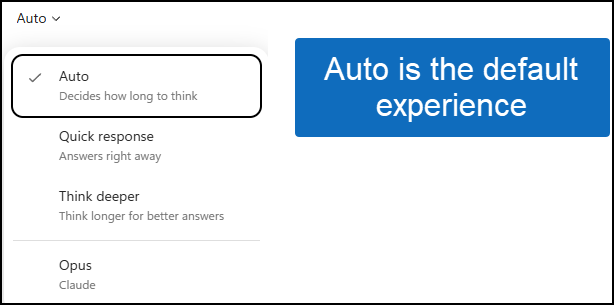
Copilot determines the best approach based on your prompt. For simple tasks, it responds quickly. For more complex questions, it can spend additional time reasoning before answering.
For most users, Auto is probably the best choice.
Quick Response
When speed matters, choose Quick Response.
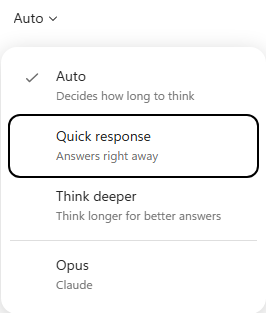
This option prioritizes getting an immediate answer over spending additional time reasoning through the request.
Good examples for Quick Responses:
- Drafting emails
- Rewriting text
- Summarizing content
- Generating quick ideas
Think Deeper
Think Deeper tells Copilot to spend more time analyzing your request.
Think Deeper is useful for:
- Business case development
- Complex problem solving
- Strategy discussions
- Comparing multiple options
- Detailed research
Expect slightly longer response times but often more thorough answers.
 Chris Menard
Opus (Claude)
This is the interesting one.
While Microsoft appears to be hiding specific GPT model names for many users, some tenants still have access to Claude Opus as a separate model choice.
If you see Opus, you can explicitly switch to Anthropic's Claude model instead of relying on the default Microsoft-selected experience.
Desktop App and Web Look the Same
One thing I tested was whether this behavior was specific to the desktop application.
It wasn't.
I checked:
✅ Microsoft 365 Copilot Desktop App
✅ Microsoft 365 Copilot on the Web
✅ New Design enabled
✅ New Design disabled
In every case, the model picker looked the same.
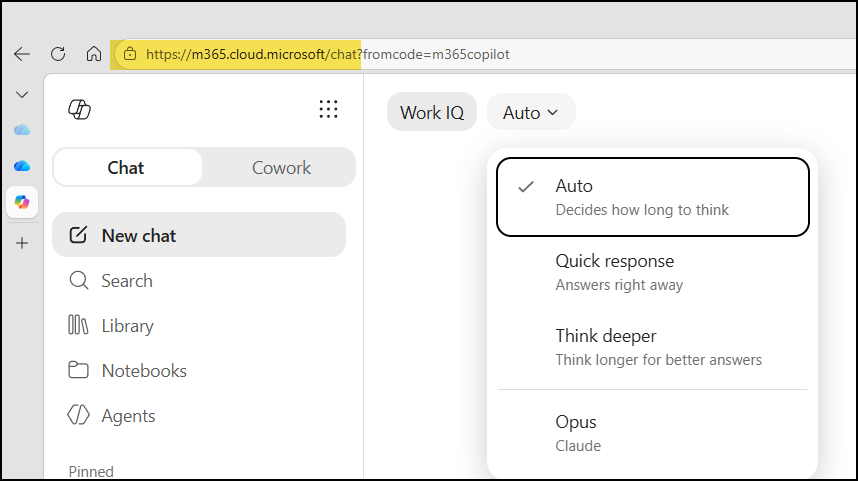
That tells me this isn't simply a user interface refresh. It appears to be a broader Microsoft change to the Copilot experience.
My Initial Take
As someone who regularly trains Microsoft 365 Copilot, I actually think this change makes sense.
Most users don't know the differences between model versions.
What they really care about is:
- Fast answers
- Better answers
- More detailed answers
The new options communicate that much more clearly than a list of model names and version numbers.
For power users, though, this change may feel limiting because there's less visibility into exactly which GPT model is being used behind the scenes.
Another Take - GPT 5.6
Microsoft may be getting ready to incorporate GPT-5.6, which should roll out to users around July 9, 2026. Possibly then, we get a return to the model selector between GPT 5.5 and GPT 5.6.
Bottom Line
If you're wondering why GPT‑5.x or other model names no longer appear in Microsoft 365 Copilot, you're probably not imagining things.
Microsoft appears to be simplifying the Copilot experience by focusing on response styles:
- Auto
- Quick Response
- Think Deeper
while still offering Claude Opus as a separate option for eligible users.
For now, don't be surprised if you no longer see specific GPT model names in Microsoft 365 Copilot—even if you saw them just a few months ago.
Have you noticed this change in your Microsoft 365 Copilot tenant? I'd love to hear what model options you're seeing.
#Microsoft365 #Copilot #M365Copilot #AI #MicrosoftMVP #ChrisMenardTraining #mvpbuzz