SnagIt
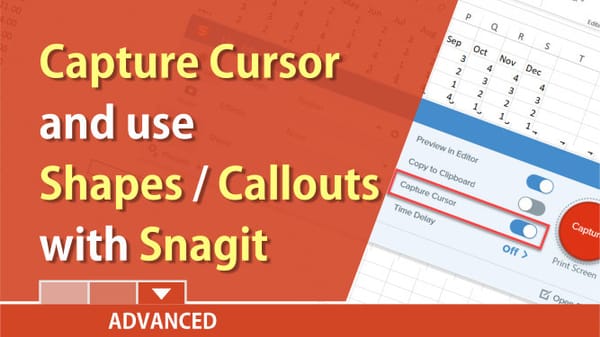
Snagit: capture cursor, use callouts, and shapes by Chris Menard
Posted on: 01/31/2019 Showing someone that doesn't know Excel where the fill handle is located, is difficult to explain, but Snagit makes it easy with a capture cursor and adding a shape and a callout. Try out Sangit **[Click here to try out Snagit.](https://techsmith.