
Outlook: Add buffer time between appointments / meeting

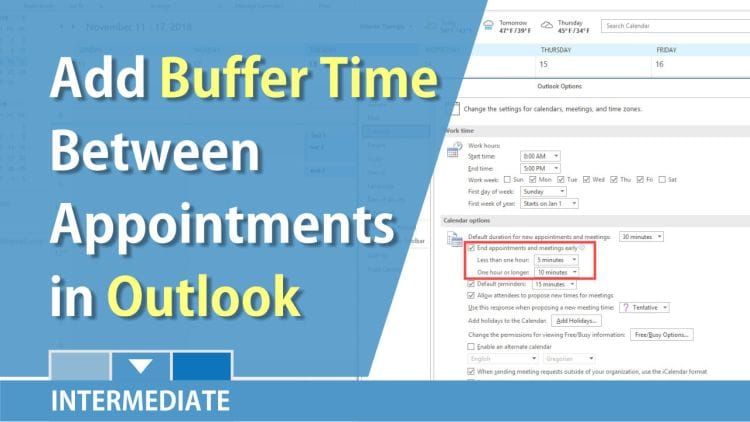
A new feature in Outlook 2016 with an Office 365 subscription allows you to add buffer time between appointments and meetings. This is an awesome new feature. You can use that time to check in with your team, get coffee, and answer critical emails.
November 2018 was the release date for this new feature.
To turn on End Appointments & Meetings Early:
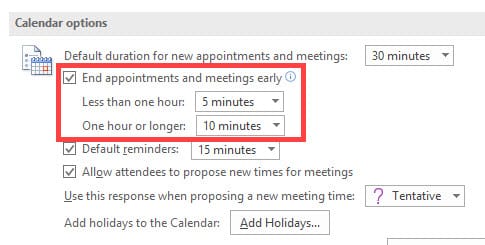
1. Click **File**\- **Options**. 2. Click **Calendar** on the left. 3. Under Calendar Options, select **End Appointments and Meetings Early**. 4. Change the times for meeting less than 1 hour and meetings for over 1 hour.
5. Click **OK**
YouTube video on adding time between appointments
Outlook: Add buffer time between appointments / meeting by Chris Menard - YouTube



