
Snagit: Combine multiple images into one screenshot

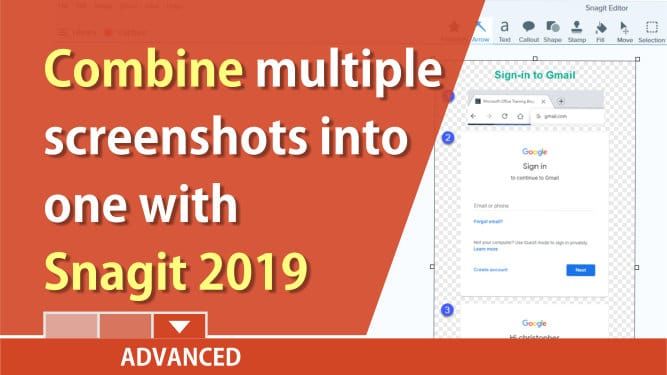
Snagit 2019 has a great new feature. You can combine multiple images into one screenshot. This only works in Snagit 2019.
To combine multiple images:
1. Select multiple images. The Shift key will select a range and the CTRL key will allow you to select individual photos. 2. After selecting two or more images, right click and select Combine images. The keyboard shortcut is CTRL+ALT+C. 3. You can add a title and print in either landscape or portrait.
YouTube video on combining images
Combine multiple screen captures into one with Snagit 2019 by Chris Menard



