How to Set New Messages to Open in a New Window in Outlook by Default

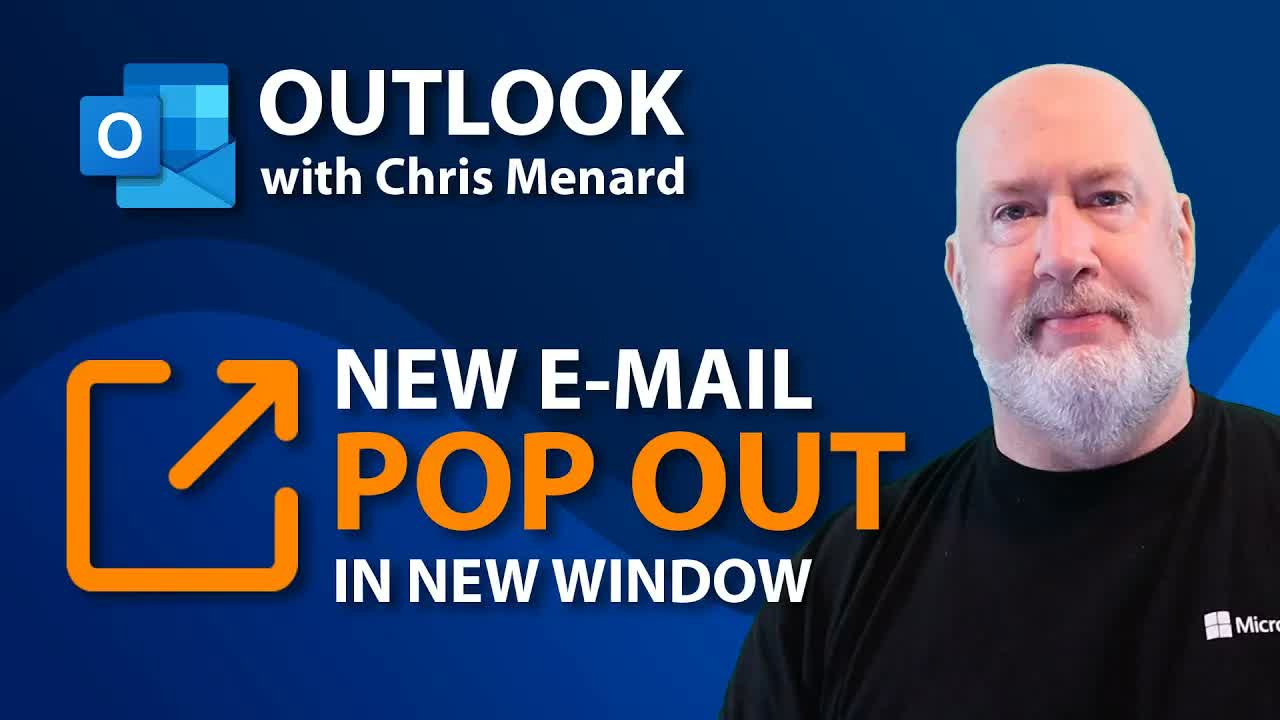
In the new Outlook, clicking New to compose a message opens it in a side panel rather than a separate window. If you find yourself constantly clicking "Open in New Window," there is a setting to make pop-out the default.
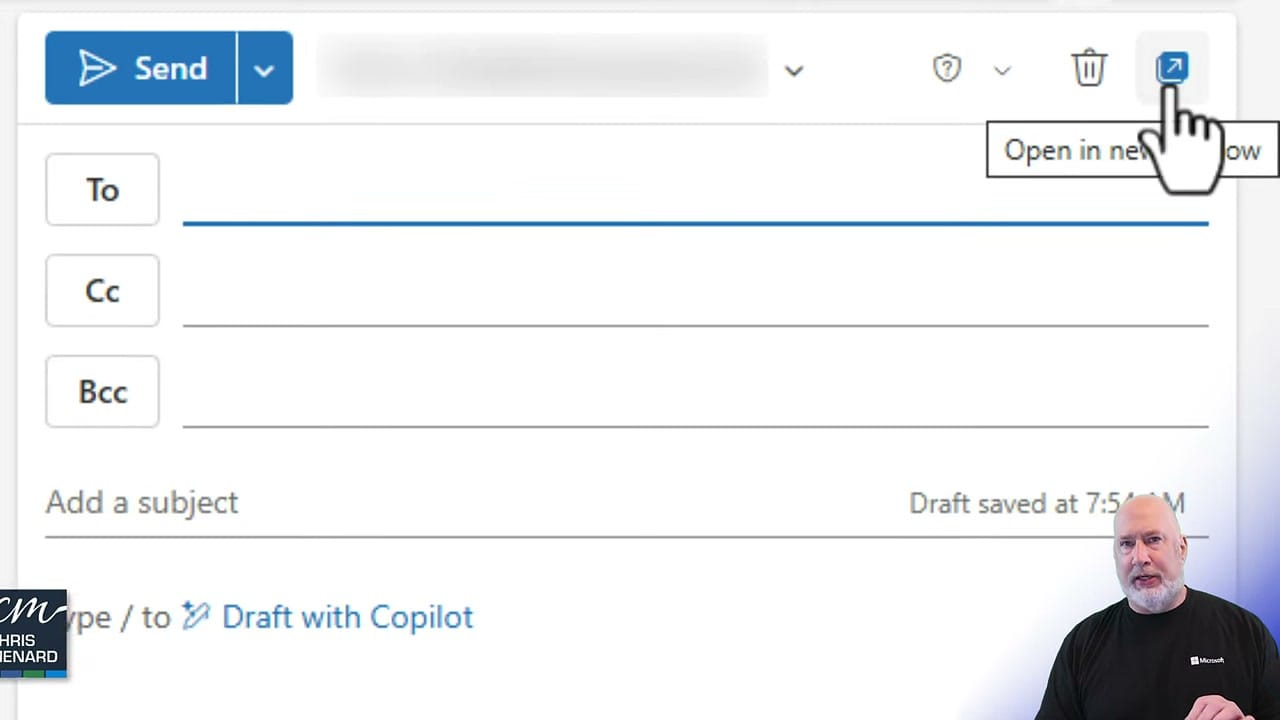
Change the Default to Pop-Out
Go to Settings → Mail → Compose and Reply. Under Pop-out settings, select Pop-out to a new window, then click Save.
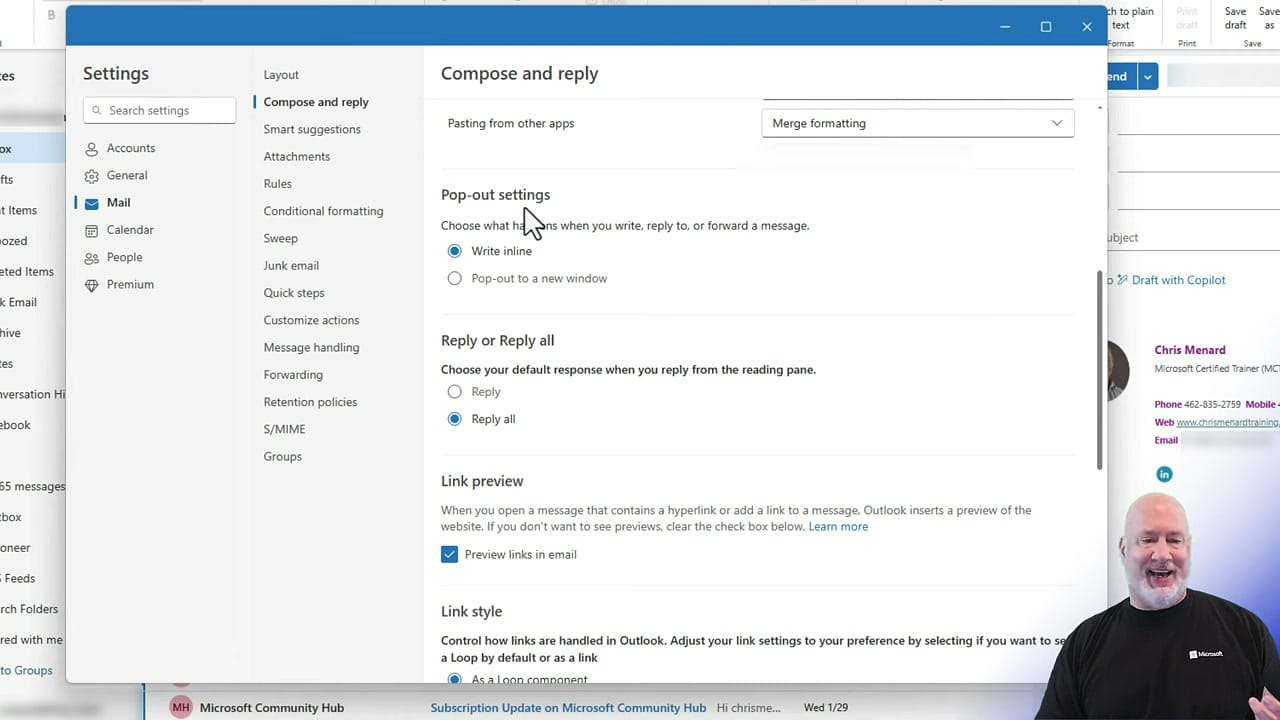
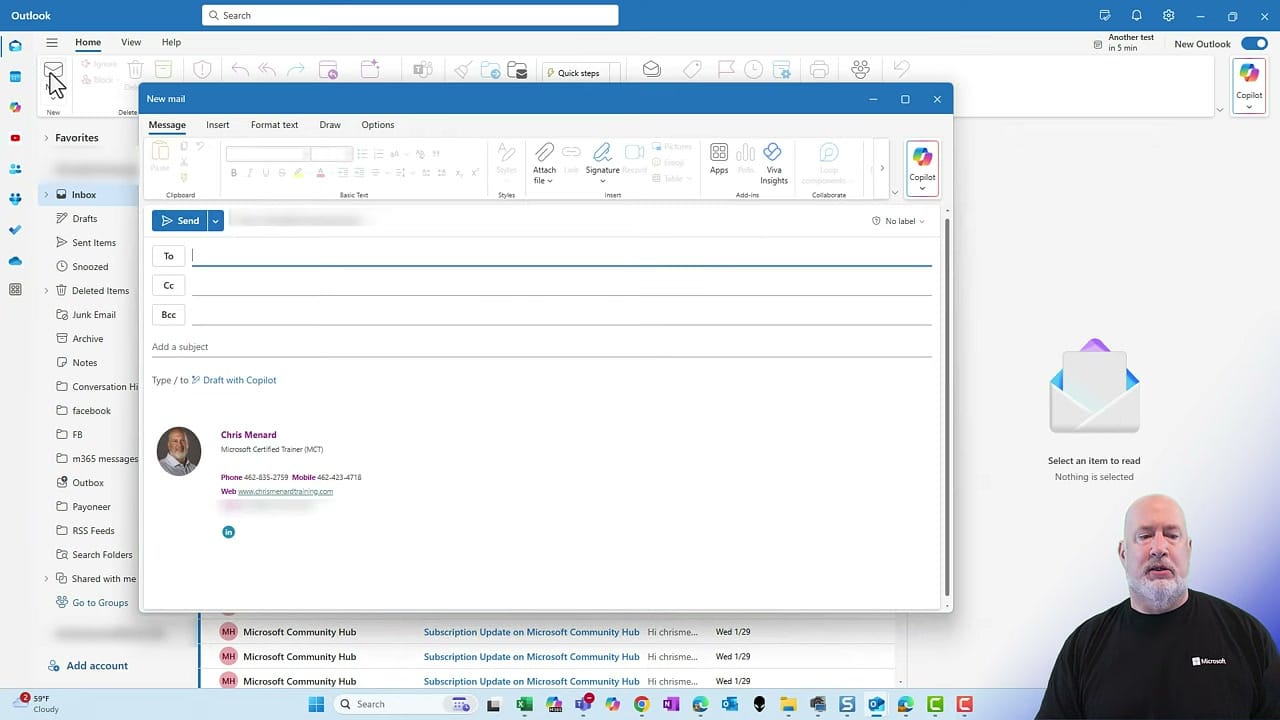
Now every new message, reply, or forward will automatically open in its own window.
Quick Tip
Can't find the setting? Open Settings and type "Pop" in the search box. It takes you straight to Pop-out settings — sometimes even easier than navigating the menus.
Want to learn more? Visit courses.chrismenardtraining.com for online training courses.
Related Outlook Tutorials
How to Customize Your Outlook Email Signature
Create an impressive Outlook email signature featuring a customized profile picture in an oval shape.
 Chris Menard
Extract Emails from Outlook to Excel using Power Query
Step-by-step tutorial on using Power Query in Excel to extract and format email addresses from Outlook.
Chris Menard
Outlook Speed Up Emailing by Using Voice Commands and Dictation
The Dictate feature in Microsoft is great. Outlook has a new feature with Dictate. You can now dictate the subject, add people to the To, CC, and BCC line, and at mention people. Several commands you can use are "add [Name] to email", "add [Name] to bcc", and "send email".
Chris Menard
Share Outlook email to Teams - New Feature April 2021
From Outlook or Outlook on the web, you can share emails to Team chats and Team channels. Does the email contain attachments? You have the option to share the attachments. This is a great update.
Chris Menard
Email Mail Merge: Personalized Emails Using Excel - Word & Outlook
Need to send personalized emails to individuals all at one time? That is called an "Email Mail Merge." I'm going to use Excel, Word, and Outlook - part of Microsoft 365 - to create and send bulk emails out. The order these apps are used would be Excel, then Word, and finally, Outlook.
Chris Menard