M365 Copilot Work IQ Explained (Free PowerPoint Download)
Free PowerPoint presentation from Chris Menard - Microsoft MVP

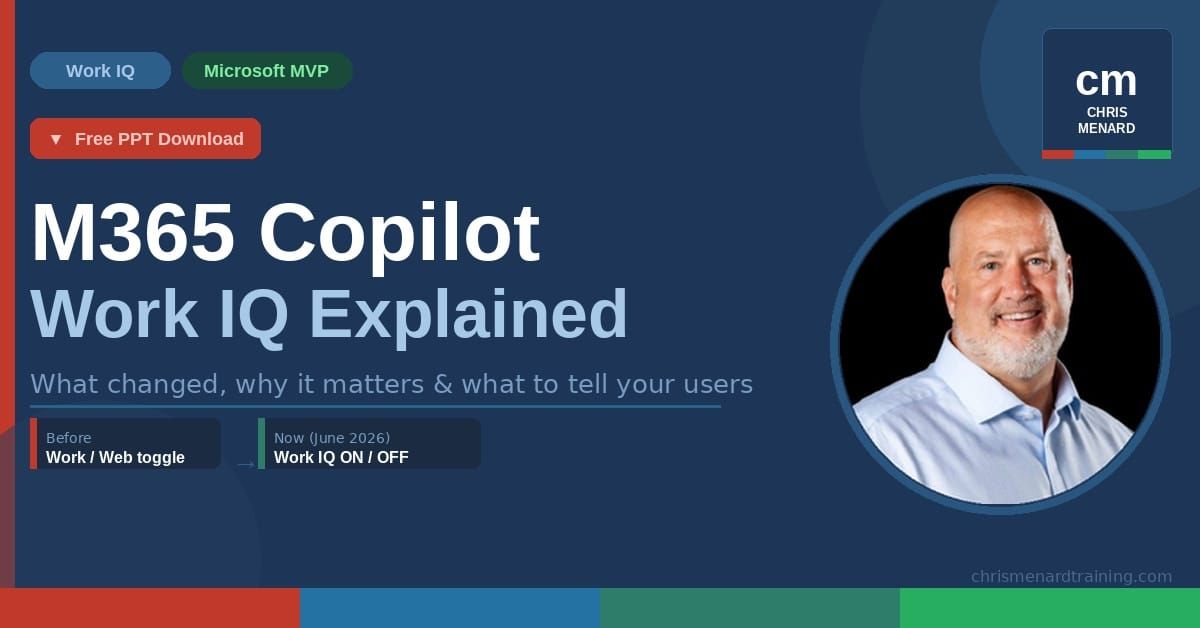
If you've opened Microsoft 365 Copilot Chat recently and noticed the old Work/Web toggle is gone, you're not imagining it. Microsoft quietly rolled out a significant change in June 2026 — and the replacement is called Work IQ. In this post, I'll break down what Work IQ actually is, what changed in the interface, and what it means if you're training others on Copilot.
What is Work IQ?
Work IQ is not a button, a mode, or a setting you turn on. It's the intelligence layer underneath Copilot — the engine that pulls together your emails, files, meetings, and Teams chats along with AI reasoning to understand your context, your relationships, and your working patterns.
Think of it this way: Work IQ is the brain behind Copilot, not just a toggle.
What changed in Copilot Chat?
Before the update, you made a binary choice:
- Work → Copilot searched only your company data
- Web → Copilot searched only the internet
That toggle is gone. It's been replaced by a single Work IQ control. Here's the key shift:
- Work IQ ON → Copilot blends your work data and the web automatically, deciding the best mix for your query
- Work IQ OFF → You get closer to a web-only experience (similar to the old Web mode)
The interface also now includes an Auto model picker — you can choose between Copilot's default model, Claude Opus, GPT-4.1, GPT-4.5, and more, right from the chat window. And the quick filter chips (Files, Emails, People, Meetings) let you jump straight into contextual searches without typing a full prompt.
Why this matters more than it looks
On the surface, it feels like a simple swap — Work IQ ON ≈ old Work mode, Work IQ OFF ≈ old Web mode. But the behavior is fundamentally different.
The old model put you in control of the source. The new model puts Copilot in control of the blend. Microsoft is shifting from "you tell Copilot where to look" to "Copilot figures out what sources to use." That's an architectural change, not just a UI cleanup — and it's worth explaining clearly when you're training end users.
The one-liner for your training sessions:
"You no longer switch between Work and Web — Copilot blends them."
Free PowerPoint Download for Work IQ
I put together a 7-slide deck covering everything above — including a screenshot of the new interface with annotations, a Before/After comparison, and a slide linking to my recent Copilot videos on YouTube.
👉 Download the free PowerPoint
No sign-up required.
Watch my recent Copilot videos
If you want to see these features in action, I've been covering Copilot updates regularly on YouTube:
 Chris Menard
 Chris Menard
👉 See the full Copilot playlist on YouTube