Dictate in Teams: Voice-to-Text for Chat Messages

Watch on YouTube
Microsoft Teams: Voice-to-Text for Chat Messages | Dictate - YouTube
I get this question frequently in Microsoft Teams: Can I dictate or use voice to text in a chat or a channel post? The answer is yes, but it is not by default in Teams. There is, however, an easy solution.
I am running Microsoft Windows 11, and this method also works with Windows 10. Let me demonstrate how to dictate in Teams for seamless communication.
Demonstrating Voice to Text on Windows 11
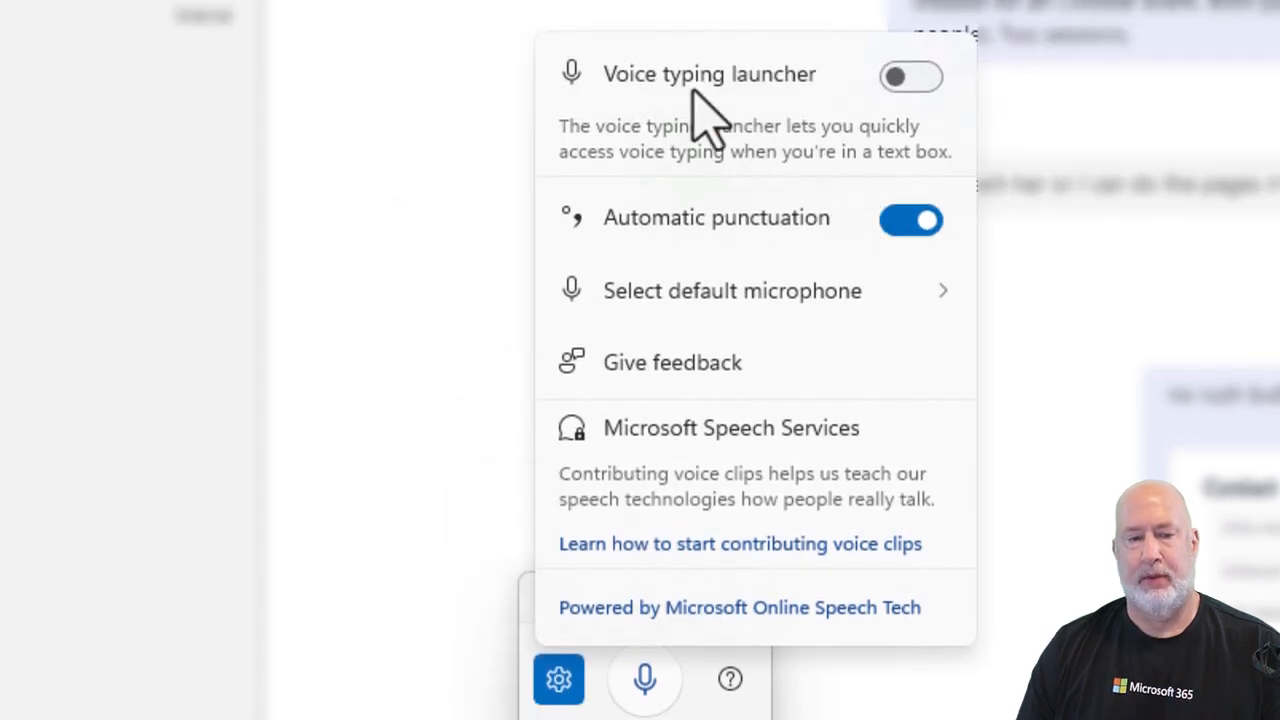
When I click in the chat box, I'm chatting with my friend Christian. On the keyboard, pressing the Windows key and the letter H will pull up my speech services. Notice that there is my microphone right there.
I'm going to click on the microphone to start recording. Here's how it works:
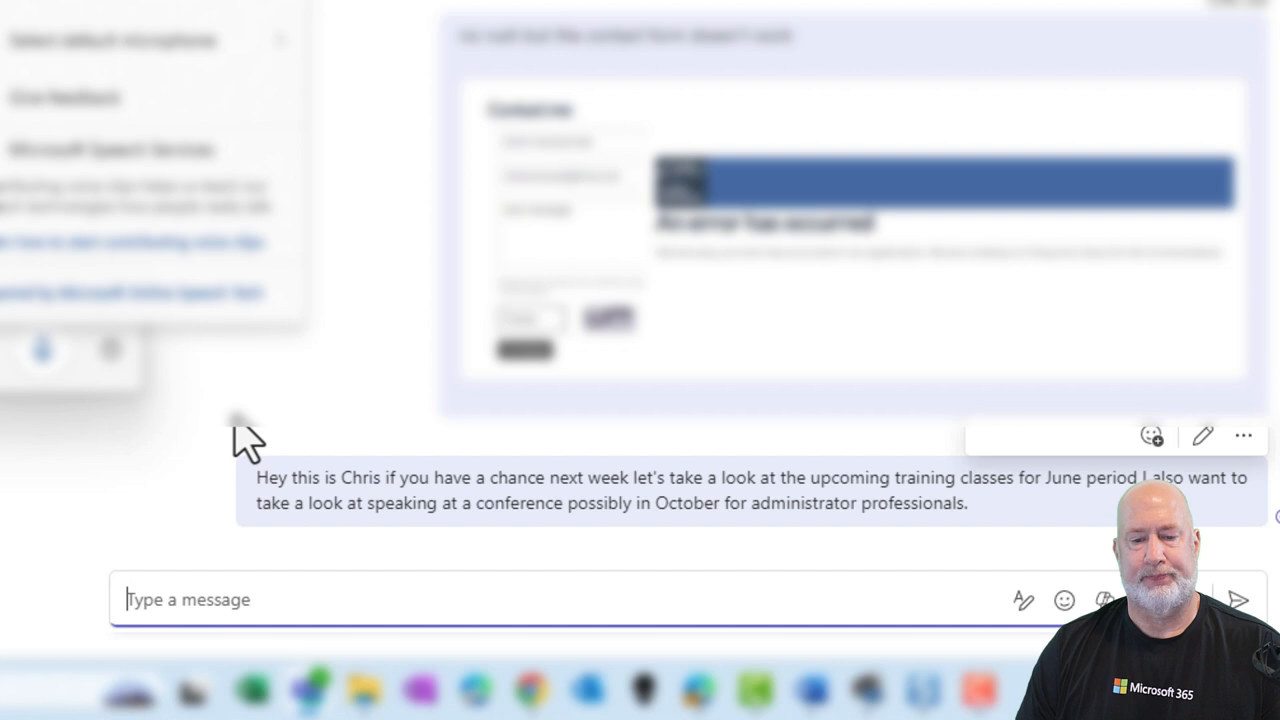
- Hey, this is Chris. - If you have a chance next week, let's take a look at the upcoming training classes for June. Period. - I also want to take a look at speaking at a conference, possibly in October, for Administrator Professionals. Period.
You can drag and drop the speech services window. Notice it's telling me to turn on Automatic Punctuation. That would be from right here: Automatic punctuation. So I've enabled that. Now, let me go ahead and send this message.
Using Automatic Punctuation and Sending Messages
Let's do another one. Click on the microphone:
- Hey Christian, if you have a chance, can we meet next week about the web page? - One other item I want to cover is taking a look at using Headers and Footers in Microsoft Word. Period. - I happened to notice that something was not right last week when we were doing the class. Period.
That was Automatic Punctuation. It seems to work. Always read it before you send it. The cool thing about Teams Chat is that if you send it, you can always go Edit or Delete.
Tips for Windows 10 Users and Recap
If you're using Windows 10, I tested this with Windows 10. I had to go to System Settings and look at my speech or microphone there. Also, automatic punctuation for me was not available in Windows 10, but you saw me do it the first time. It's easy to say whatever punctuation mark you want.
I'm going to go ahead and send this one right there. My Microsoft Teams online training course is available along with Copilot, Excel, and OneNote. Feel free to subscribe, ring the bell, let me know if you like this tip in Teams.
Conclusion and Additional Resources
I am dictating frequently. We have dictate in Word, PowerPoint, and Outlook. Well now, with this little Windows trick, we can do it in Teams. I did look also, it is not on the Microsoft 365 roadmap for Teams. I wish that it was, but for right now, it's an easy tip for you.
Thank you for reading. For more tips and tricks, check out my online courses and subscribe to my channel for the latest updates.