
Use the Command Box to master Microsoft Teams

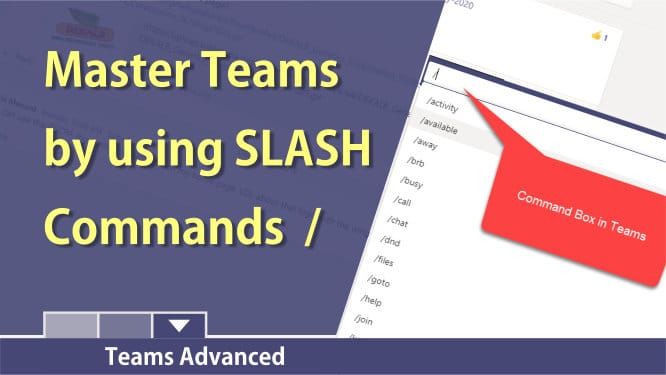
The Command Box in MS Teams allows you to perform commonly used tasks in Teams. You can quickly start a chat or jump to a channel in a Team. You can change your status from available to do not disturb (DND), away, or be right back (BRB). Looking for a recent file? Use the command /files. What to get to a channel or team? Use the /goto command.
After typing a forward slash, the command, press **Enter** to use the command.
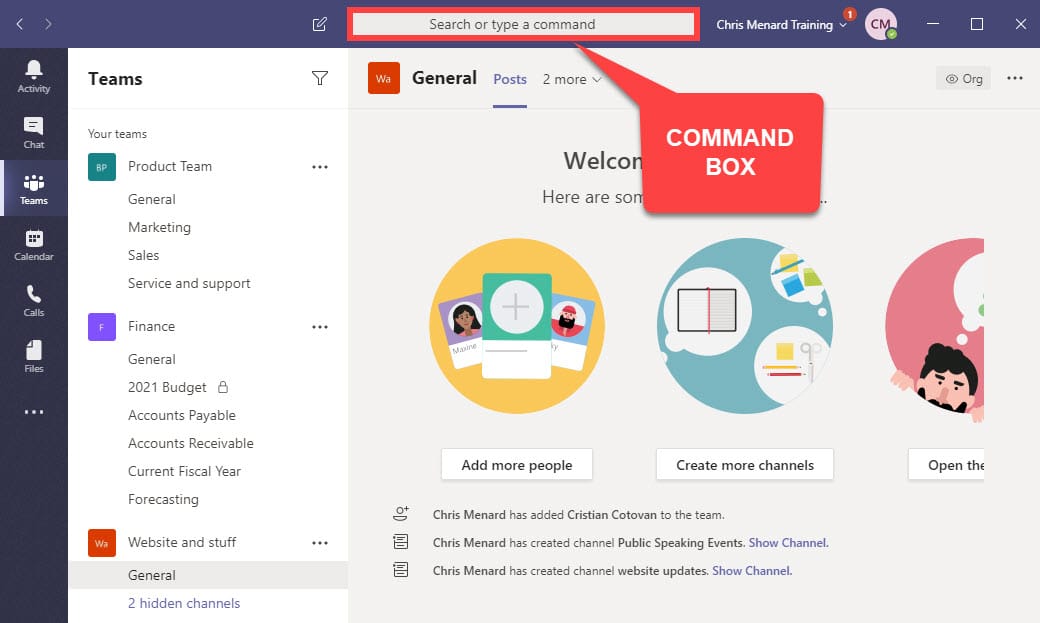
Available Commands
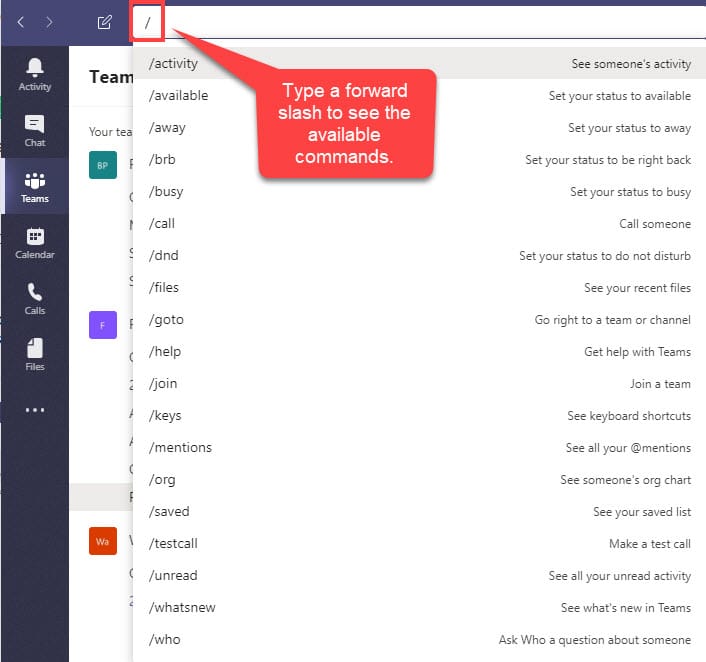
| Command | What it does | | — | — | | /activity | See someone's activity | | /available | Set your status to available | | /away | Set your status to away | | /busy | Set your status to busy. | | /call | Call a phone number or Teams contact. | | /dnd | Set your status to do not disturb. | | /files | See your recent files. | | /goto | Go right to a team or channel. | | /help | Get help with Teams | | /keys | See keyboard shortcuts. | | /mentions | See all your @mentions. | | /org | See someone's org chart. | | /saved | See your saved messages. | | /testcall | Check your call quality. | | /unread | See all your unread activity. | | /whatsnew | See what's new in Teams. | | /who | Ask Who a question about someone. | | /wiki | Add a quick note. |
Quickly see available commands
After clicking in the Command box or using CTRL + E, type a forward slash / to see the commands available.
Keyboard Shortcut for the Command Box
The keyboard shortcut to get to the command box is CTRL + E.
YouTube Video on using the Command Box in Teams
To master Microsoft Teams use slashes the Command Box in Teams by Chris Menard - YouTube



