Teams - Why You Should Always NAME Your Meetings:


Microsoft Teams - ALWAYS name your meetings. I'll review the two meeting types in Teams, how to record your meetings, and why you should always name your Meet Now meetings. Your Meet Now meetings do not show on the calendar.
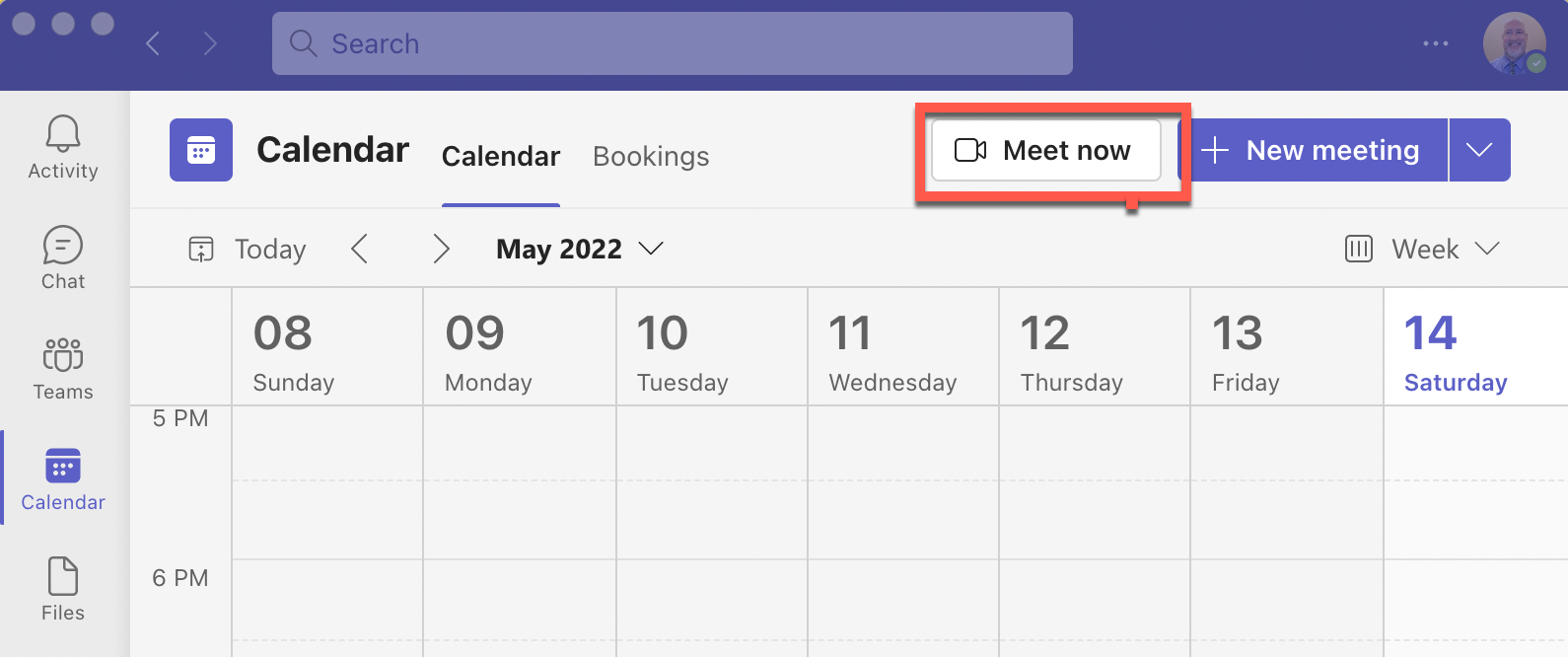
**Teams Meet Now - always name your meeting**
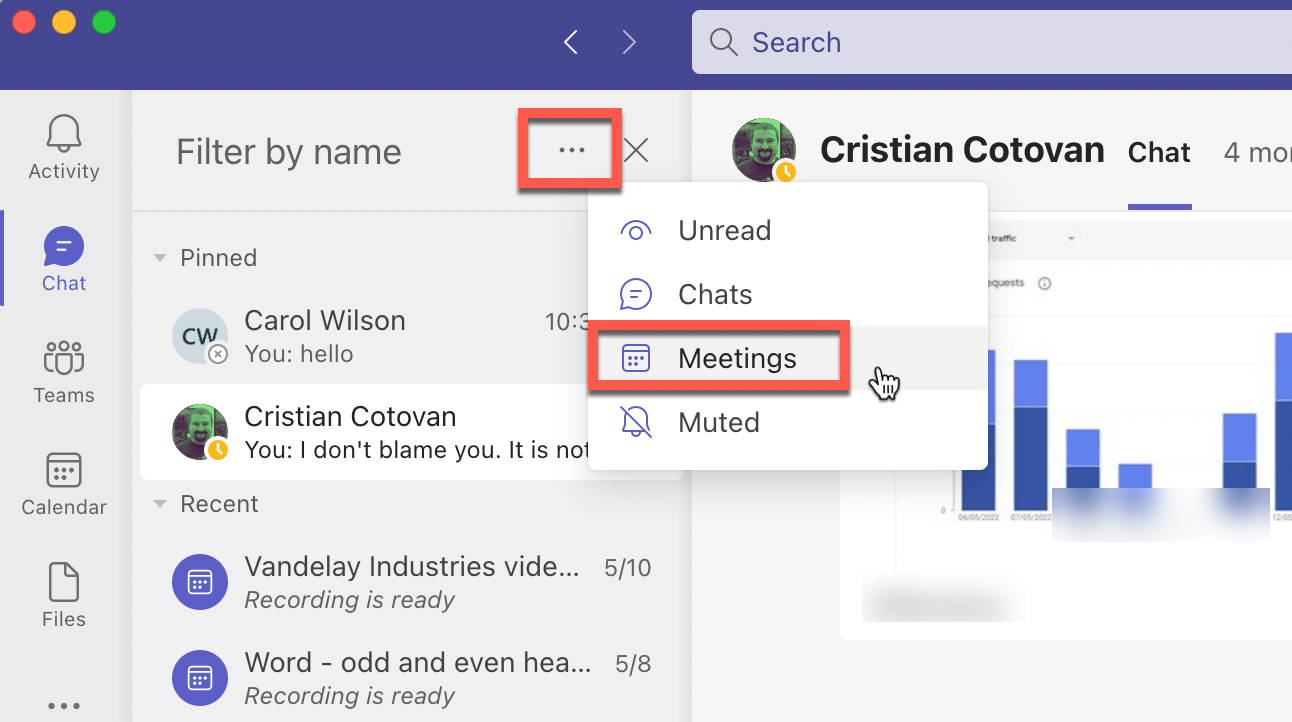
Meet now meetings show in Chat. You can filter your chat and only see meetings. You can search for meetings. If your meetings are all named the same name, that doesn't do your any good. Always name your Meet Now meetings so you can find what you are looking for.
YouTube video
Teams - Why You Should Always NAME Your Meetings
Chapters:
- 0:00 Intro
- 0:44 Two types of Meetings
- 1:53 Meet now - Always Name
- 3:22 Start recording in Teams
- 4:15 Schedule in Outlook
- 4:40 Meeting show in Chat
- 5:18 Filter by Meetings - GREAT POINT
Naming a Meeting in Teams
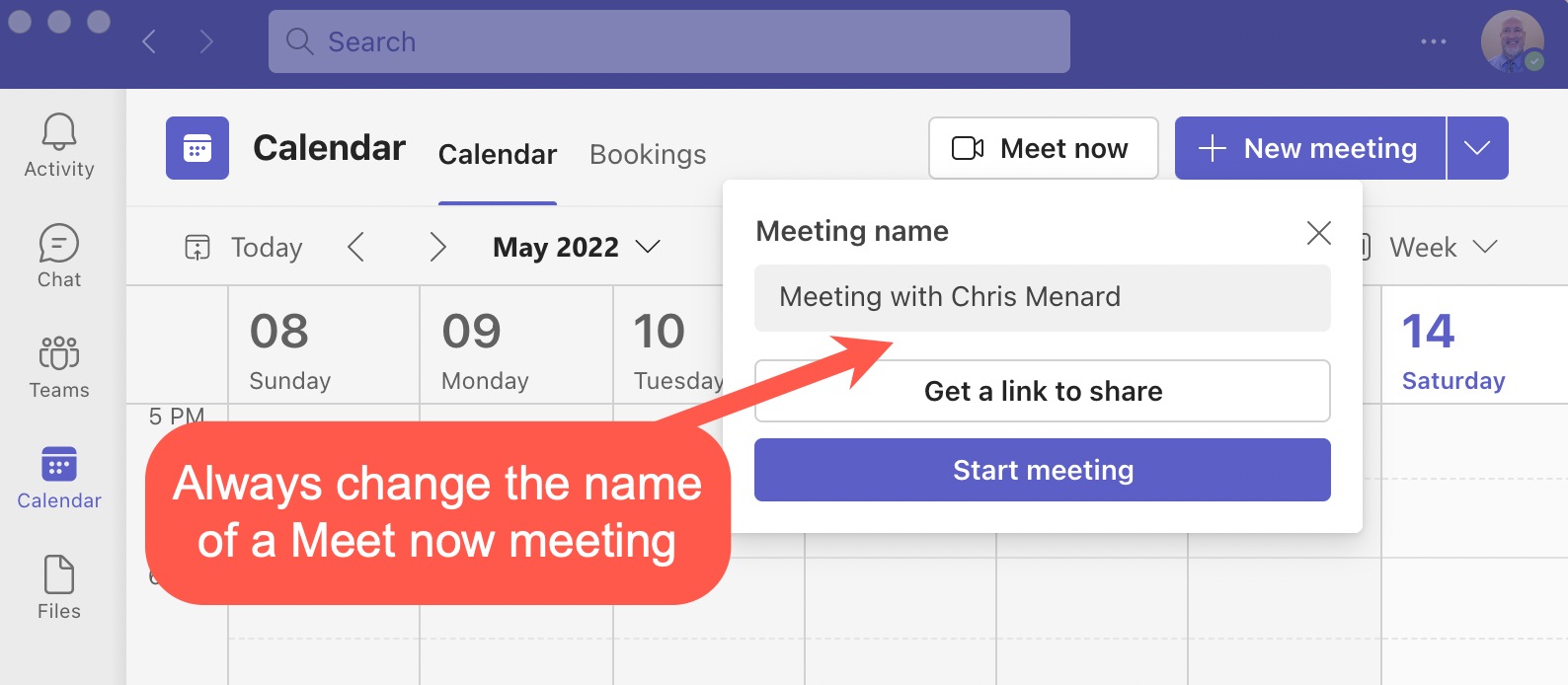
Scheduled meeting can be named when you created them. Meet Now will have the default name Meeting with Chris Menard, your meeting will have your name of couse.
Find meeting in Chat
You can filter your chats to only show meetings. After filtering you can search by the name of the meeting.