
Teams - Files app to find files in Teams chat, channels, downloads, and OneDrive


Microsoft Teams handles multiple file types. The files can be located in multiple locations. Chats, Channels, Meetings, and Channel Tabs. The " **Files**" app in Teams is located on the Navigation Bar, also known as the Sidebar.
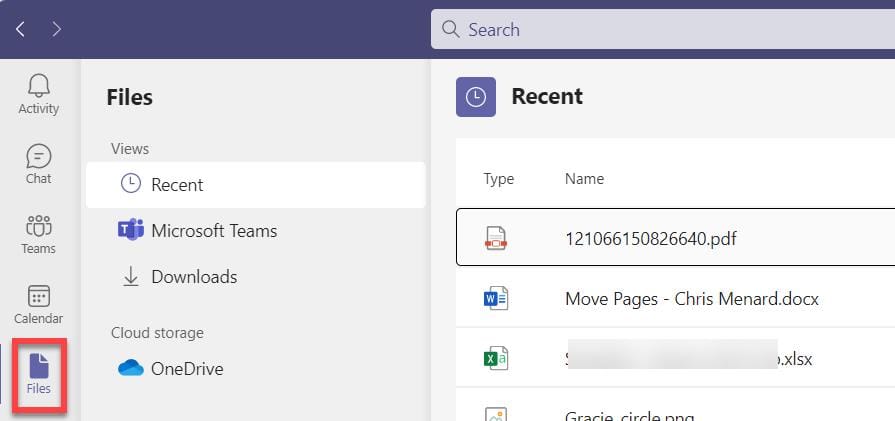
**Teams - Files app**
The Files App is an easy way to manage and find files in Teams. The Files App contain 4 different views:
1. Recent 2. Microsoft Teams 3. Downloads 4. OneDrive
YouTube video
Teams - Files app to find files in chat, channels, downloads, and OneDrive
Where are Teams files stored?
- Chat files are stored in OneDrive. - Channel files are stored in SharePoint.
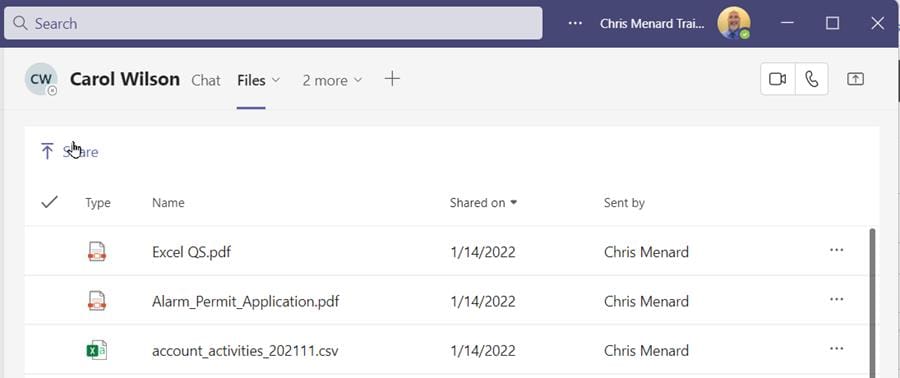
**Chat Files in Teams - you can't make folders**
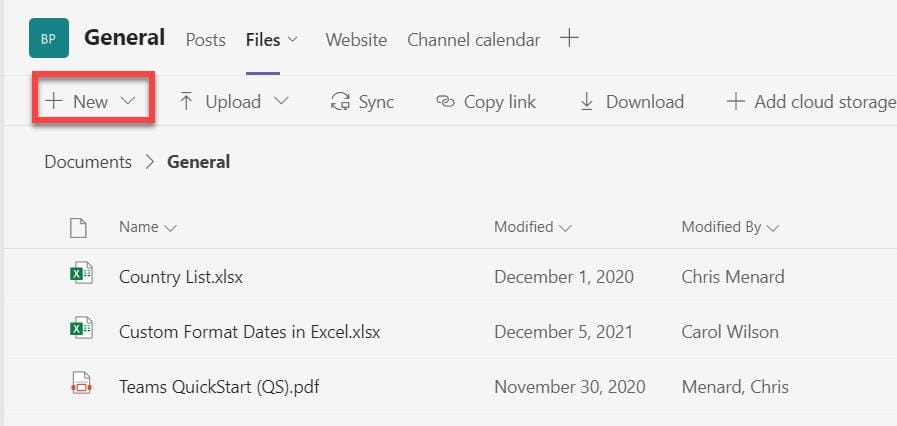
**Channel Files in Teams - you can make subfolders**
Under the Files app is four items:
- **Recent** Files - files you have viewed or edited - **Microsoft Teams**\- only channel files - **Downloads**\- files you have downloaded - **OneDrive** \- automatically loaded but you can add Box, Google Drive, and other items.
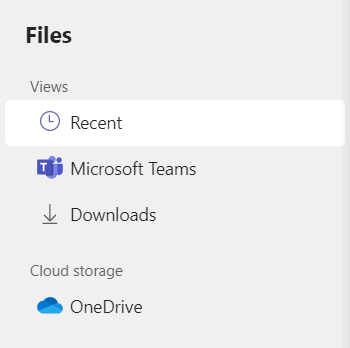
**Files app - four items**



