
Teams: Announcements and Post in multiple channels


Microsoft Teams has two great features:
1. Announcements
2. Post in multiple channels
Below is an Announcement that was marked as Important, contains an image and a Heading over it, and has the announcement icon on the far right.
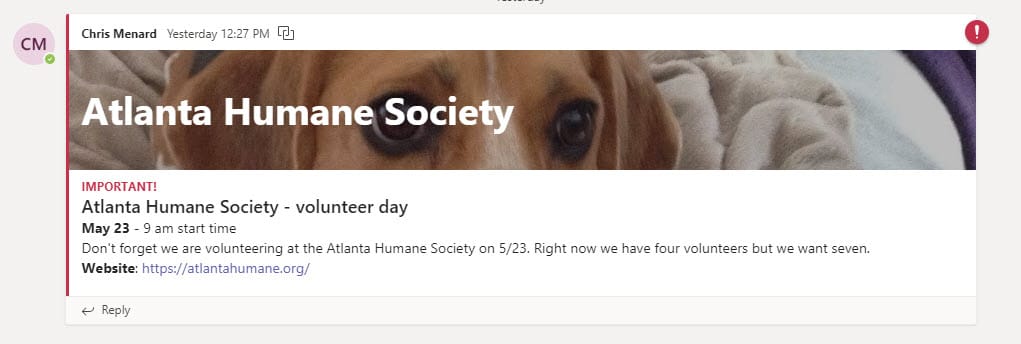
Announcements allow you to post either an image or a heading with a background color. You also get a subheading with Announcements, and you can mark as important. Announcements came out in June 2019.
With Post in multiple channels, you can now post a conversation or announcements to multiple channels at one time. Post in multiple channels came out in October 2019. Both of these features work in the desktop app of Teams and the web version of Teams.
To post an Announcement in Teams
1. Select the channel for the announcement. 2. Click **Start a new conservation**. 3. Click **Format.**
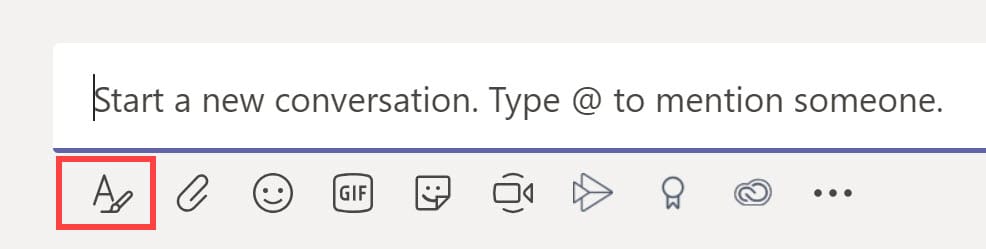
4. Change new conservation to **Announcement**.
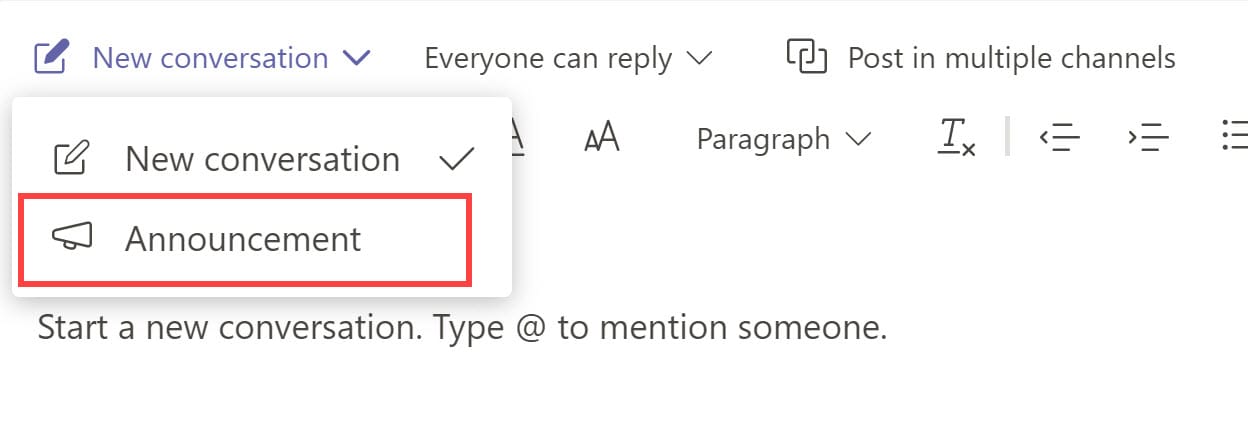
Format your announcement
You have many options when working in Announcements. You can either type a headline or insert an image or both. You can add a subheading and even change the background color.
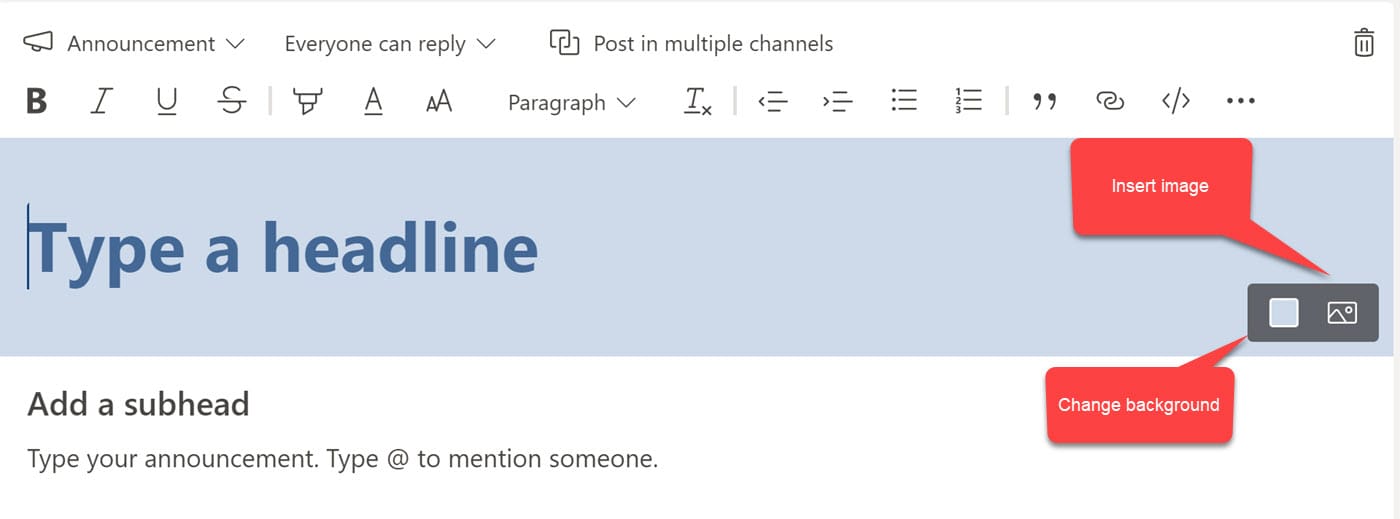
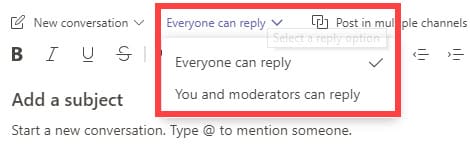
You can even decide who can reply to by clicking Everyone can reply. You can change this so only you and moderators can reply to an announcement.
YouTube video on Announcements and Posting in multiple channels
Make sure you view my other MS Teams videos
Several of Menard's most popular Microsoft Teams videos:
1. Private Channels
2. Use slash commands in Teams
3. Send an email to a Teams channel
Post in multiple channels in Teams
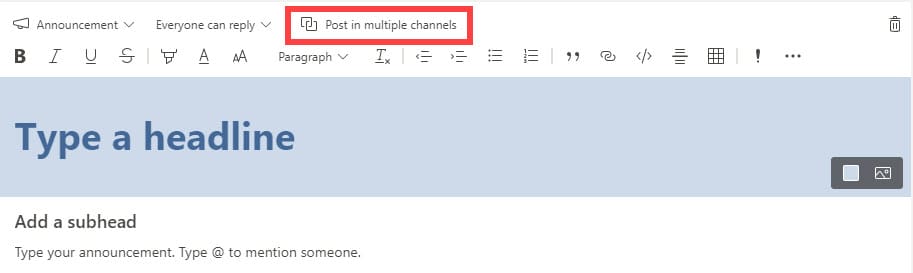
Steps to post in multiple channels
1. Click **Post in multiple channels** 2. Click **Select channels**

3. Check the channels you want to post in. You can post in channels in another Team. 4. Click **Update**
Microsoft Support Articles
Posting to multiple channels



