
Teams - 5 Tips for Recorded Meetings: Chris Menard Training


Recorded Meetings in Teams are stored in OneDrive for Work or School. The one exception is Channel Meetings are stored in SharePoint.
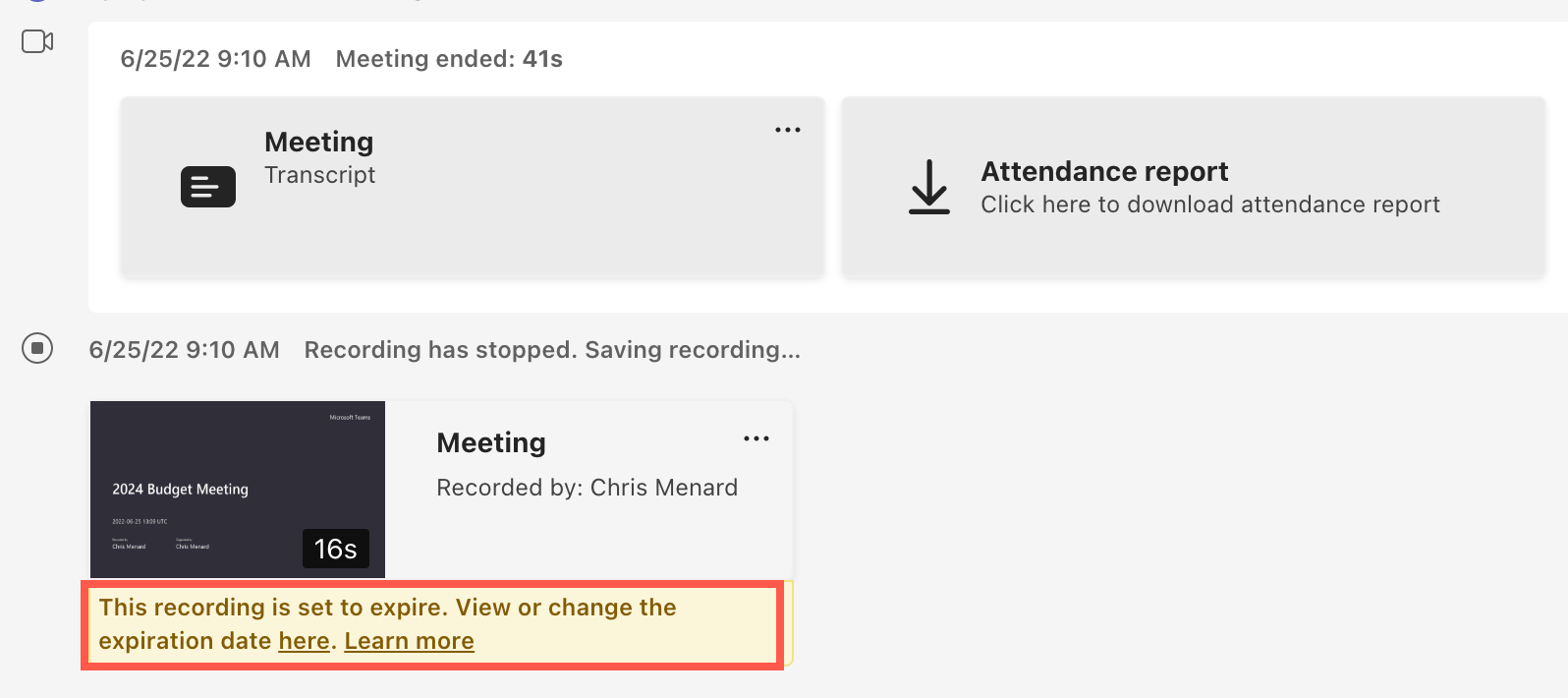
Teams Meeting Recordings set to expire
The recordings expire! Which could be really bad if you are relying on the recording. In this video, I'll cover five tips for Teams recordings.
YouTube video - 5 recorded meeting tips
Teams - 5 Tips for Recorded Meetings
Teams Meeting Recording Expire
1. Pull up your meeting from Chats. 2. The default expiration is 60 days. 3. Cick the **three dots** and in OneDrive, change the **Expiration Date** in the Details Pane.
Recording from Channel Meetings go to SharePoint. Other meetings - Meet now, and Scheduled Meetings - are stored in OneDrive.
What OneDrive folder are Teams Meetings saved?
Recordings from Teams Meetings are stored in OneDrive in a folder called Recordings.
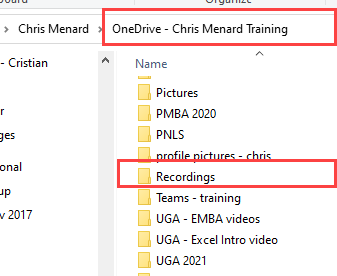
**Teams Meeting Recording are stored in OneDrive - Recordings folder**
My Teams Recording was deleted. Can I retrieve it?
Yes. The OneDrive Recycle Bin holds items for 90 days. Go to your OneDrive Recycle Bin on the web and select the file - the recording - and restore it. Make sure to change the expiration date.
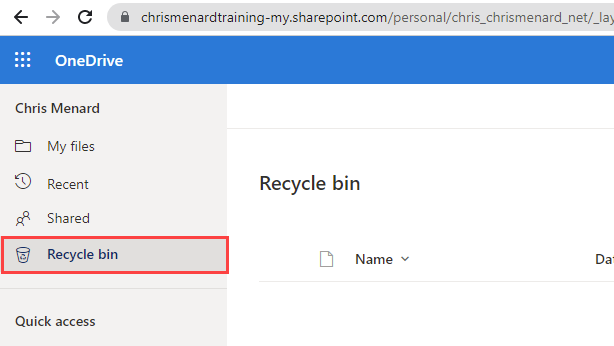
OneDrive Recycle bin



