
Resize all images in PowerPoint

Share
Resize all images in PowerPoint

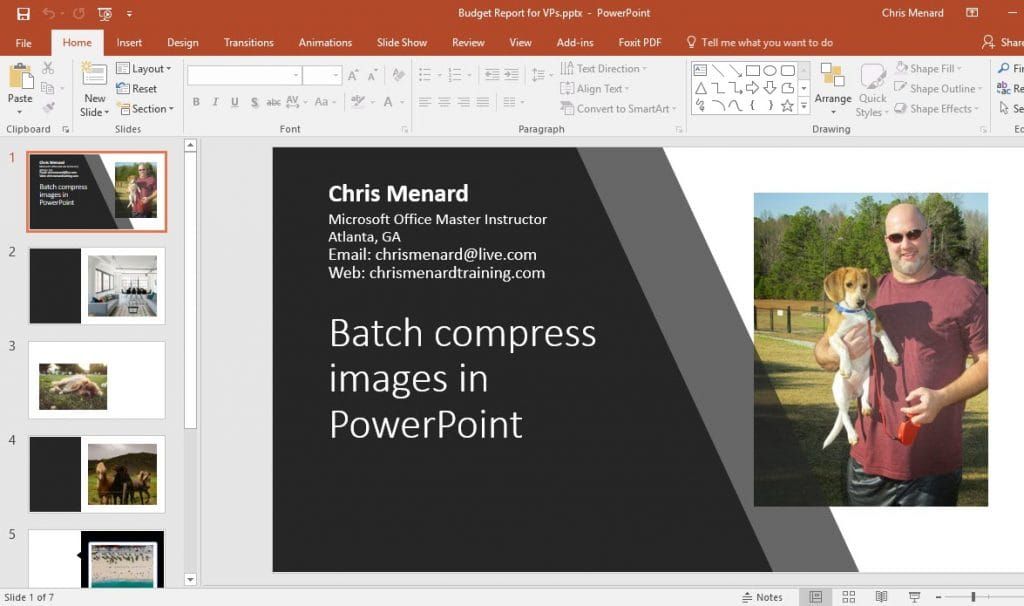
Are you the person that has a 75MB PowerPoint? The reason most PowerPoint presentations get too large in size is due to images. The good news is you can batch compress all your images at once. So if you have 100 slides with an image on every slide, you can compress one image and tell PowerPoint to compress all the images at one time.

YouTube video on batch compressing your images in PowerPoint

Compress all images in Microsoft PowerPoint by Chris Menard - YouTube

Read more

Copilot Skills in PowerPoint - Live Stream on October 20, 2026

Copilot Skills in PowerPoint - Live Stream on October 20, 2026

𝗠𝗼𝘀𝘁 𝗣𝗼𝘄𝗲𝗿𝗣𝗼𝗶𝗻𝘁 𝘂𝘀𝗲𝗿𝘀 𝗸𝗻𝗼𝘄 𝗖𝗼𝗽𝗶𝗹𝗼𝘁 𝗰𝗮𝗻 𝗰𝗿𝗲𝗮𝘁𝗲 𝘀𝗹𝗶𝗱𝗲𝘀. 𝗙𝗮𝗿 𝗳𝗲𝘄𝗲𝗿 𝗸𝗻𝗼𝘄 𝗮𝗯𝗼𝘂𝘁 𝘁𝗵𝗲 𝟴 𝗯𝘂𝗶𝗹𝘁-𝗶𝗻 𝗖𝗼𝗽𝗶𝗹𝗼𝘁 𝗦𝗸𝗶𝗹𝗹𝘀 𝘁𝗵𝗮𝘁 𝗰𝗮𝗻 𝗰𝗼𝗺𝗽𝗹𝗲𝘁𝗲𝗹𝘆 𝗰𝗵𝗮𝗻𝗴𝗲 𝗵𝗼𝘄 𝘆𝗼𝘂 𝗯𝘂𝗶𝗹𝗱, 𝗶𝗺𝗽𝗿𝗼𝘃𝗲, 𝗮𝗻𝗱 𝗽𝗿𝗲𝘀𝗲𝗻𝘁 𝗮 𝗱𝗲𝗰𝗸. Join me live on October 20, 2026, at Noon Eastern as I demonstrate each Copilot Skill and show practical ways to use them in your presentations. PDF of the 8 Copilot Skills in Pow

By Chris Menard


