
Microsoft Teams - Create and Customize Avatars: Chris Menard Training

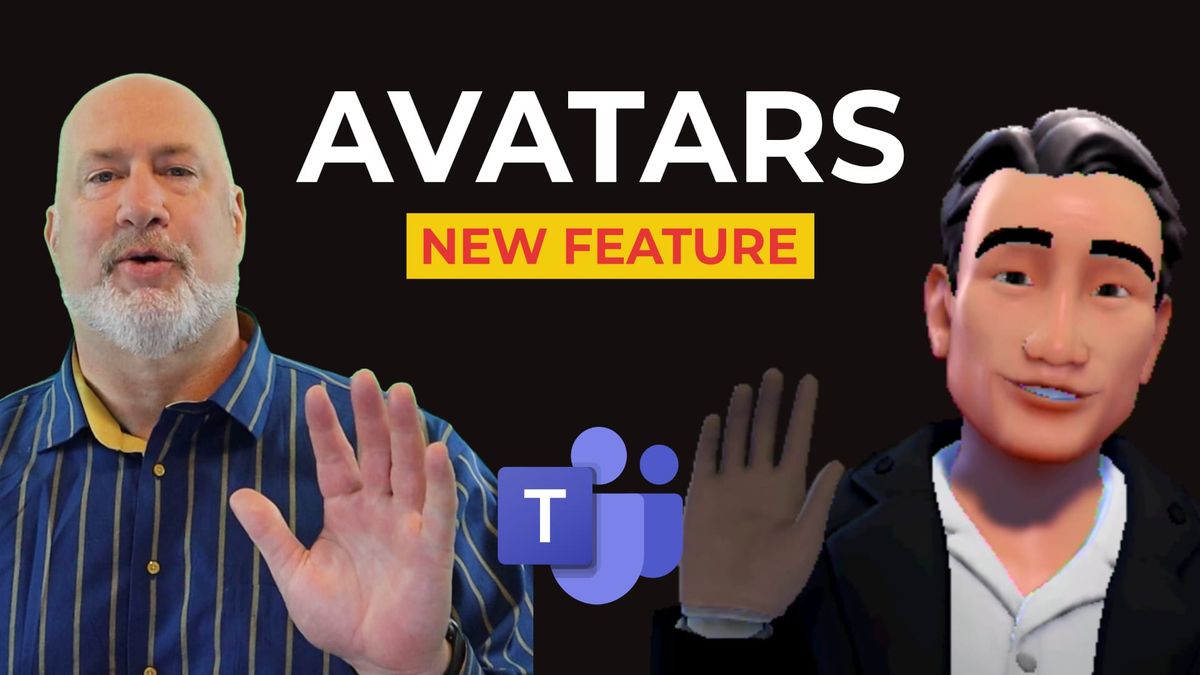
Microsoft Teams is rolling out mesh (3D) Avatars. You can customize your avatar. Avatars are not static. When testing, my avatar reacted to audio and moved from time to time to provide some visual interest.
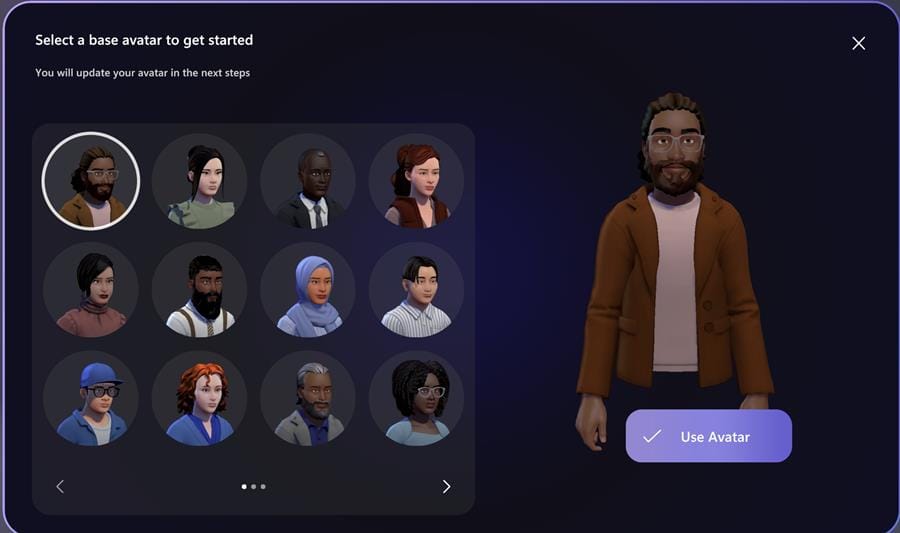
**Teams Avatars**
In addition, avatar “reactions” are available during meetings to allow the avatar to express emotion or react to what’s going on in the call.
Five Options
- Body - Face - Hair - Appearance - Wardrobe
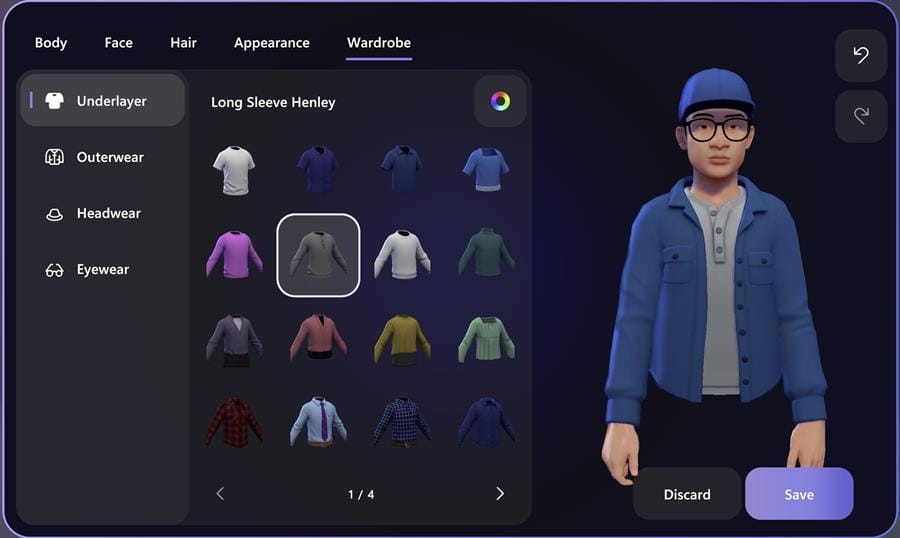
**Create Teams Avatar**
Create an Avatar
To create an avatar in a Teams Meeting, click the three dots to the left of the Camera icon in the control menu bar. Click “Effects and avatars”. Now click “Avatars” from the right column and select “Open Avatars App” in the top “Your Avatar” section.
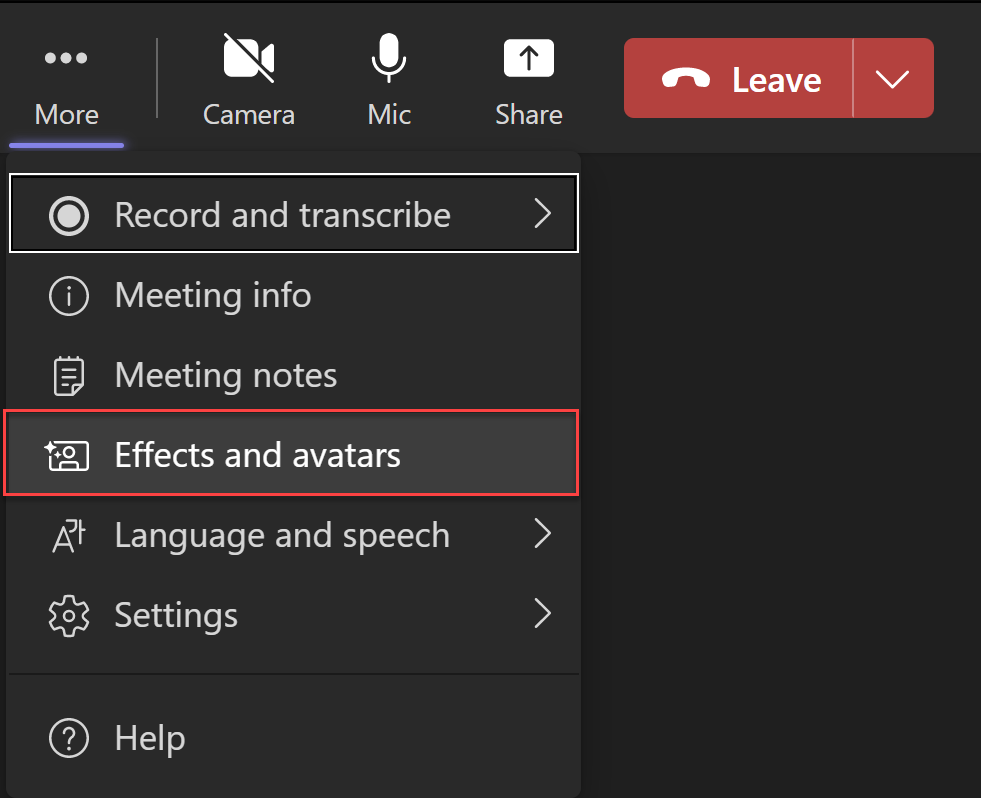
**Create an Avatar in MS Teams**
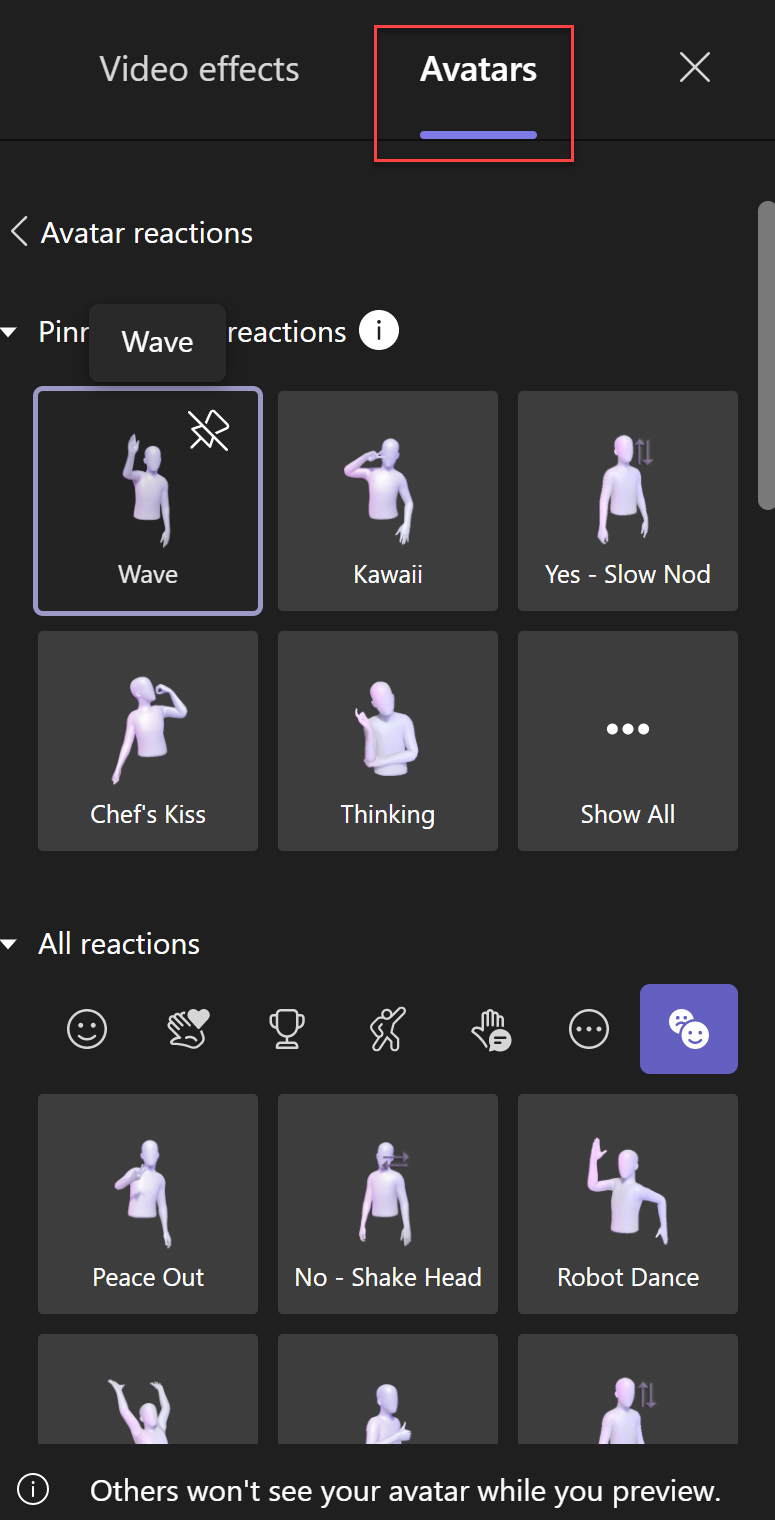
**Avatar reactions**
YouTube Video
Microsoft Teams - Create and Customize Avatars - Coming Soon!



