Hands-on Excel Training for UGA Terry College Executive MBA Students
A full day of hands-on Excel with the UGA Terry College Executive MBA class, from essential skills to break-even analysis and the three financial statements.


Hands-on Excel for UGA's Terry College of Business Executive MBA students
I'm excited to be working with the Executive MBA students at the University of Georgia's Terry College of Business. This is a hands-on session, so bring a laptop with Excel installed and plan to follow along with real exercises. We'll also dive into the financial side of Excel, building a break-even analysis and working with the income statement, balance sheet, and statement of cash flows.
- Date
- Saturday, October 3, 2026
- Format
- Hands-on, instructor-led
- Versions
- Microsoft 365, Excel 2021, 2019, and 2016
Schedule
All times are Eastern Time.
Optional start. Join to refresh foundational skills, or jump in at the intermediate session.
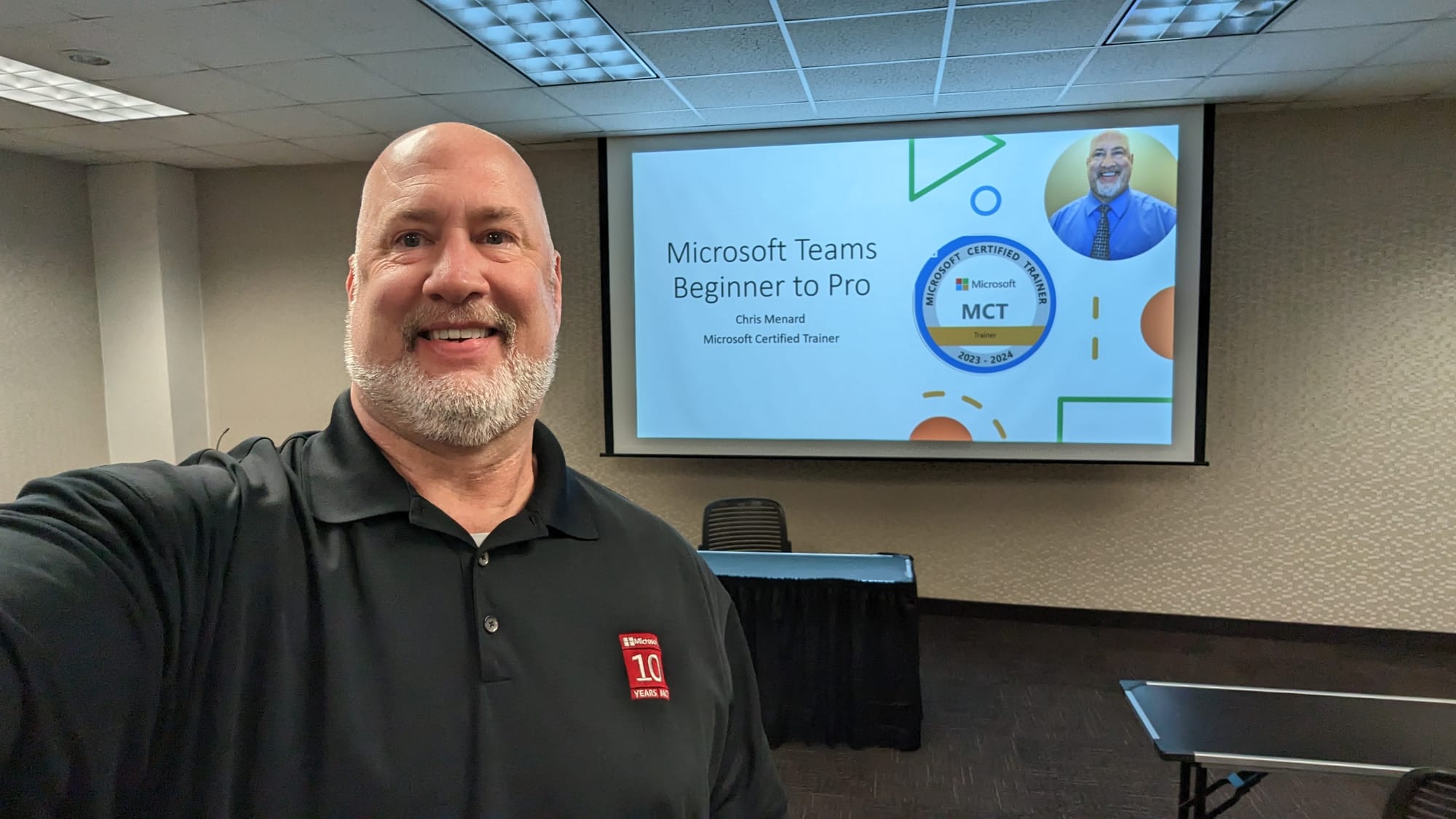



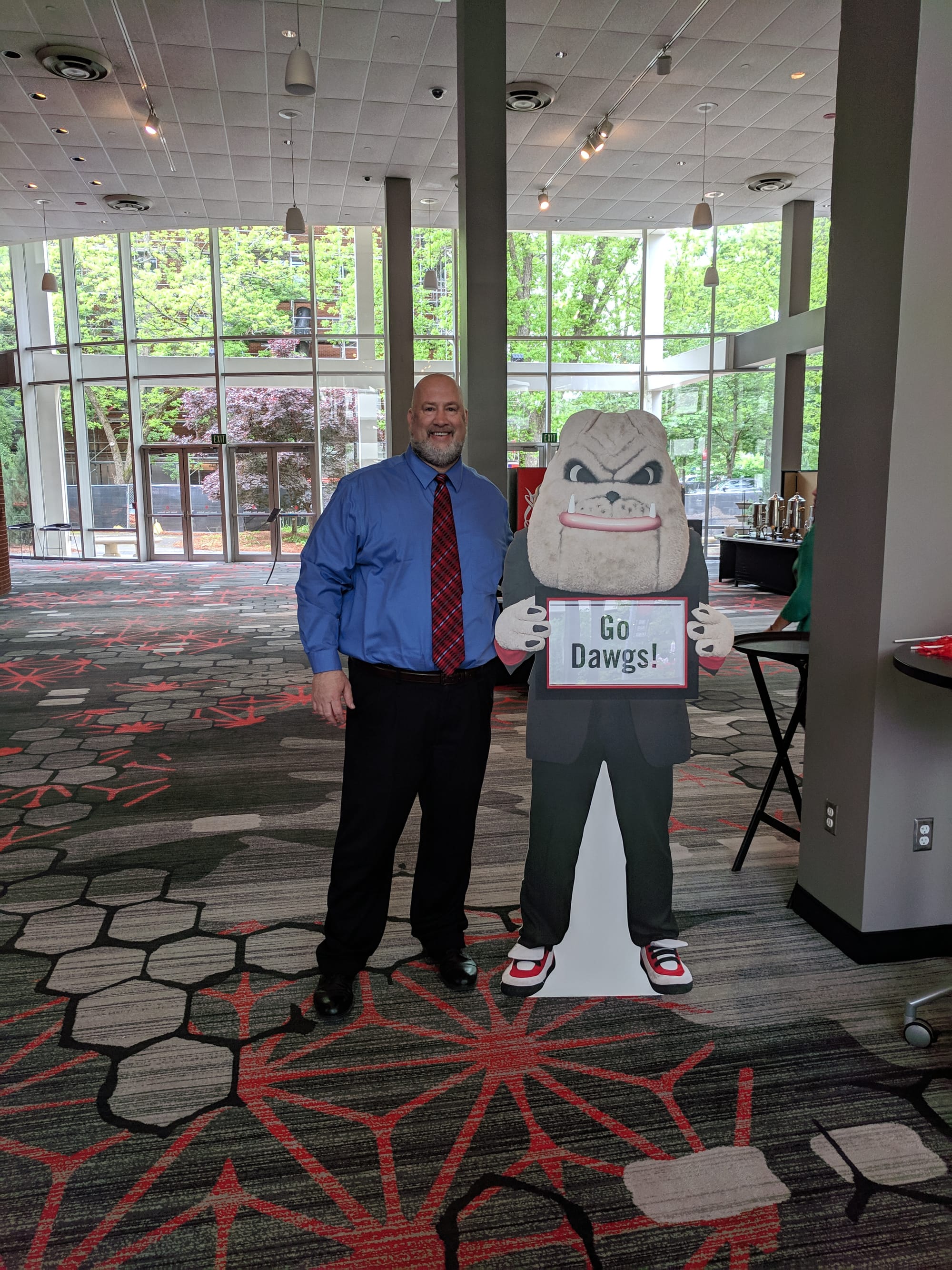
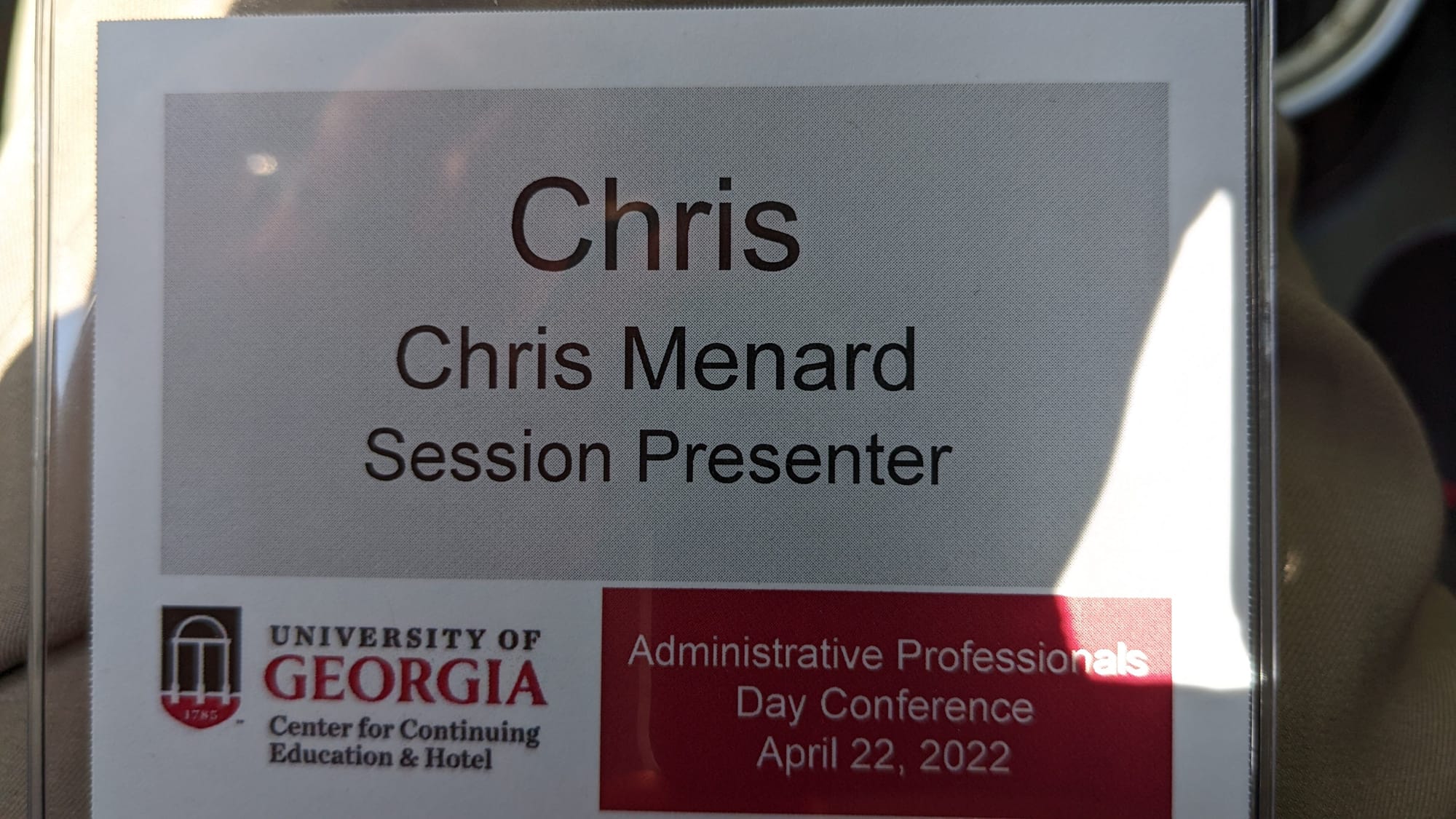


Chris Menard at various speaking gigs for the University of Georgia - Athens and Terry College of Business in Atlanta
Files for Training on Saturday, October 3, 2026
Excel - Three Modules for EMBA students
The session draws from the three courses below. Whether you use Excel every day or only open it when a spreadsheet lands in your inbox, there's a level that fits.
Excel Essentials
Data entry, formulas, formatting, printing, charts, and workbook management.
Getting started
- Spreadsheet terminology
- The Excel environment
- Getting help
- Navigating a worksheet
Entering and editing data
- Text and values
- Formulas
- Working with pictures
- Saving and updating workbooks
Modifying a worksheet
- Moving and copying data
- Moving and copying formulas
- Absolute and relative references
- Inserting and deleting ranges, rows, and columns
Functions
- Entering functions
- AutoSum
- Common Excel functions
Formatting
- Text formatting
- Row and column formatting
- Number formatting
- Conditional formatting
- Additional formatting options
Printing
- Preparing to print
- Page Setup options
- Printing worksheets
Charts
- Chart basics
- Formatting charts
Managing large workbooks
- Viewing large worksheets
- Printing large worksheets
- Working with multiple worksheets
 Chris Menard

Excel Intermediate
Multiple workbooks, advanced formatting, tables, charting, collaboration, auditing, and templates.
Multiple worksheets and workbooks
- Using multiple workbooks
- 3-D formulas
- Linking workbooks
- Managing workbooks
Advanced formatting
- Special number formats
- Functions to format text
- Styles
- Themes
- Additional options
Outlining and subtotals
- Outlining and consolidating data
- Creating subtotals
Cell and range names
- Creating and using names
- Managing names
Tables
- Sorting and filtering data
- Advanced filtering
- Working with tables
Web and sharing features
- Saving workbooks as web pages
- Hyperlinks
- Sharing workbooks
Advanced charting
- Chart formatting options
- Combination charts
- Graphical elements
Documenting and auditing
- Auditing features
- Comments
- Protection features
- Workgroup collaboration
Templates and settings
- Application settings
- Built-in templates
- Creating and managing templates
Excel Advanced
Advanced functions, PivotTables, data analysis, macros, VBA, and external data.
Advanced functions
- Logical functions
- Math and statistical functions
- Financial functions
- Displaying and printing formulas
Lookups and data tables
- Lookup functions
- MATCH and INDEX
- Data tables
Advanced data management
- Data validation
- Database functions
PivotTables and PivotCharts
- Creating PivotTables
- Rearranging PivotTables
- Formatting PivotTables
- PivotCharts
Exporting and importing data
- Text files
- XML data
- Querying external databases
Analytical tools
- Goal Seek and Solver
- The Analysis ToolPak
- Scenarios
- Views
Macros and custom functions
- Running and recording macros
- Working with VBA code
- Creating custom functions
Conditional formatting and SmartArt
- Conditional formatting with graphics
- SmartArt graphics
Want this training for your team?
I'm Chris Menard, a Microsoft MVP with 900+ training videos and more than 30 million views on YouTube. I deliver hands-on Excel, Microsoft 365 Copilot, and Microsoft Teams training for companies, professional associations, and universities.
Sessions are available onsite, virtually, or as conference presentations, and each is customized to your team's skill level and real-world work.
Book Chris for training or your next event