Extract email addresses from a text string in Excel

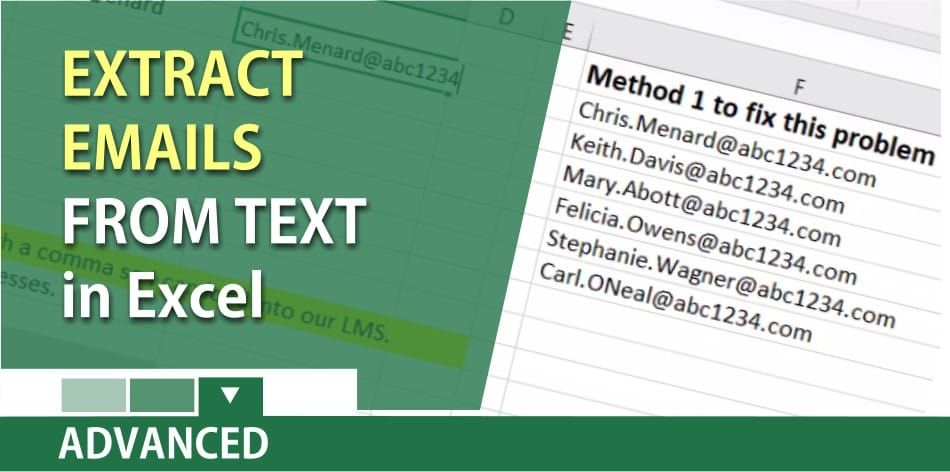
Extracting email address from a text string in Excel can be tricky. I made a video demonstrating three methods of extracting the email addresses. I also showed how to take the email addresses and add a comma between them. This is handy when you need to import the email addresses into an LMS or another system.
Three ways to separate the data
1. Mid and Find Function in Excel. 2. Flash Fill in Excel 2013 and Excel 2016 for Windows. 3. Text to Columns for any Excel version.
One of my favorite features in Excel is Find and Replace. I’ll use Replace to get the email address to show up properly.
**CTRL + H** is the keyboard shortcut for Replace.
YouTube Video – Extracting email addresses
Excel: extract email addresses from data by Chris Menard
TimeStamps in the video
- 00:00 Intro - 01:00 Mid and Find Function – Method 1 - 01:45 Flash Fill – Method 2 - 02:37 Text to Columns – Method 3 - 03:20 CTRL + H to lose > on Method 3 - 04:05 Add commas with a 3D reference - 05:30 TEXTJOIN function in Excel
TEXTJOIN Function
The TEXTJOIN function combines the text from multiple ranges and/or strings and includes a delimiter you specify between each text value that will be combined. If the delimiter is an empty text string, this function will effectively concatenate the ranges. Textjoin only works in Excel 2016 with an Office 365 subscription.
Flash Fill In Excel
Flash Fill is an easy way to join text together or break out text. Example: if you have “Bill Smith” and want to break out the first name from the last name in other columns, Flash Fill will do it. Flash Fill will also work the other way and join names together. If Flash Fill is not turned on, you can turn it on my going to File, Options, Advanced, and turn on Flash Fill, click OK. Flash Fill only works in Excel 2013 and Excel 2016.
Flash Fill in Excel with Len Function by Chris Menard