
Excel Print Options - Set Print Area, Print Selection, Margins, and Printing Gridlines

Excel has many print options. We will look at setting the Print Area, Print Selection, working with Margins, Printing Gridlines, and Printing Row and Column headings.
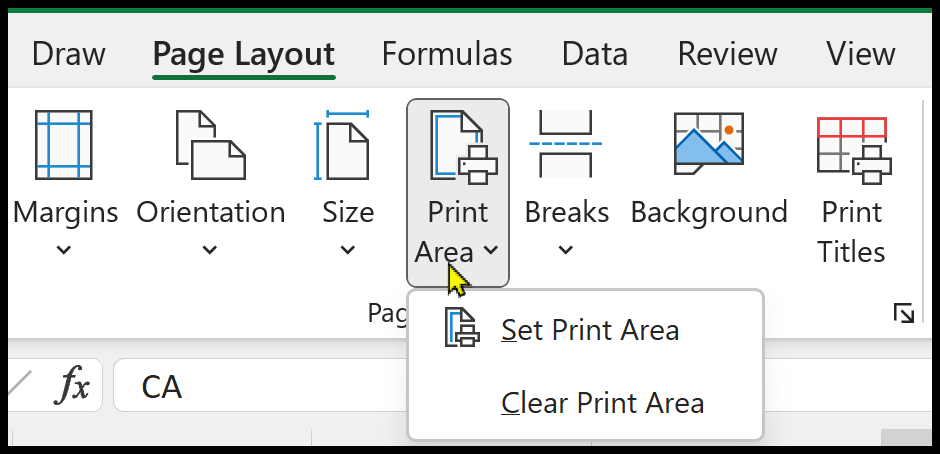
Excel Print Area
Set the Print Area in Excel
If you frequently need to print a particular section of a worksheet, for example, A1 to C40, you can establish a print area exclusively for that selection. A print area refers to one or multiple cell ranges that you can specify to be printed, allowing you to avoid printing the entire worksheet.
YouTube video
Excel Print Options - Set Print Area, Print Selection, Margins, and Printing Gridlines
Print Selection in Excel
When you set the Print Area, Excel always prints the area until you clear the print area. If you need to print just a selection one time, you can print just the selection. Next time you print, Excel will print everything.
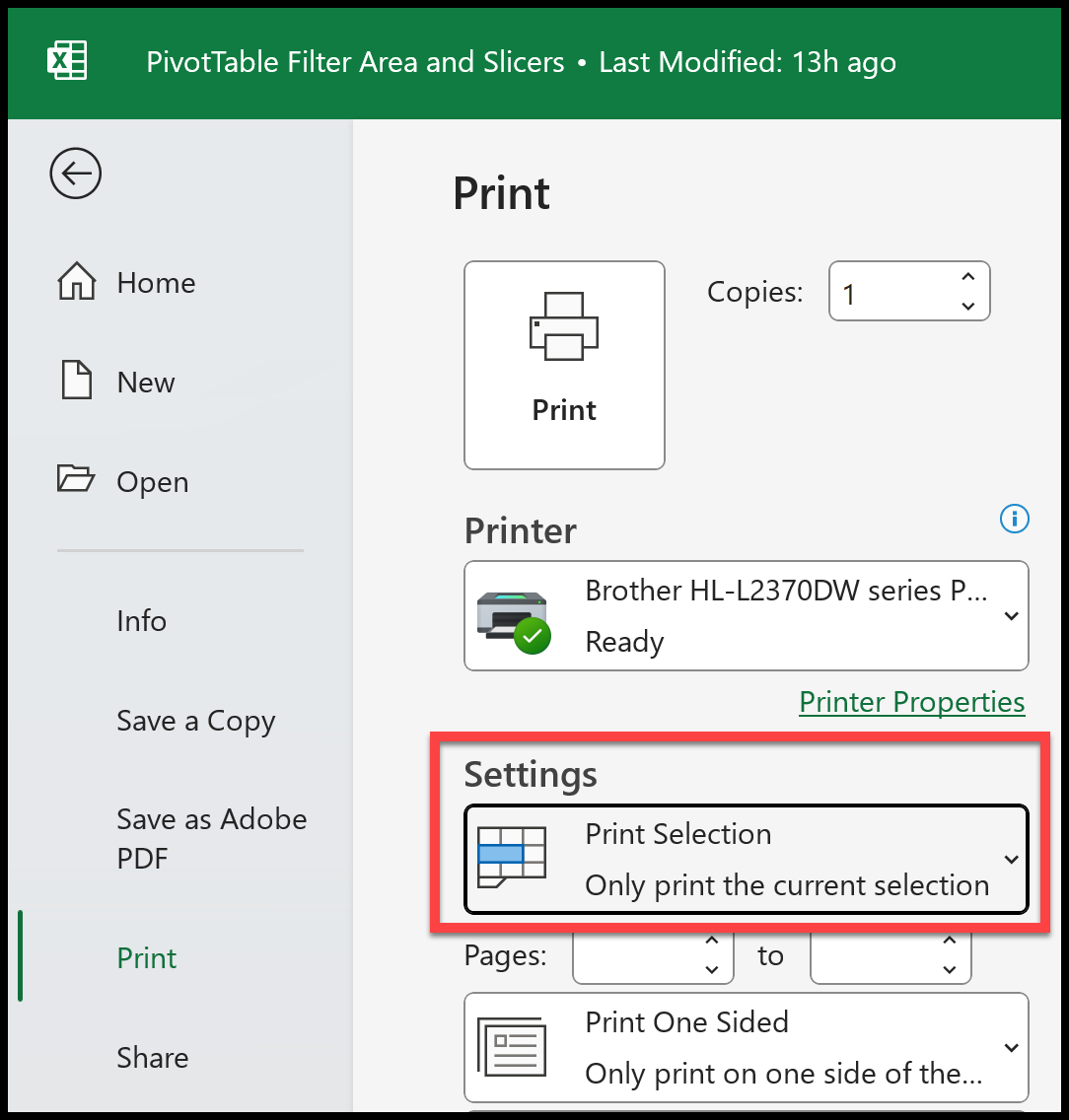
Print Selection in Excel



