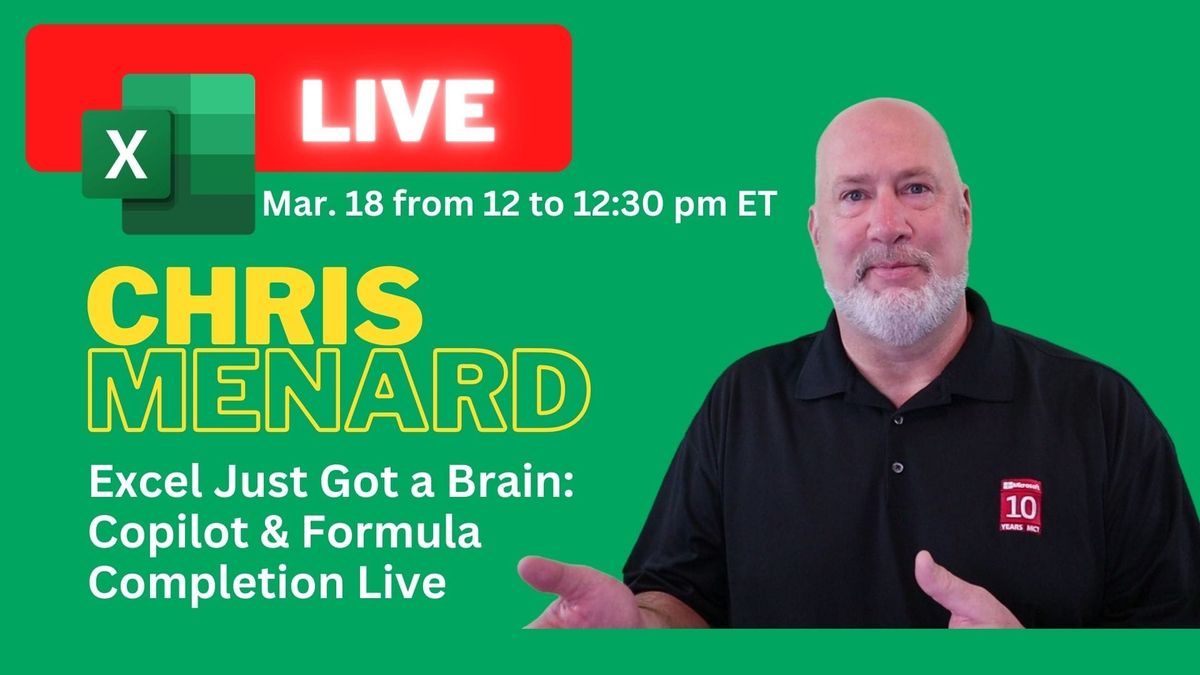
Excel Just Got a Brain: Copilot Function & Formula Completion - Live Stream

Live Stream on YouTube and LinkedIn - March 18, 2026

Share
Excel Just Got a Brain: Copilot Function & Formula Completion - Live Stream

๐Ÿ“…Excel will never be the same โ€” and that's a good thing!

Join Chris Menard during a livestream on March 18, 2026, as he dives into two of Excel's most exciting AI-powered features:

โžก๏ธthe COPILOT Function - RETIRED
โžก๏ธFormula Completion

โš ๏ธ Note: Microsoft has announced that the Excel COPILOT() function will be retired on September 14, 2026. This article is being retained for reference purposes.

Whether you've been curious about what these tools can actually do or you're ready to finally put them to work, this is the session for you.

Chris will show you how to use the COPILOT function to work faster and smarter, and how Formula Completion takes the guesswork out of building even complex formulas โ€” in real time, no fluff, no filler.

What you'll walk away with:
โœ…A solid grasp of how Excel's COPILOT function works in practice
โœ…The confidence to use Formula Completion like a pro
โœ…Time-saving tricks you can apply immediately after the stream

๐ŸŽฅLive on YouTube and LinkedIn. Registration is not required.

See you on March 18th! ๐Ÿš€

Excel Copilot AGENT MODE: Build Dashboards and Apply Formatting Hands-Free
Microsoft is rolling out Agent Mode for Copilot in Excel, and it represents a major step forward from the standard Copilot experience. Agent Mode doesnโ€™t just suggest changesโ€”it executes them directly, without requiring you to click Apply after every action. In this guide, we walk through where to find
Use Copilot to Translate Your PowerPoint Presentations Quickly
What this translation feature does and why it matters Copilot in Microsoft 365 can now translate entire presentations into another language with a few clicks. I tried it in PowerPoint on the web (it also appears in the desktop app) and found the experience fast and straightforward. Instead of copying
How to Extract Numbers from Text in Excel with REGEXEXTRACT
Excelโ€™s REGEXEXTRACT function lets you pull numbers (or any pattern) out of a text string using regular expressions. Unlike functions like TEXTAFTER or TEXTBEFORE that depend on consistent delimiters, REGEXEXTRACT works with messy, inconsistent data โ€” it finds the pattern wherever it appears. In this walkthrough, youโ€™ll see two practical examples:
How to Create Sample Data in Excel Using Free Copilot Chat
Need fictitious customer data, order records, or test datasets for training, presentations, or projects? You can generate all of it using free Copilot Chat โ€” no paid Microsoft 365 Copilot license required. In this guide, I walk through how to use Copilot Chat to create realistic sample data, structure it into

Read more

Copilot Skills in PowerPoint - Live Stream on October 20, 2026

Copilot Skills in PowerPoint - Live Stream on October 20, 2026

๐— ๐—ผ๐˜€๐˜ ๐—ฃ๐—ผ๐˜„๐—ฒ๐—ฟ๐—ฃ๐—ผ๐—ถ๐—ป๐˜ ๐˜‚๐˜€๐—ฒ๐—ฟ๐˜€ ๐—ธ๐—ป๐—ผ๐˜„ ๐—–๐—ผ๐—ฝ๐—ถ๐—น๐—ผ๐˜ ๐—ฐ๐—ฎ๐—ป ๐—ฐ๐—ฟ๐—ฒ๐—ฎ๐˜๐—ฒ ๐˜€๐—น๐—ถ๐—ฑ๐—ฒ๐˜€. ๐—™๐—ฎ๐—ฟ ๐—ณ๐—ฒ๐˜„๐—ฒ๐—ฟ ๐—ธ๐—ป๐—ผ๐˜„ ๐—ฎ๐—ฏ๐—ผ๐˜‚๐˜ ๐˜๐—ต๐—ฒ ๐Ÿด ๐—ฏ๐˜‚๐—ถ๐—น๐˜-๐—ถ๐—ป ๐—–๐—ผ๐—ฝ๐—ถ๐—น๐—ผ๐˜ ๐—ฆ๐—ธ๐—ถ๐—น๐—น๐˜€ ๐˜๐—ต๐—ฎ๐˜ ๐—ฐ๐—ฎ๐—ป ๐—ฐ๐—ผ๐—บ๐—ฝ๐—น๐—ฒ๐˜๐—ฒ๐—น๐˜† ๐—ฐ๐—ต๐—ฎ๐—ป๐—ด๐—ฒ ๐—ต๐—ผ๐˜„ ๐˜†๐—ผ๐˜‚ ๐—ฏ๐˜‚๐—ถ๐—น๐—ฑ, ๐—ถ๐—บ๐—ฝ๐—ฟ๐—ผ๐˜ƒ๐—ฒ, ๐—ฎ๐—ป๐—ฑ ๐—ฝ๐—ฟ๐—ฒ๐˜€๐—ฒ๐—ป๐˜ ๐—ฎ ๐—ฑ๐—ฒ๐—ฐ๐—ธ. Join me live on October 20, 2026, at Noon Eastern as I demonstrate each Copilot Skill and show practical ways to use them in your presentations. PDF of the 8 Copilot Skills in Pow

By Chris Menard