
Excel - Getting started with Data Validation List


Creating a Data Validation List is a great way to ensure you have "good" data. For example, I may type Human Resources as a department, but later in my data, I see HR. I know that HR and Human Resources are the same, but Excel doesn't.
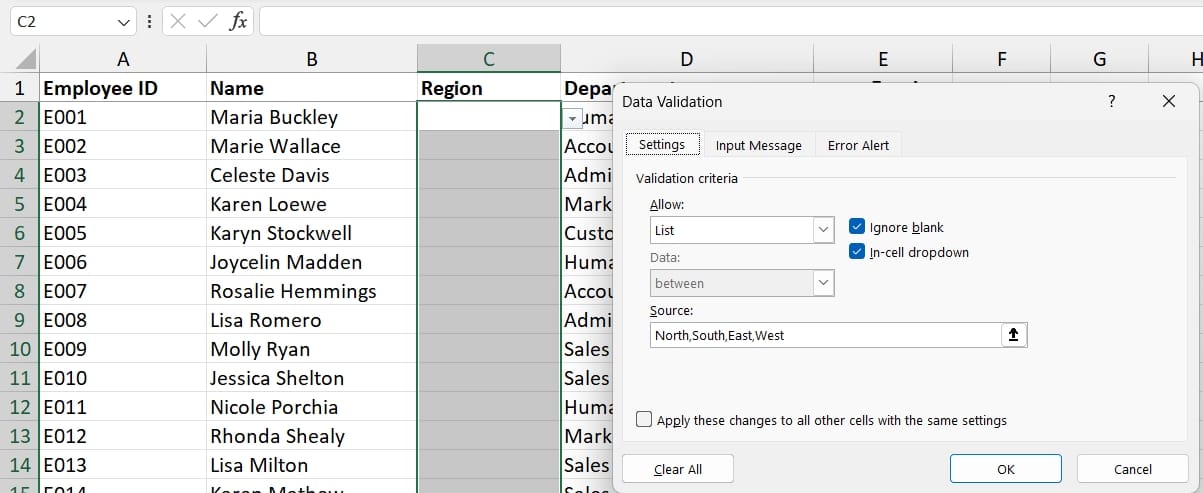
Data Validation List
YouTube Video
Excel - Getting started with Data Validation List
Steps to turn on Data Validation List
- Select the range you want to use with a data validation list
- Click the Data tab
- Click Data Validation in the Data Tools group
- Change Allow from Any value to List
- Type in your Source or select a source.
- Click OK
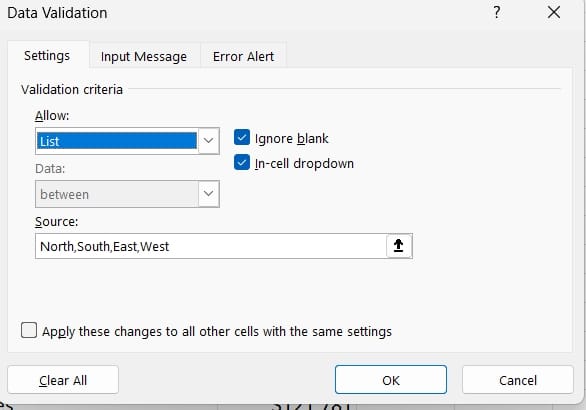
Excel - Create a Data Validation List



