
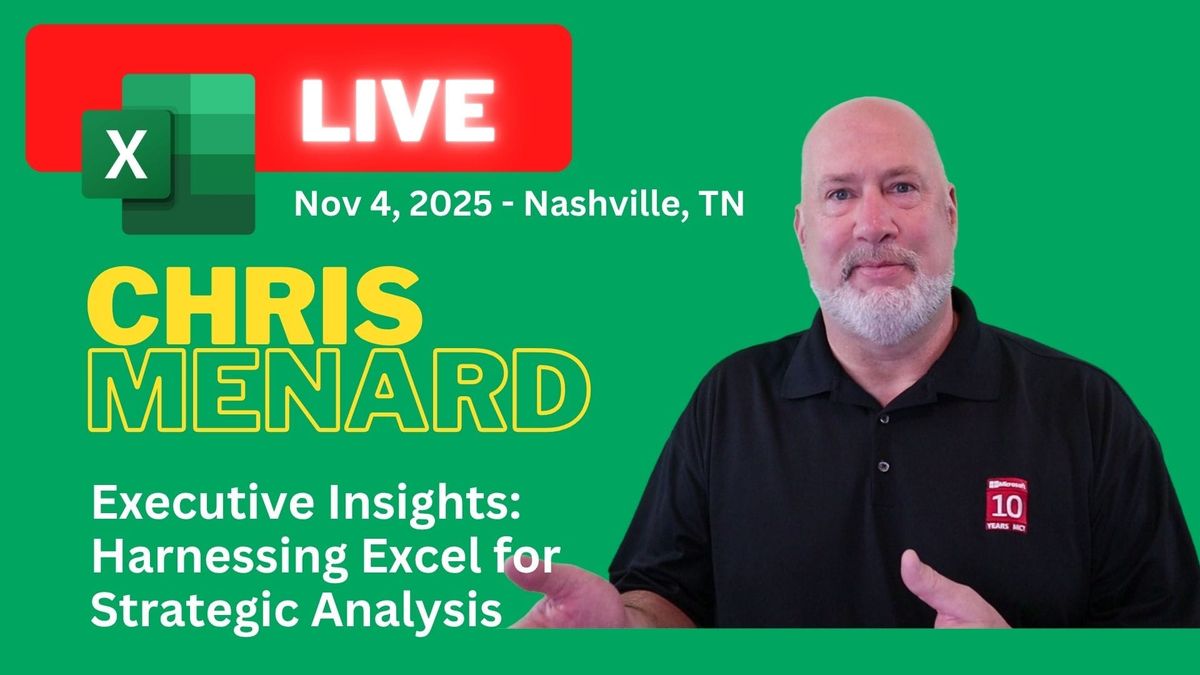
Chris Menard to Present “Executive Insights: Harnessing Excel for Strategic Analysis” at EA Ignite Conference

November 4, 2025
Microsoft MVP and productivity expert Chris Menard will be presenting a highly anticipated session titled “Executive Insights: Harnessing Excel for Strategic Analysis” at the EA Ignite Conference, held at the Renaissance Nashville Hotel. This premier event, running from November 3–5, 2025, is tailored for executive assistants and senior-level administrative professionals seeking cutting-edge tools and strategies to elevate their roles.
Chris’s session, scheduled for November 4th from 10:45 AM to 12:15 PM, with a repeat at 1:15 PM, is a hands-on masterclass designed to unlock the full potential of Excel data analysis.
YouTube Video - Excel Merge and Center is EVIL: And How to Fix It!
If you’re an Excel user like me, you’ve probably encountered the temptation to use the Merge and Center feature to make your spreadsheets look neat and tidy. But let me tell you straight: Excel Merge & Center is evil when it comes to managing your data effectively.



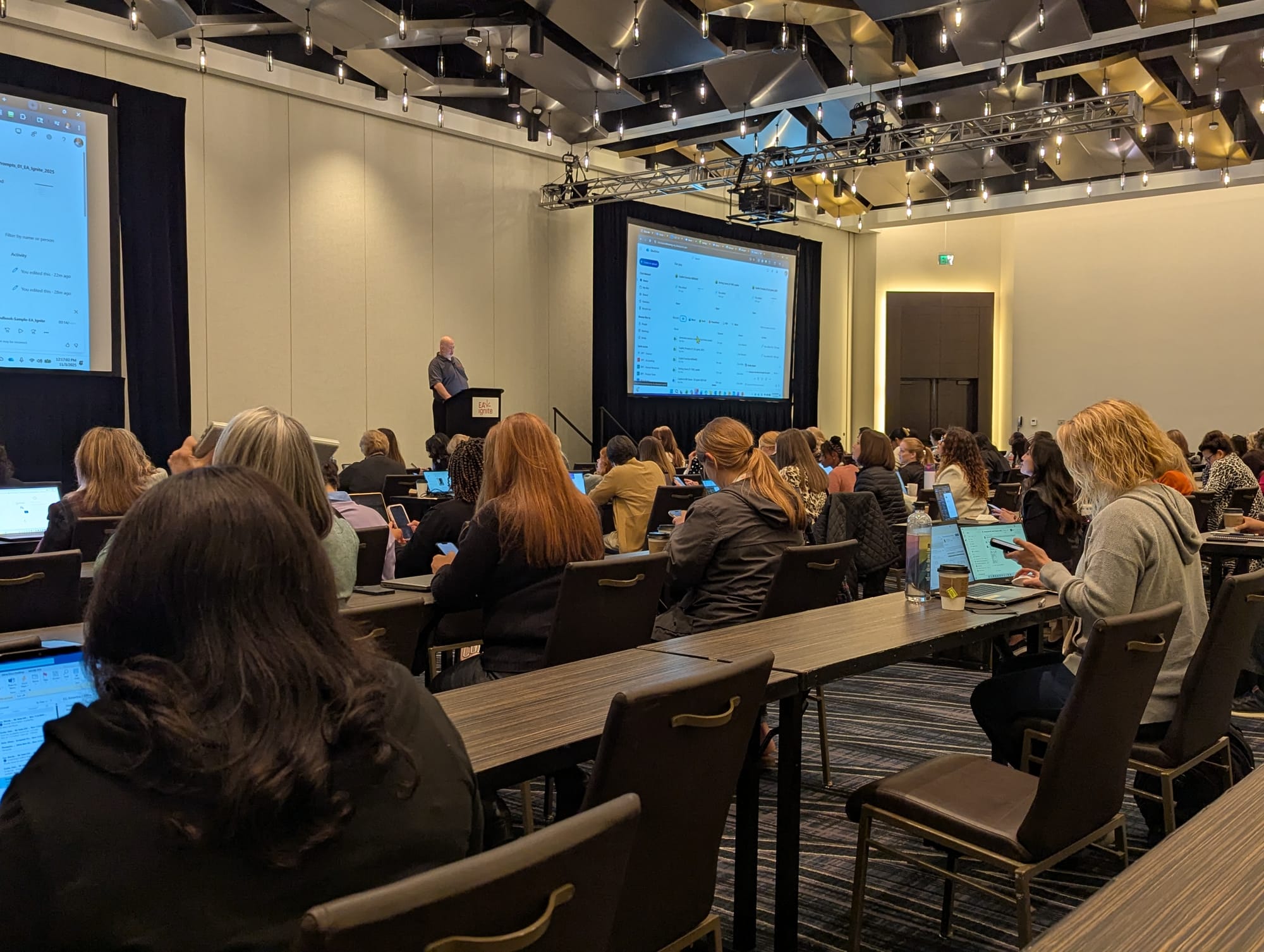
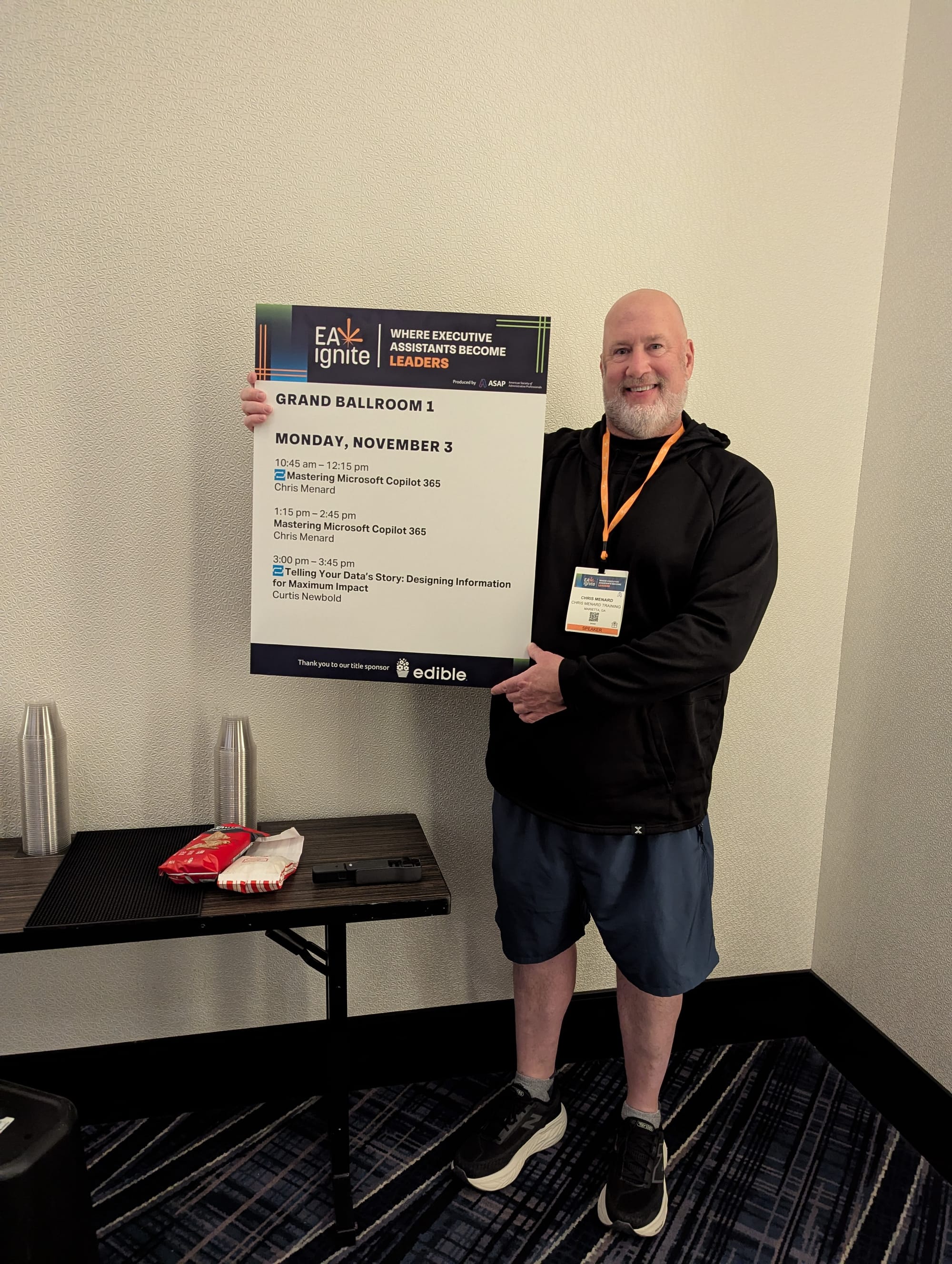

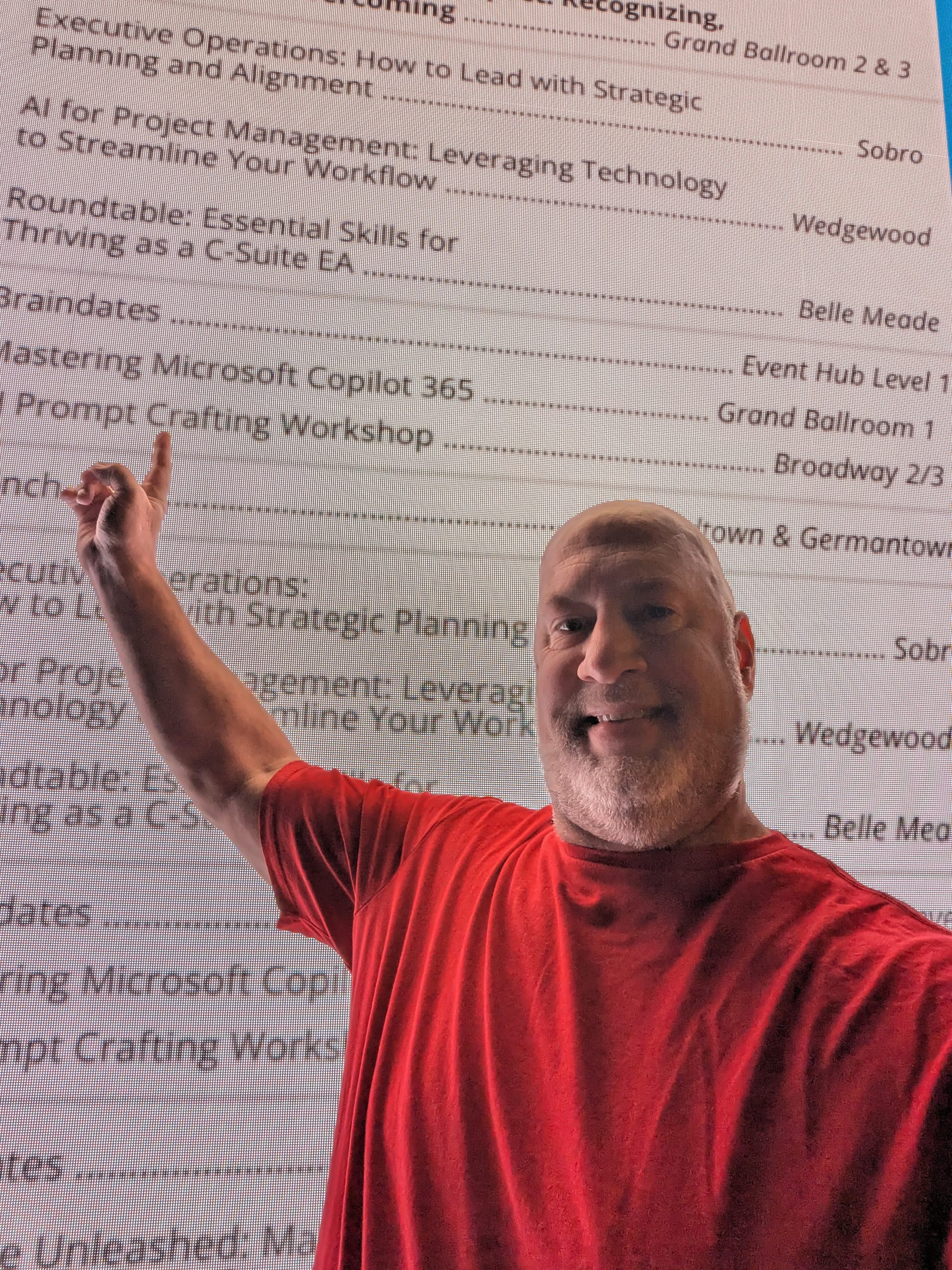


EA Ignite Fall 2025 Conference
It causes more trouble than it’s worth, especially when you want to sort, filter, create PivotTables, or analyze your data. I’ve experienced this firsthand, and in this article and video, I’ll walk you through why you should avoid using Merge and Center in your data, how to find merged cells, and how to fix them efficiently. Plus, I’ll share an advanced technique to clean up merged cells in bulk to get your spreadsheets back on track.
Why Merge and Center Messes Up Your Data
Merge and Center may seem like a quick fix for centering a title across multiple columns or making your data visually appealing, but it actually wreaks havoc behind the scenes. When cells are merged, Excel treats them as a single cell, which can cause unexpected behaviors when you try to manipulate your data.
Some of the topics covered in this hands-on training session
- Sorting
- Filtering
- PivotTable
- Power Query
- Cleaning Data
- Excel functions
Day 2 of the EA Ignite Conference - Tuesday, November 4, 2025
7:30 AM | Breakfast
7:30 AM | Exhibitor Hours
8:00 AM | Braindates
8:30 AM | Nova Chief of Staff
9:00 AM | General Session - Featured
10:45 AM | Roundtable / Masterclasses *
12:00 PM | Lunch
1:15 PM | Roundtable / Masterclasses *
3:00 PM | Breakout Sessions
4:00 PM | General Session - Featured
5:30 PM | Social Hour at Skydeck
Day 3 - Wednesday, November 5, 2025
7:30 AM | Breakfast
7:30 AM | Exhibitors
8:30 AM | Nova Chief of Staff
9-10:30 AM | General Sessions - Featured
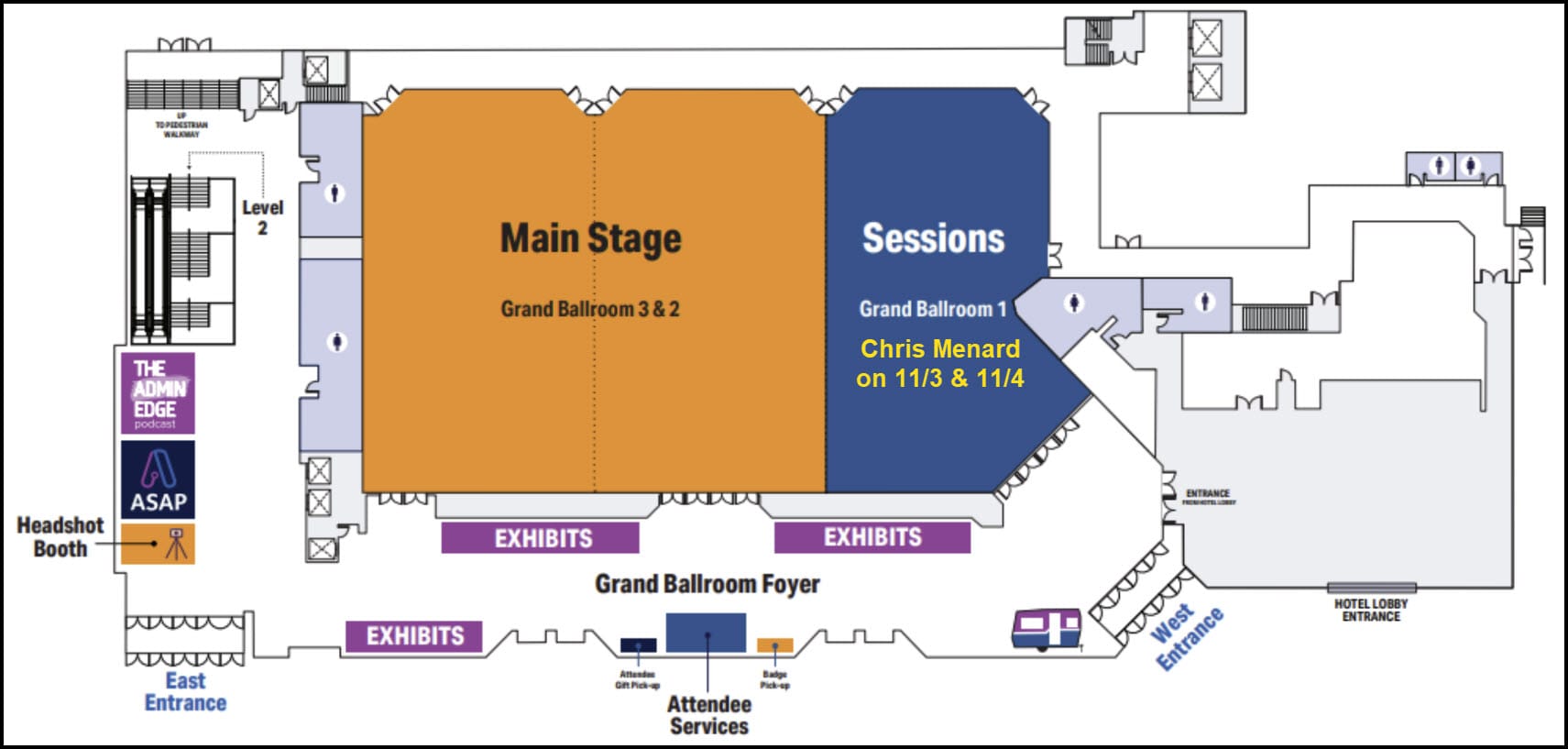
Chris Menard Session Room for Copilot and Excel
- Copilot hands-on on November 3, 2025
- Excel hands-on on November 4, 2025
Grand Ballroom 1 is located next to the Main Stage (Lobby Level)
Zip file for hands-on Excel Training
YouTube Video - 3 Easy Methods to EXTRACT Numbers from Text in Excel
I'll demonstrate three straightforward ways to extract numbers from text strings in Excel. I'll cover Flash Fill, available in Excel 2013 and newer versions, TextBefore and TextAfter functions, available in Excel 2021, 2024, and Microsoft 365, and the new RegexExtract function, exclusive to Microsoft 365 users.
Excel - Extract Data video
 Chris Menard
2026 Events
- EA Ignite Spring 2026 - APRIL 22-24, 2026 | BOSTON, MA
- EA Ignite Fall 2026 - NOVEMBER 2-4, 2026 | NASHVILLE, TN
- Administrative Professional Conference (APC) - Gaylord Opryland Resort & Convention Center Nashville, TN September 13-16, 2026



