
ZOOM Rearrange Videos in Gallery View


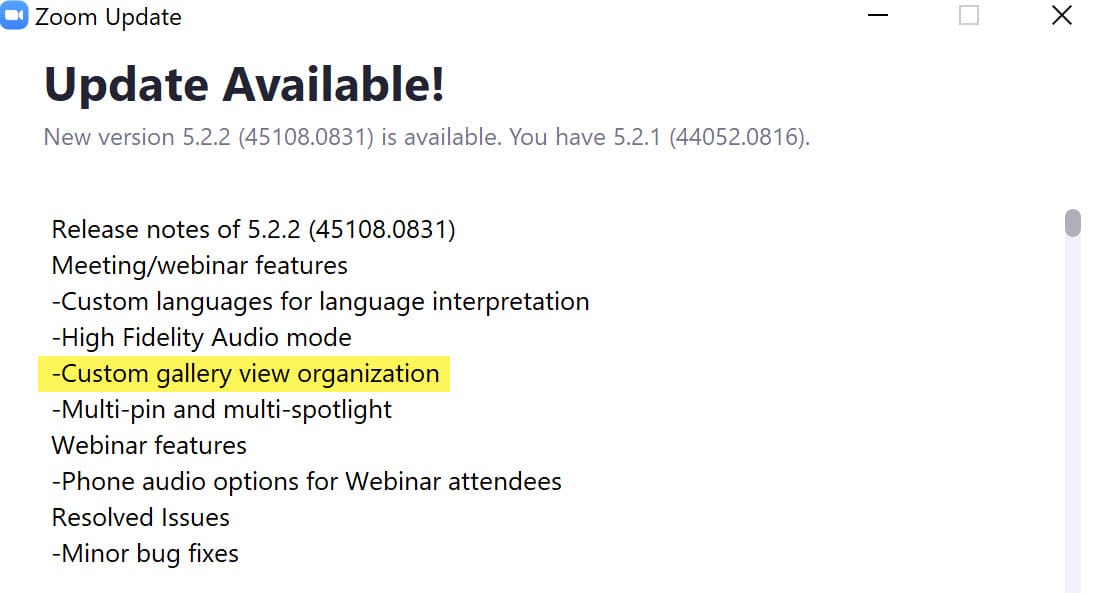
Zoom's version 5.2.2. allows you to rearrange the videos of participants in the gallery view in any order you want, during a Zoom meeting. Zoom calls this feature **Custom gallery view organization**. You can move the videos to show you or other participants anywhere you like... except if the host has turned on " **Follow Host's Video Order**". In that case, participants cannot rearrange the video order. With **Follow Host's Video Order** enabled, if the host puts videos in a certain order, the participants will also see their videos in this order. If a participant tries to move, they will get a warning message that they can't rearrange. This new feature works with Windows and macOS.
How to rearrange the videos?
Simply click and drag the videos to the position you want them in the Gallery view, and this will stay in place until released.
Turn on Follow Host's Video Order
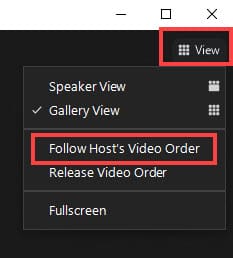
As the host, in the top right, click View and then click Follow Host's Video Order. The participants will see the videos displayed in the same order as you, the host.
Timestamps / Chapters for Video:
0:00 Intro
0:20 Drag and drop
0:55 Follow Host's Video Order
1:26 Message participants get
1:59 Ending screen
YouTube video by Chris Menard
ZOOM Rearrange Videos in Gallery View



