
Word - How to correctly select a paragraph, sentence, word, or the entire document with the mouse


Selecting a word, sentence, paragraph, or the entire document in MS Word is easy. Here is a short video on how to correctly select with the mouse.
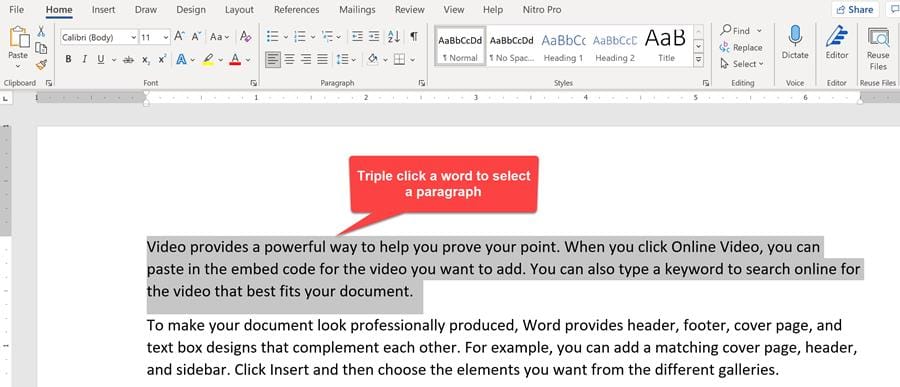
**Word - triple click a word to select a paragraph**
How do I select text in Word with the mouse?
- Paragraph - triple click a word or double click in the selection bar. - Sentence - hold CTRL and click a word. - Word - double click a word. - Document - triple click in the selection bar.
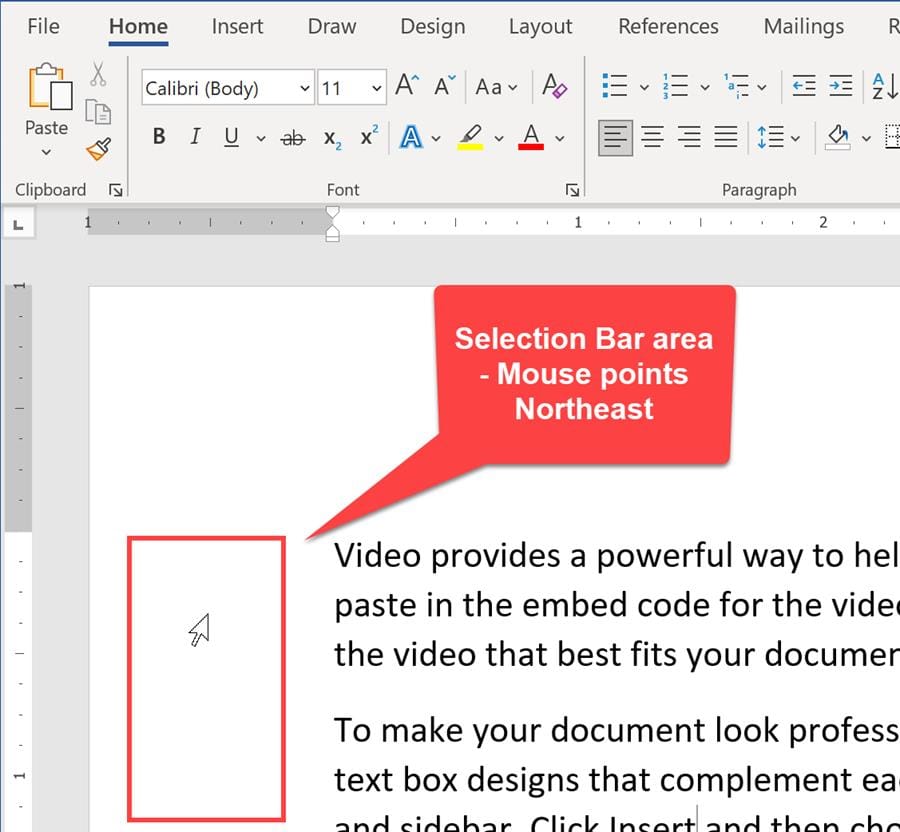
**Selection Bar in Microsoft Word**
YouTube video
Word - How to correctly select a paragraph, sentence, word, or the entire document with the mouse
Video chapters
- 00:00 Introduction - 00:17 Add filler text to a document - 00:33 Selecting a paragraph - 01:00 Selecting with the selection bar - 01:23 Select entire document - 01:34 Select a sentence - 01:50 Selecting a word - 02:17 Select whole lines



