
Microsoft Word to Adobe Acrobat with Bookmarks


We don't usually want to email, or share are Word files. Frequently, we make our Word documents PDF files. If you lay out your Word document correctly, it is easy to make bookmarks in the PDF.
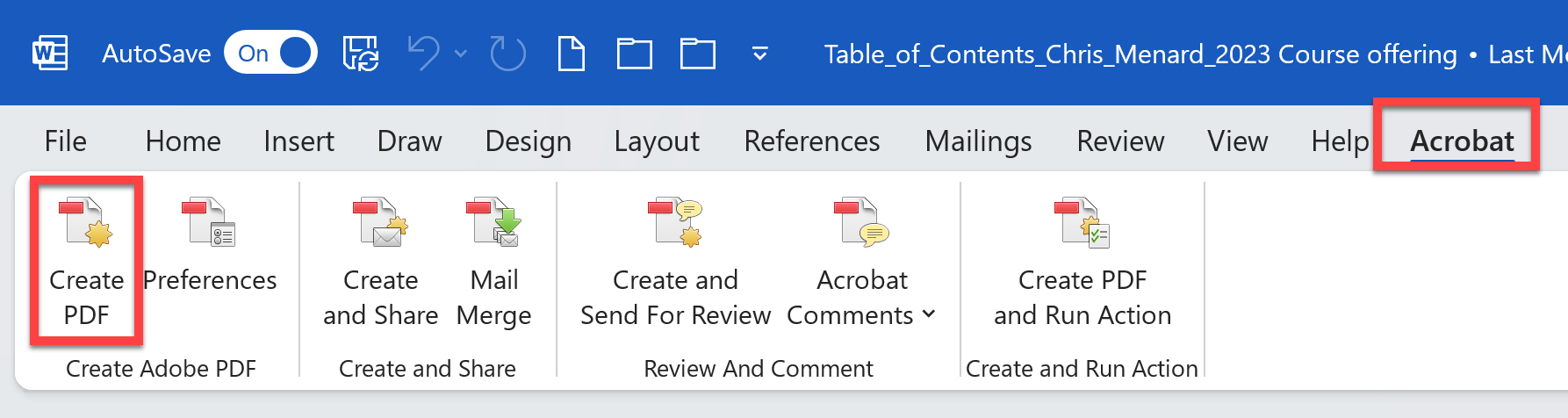
**Word to Adobe Acrobat**
it is easy to make bookmarks in the PDF. In fact, the bookmarks can be automatically created. Also, you can set up Adobe Acrobat to automatically display the Bookmarks panel. This is a great tip!
YouTube Video
Microsoft Word to Adobe Acrobat with Bookmarks!
Make the Bookmarks Panel show when opening PDF
To set up a PDF to open with the Bookmarks Panel displayed
1. Click File 2. Click Properties 3. Click Initial View 4. Click the drop-down and select Bookmarks Panel and Page 5. Click OK
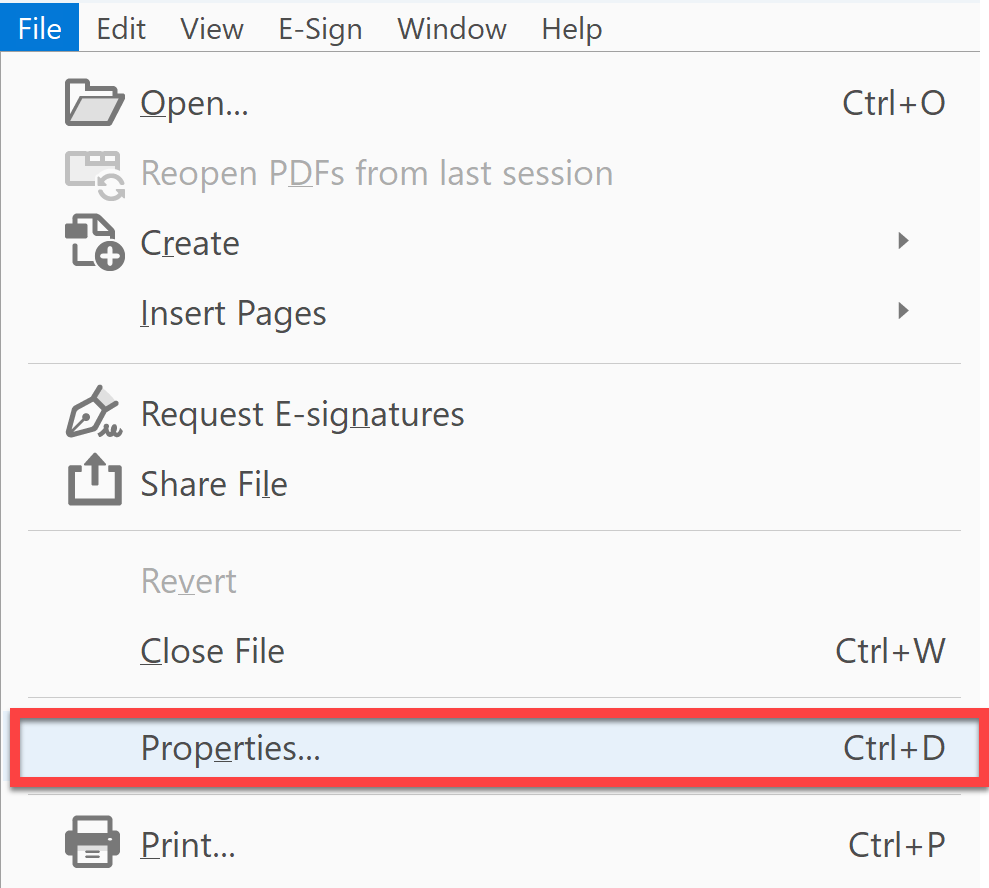
**File - Properties in Adobe Acrobat**
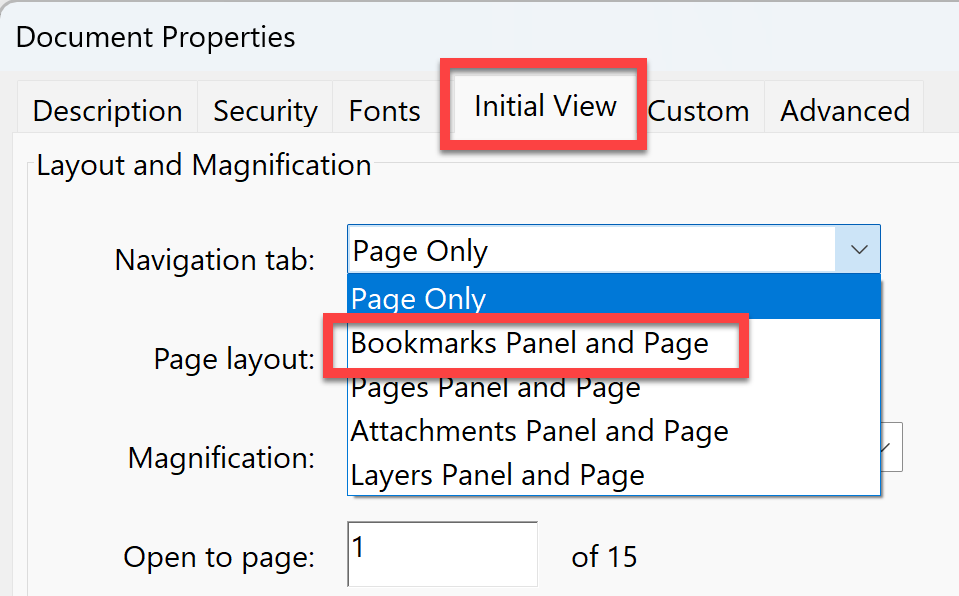
**Initial View - Bookmarks Panel and Page**



