
Keyboard shortcuts for Paste Values in Excel
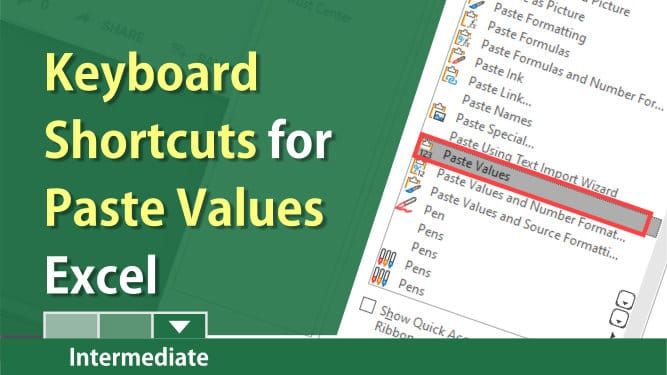
Paste Values in Excel is an excellent feature. It copies only the value of a cell, not the formula.

Posted on: 09/28/2019
Paste Values in Excel is an excellent feature. It copies only the value of a cell, not the formula. When you copy a cell with a formula and paste, the formula gets pasted. Frequently, you want just the value.
Paste Values does not copy formatting or formulas. If you copy and paste, and the destination cells contain formatting, paste values will take the formatting.
My two favorites are number 3 and number 5 below, but you have plenty of options if you don't like those two options.
Keyboard shortcuts for paste values
- Alt, H, V, V
- Alt, E, S, V, Enter (on the Mac this is Ctrl + Cmd + V)
- Menu key + V - the Menu key is to the right of the spacebar. Note: not all keyboards have a menu key.

- Ctrl + V, Ctrl, V
- Create a shortcut on the Quick Access Toolbar (QAT)
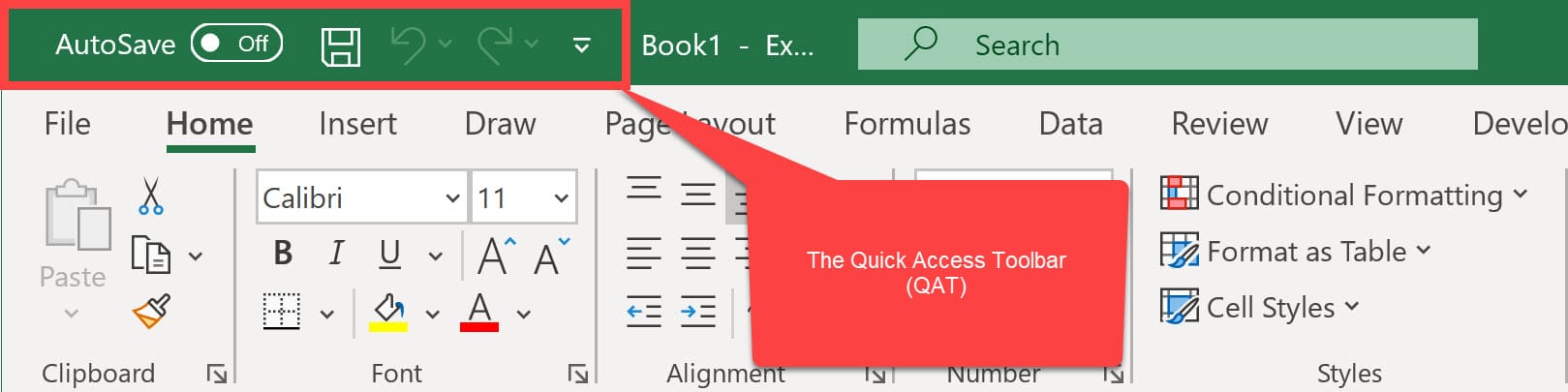
The Quick Access Toolbar sits above the ribbon in Excel, Word, PowerPoint, and Outlook. The Quick Access Toolbar is a customizable toolbar that contains a set of commands that are independent of the tab on the ribbon that is currently displayed.
Steps to customize the Quick Access Toolbar
- Click File, then click Options.
- Click Quick Access Toolbar.
- Change from Popular to All Commands.
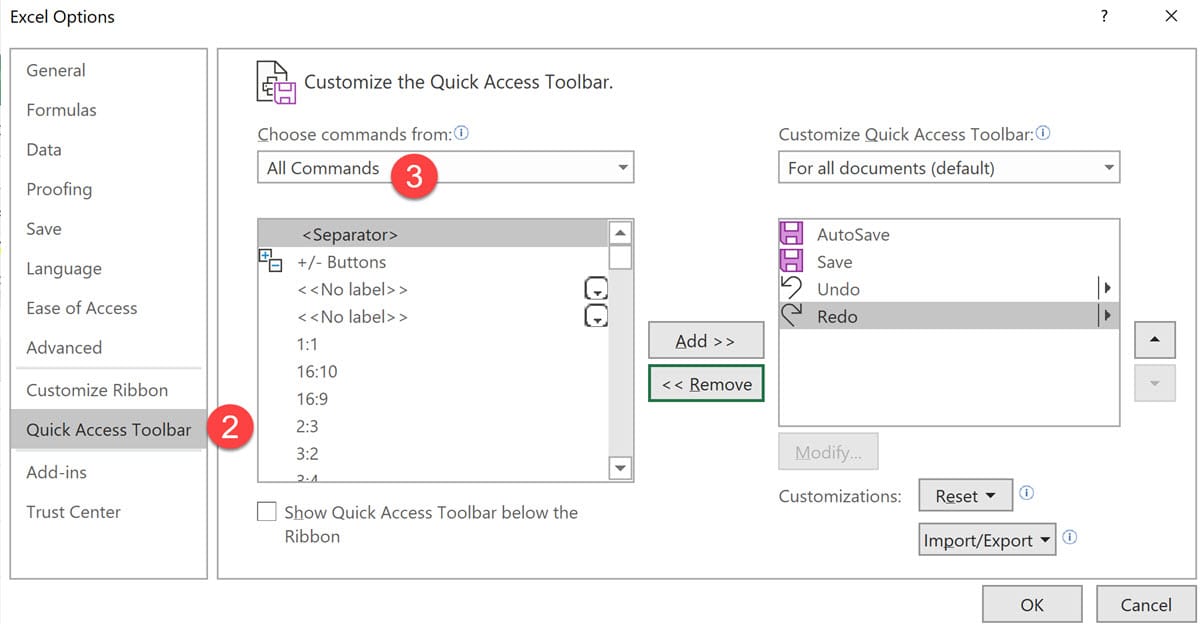
- Click the command you want to add.
- Click Add.
- Click OK.
YouTube Video on Keyboard Shortcuts for Paste Values
Keyboard Shortcuts for Paste Values, not formulas, in Excel by Chris Menard - YouTube



