Join Me at the Administrative Professional Conference (APC) 2026 in Nashville for M365 Copilot Essentials
I'll be presenting in-person on M365 Copilot at the APC Conference on September 13-16, 2026, in Nashville, where I’ll show how Copilot works across Excel, Word, PowerPoint, Teams, Outlook, and OneDrive to help administrative professionals work faster and smarter.


I’m excited to share that I’ll be speaking at the Administrative Professionals Conference (APC) 2026 in Nashville, Tennessee, taking place September 13–16, 2026, at the Gaylord Opryland Resort & Convention Center.
I’ll be leading two sessions at this year’s conference, and one of them is a 90-minute Masterclass focused on one of the biggest workplace game changers in Microsoft 365:
M365 Copilot Essentials: Transforming Everyday Tasks in Excel, Word, PowerPoint, Teams, Outlook & OneDrive
Format: 90-minute Masterclass
Date/Time:
- Monday, September 14, 2026 — 3:15 PM–4:45 PM CT
- Repeat session: Tuesday, September 15, 2026 — 1:30 PM–3:00 PM CT
If you use Microsoft 365 every day and want to understand how AI can help you work smarter, faster, and more strategically, this session is for you.
APC Links
Sample Copilot Video 1 - Compare Files in OneDrive with Copilot
What This M365 Copilot Session Is About
In this session, I’ll introduce Microsoft 365 Copilot (Licensed Version) and show how it integrates directly into the apps many administrative professionals already rely on every day — including Word, Excel, PowerPoint, Outlook, Teams, and OneDrive.
How do I know if I have an M365 Copilot license?
 Chris Menard
This isn’t about vague AI concepts or futuristic possibilities. It’s about practical, real-world ways to use secure, enterprise-grade AI to improve the work you’re already doing.
We’ll explore how Copilot can help you:
- Draft and refine content in Word
- Analyze and summarize information in Excel
- Use two of Excel's most powerful new features - COPILOT Function and Formula Completion
- Build polished presentations in PowerPoint
- Manage email and scheduling more efficiently in Outlook
- Capture meeting notes, insights, and action items in Teams
- Work more effectively with files across OneDrive
Live Stream on Copilot Function and Formula Completion on March 18, 2026
 Chris Menard
The goal of this session is simple: help you understand what Copilot can do right now and how to apply it immediately in your day-to-day work.
Why This Matters for Administrative Professionals
Administrative professionals are often the people who keep communication flowing, projects moving, and teams organized. That means even small productivity improvements can create a major impact.
Microsoft 365 Copilot has the potential to reduce time spent on routine work, improve the quality of deliverables, and free up more time for higher-value, strategic contributions.
Whether you’re creating documents, organizing data, preparing presentations, managing executive calendars, or following up after meetings, Copilot can help streamline the process while keeping you inside the Microsoft tools you already know.
Sample Copilot Video 2 - Compare Files in OneDrive with Copilot
What You’ll Learn
Here are some of the key takeaways attendees can expect from this Masterclass:
- Analyze and organize data in Excel using AI-powered insights
- Draft and refine documents in Word with AI writing assistance
- Build executive-ready presentations in PowerPoint
- Manage email and scheduling more efficiently in Outlook
- Capture meeting insights and action items automatically in Teams
By the end of the session, you’ll have a clearer understanding of how Microsoft 365 Copilot can support productivity, collaboration, and work quality across the Microsoft 365 ecosystem.
Who Should Attend
This session is designed for Administrative Professionals who use Microsoft 365 applications regularly and want to learn how to leverage secure, enterprise-grade AI to:
- work faster
- Reduce time spent on repetitive tasks
- improve productivity
- elevate the strategic quality of their work
If that sounds like you, I’d love to see you there.
🔧Important Technical Requirement
The hands-on portion of this session focuses on the licensed, paid enterprise version of Microsoft 365 Copilot.
Attendees should have access to the licensed version of M365 Copilot, since this Masterclass is built around the enterprise experience and capabilities available within that environment.
Easy steps to tell if you have M365 Copilot (license)
- Open Word Desktop
- Click Copilot
- Look for M365 Copilot (Premium)

FAQ
Q: I don’t have a Microsoft 365 Copilot license. Can I still attend this session?
✅ Yes — absolutely.
You do not need a Microsoft 365 Copilot license to attend.
This session is designed for:
- Current M365 Copilot license users
- Users who are curious about Copilot
- Organizations considering purchasing licenses
- Administrative professionals supporting licensed users
- Anyone who wants to understand the differences between:
- Microsoft 365 Copilot
- Microsoft 365 Copilot Chat
- Free vs. Licensed Copilot experiences
Q: Should I attend if my company is thinking about purchasing Copilot?
✅ Definitely.
This session will help you:
- Understand what you're actually buying
- Avoid common licensing misconceptions
- Identify which users benefit most from Copilot
- See real examples of licensed vs. non‑licensed experiences
Q: Who usually attends APC, and how many people attend?
The APC audience comprises Administrative Professionals, Executive Assistants, Office Managers, and all related administrative roles. Over 2,000 users attend APC. This year, 2026, a record attendance is anticipated.
Q: What is Gaylord Opryland Resort & Convention Center
I Hope to See You in Nashville
The Administrative Professional Conference is always a fantastic event for learning, professional growth, and connecting with administrative professionals from across industries. I’m honored to be part of the 2026 conference and excited to share practical ways Microsoft 365 Copilot can help transform everyday work.
If you’ll be attending APC in Nashville, I hope you’ll join me for M365 Copilot Essentials: Transforming Everyday Tasks in Excel, Word, PowerPoint, Teams, Outlook & OneDrive.
I’m looking forward to a great session — and to seeing many of you there.
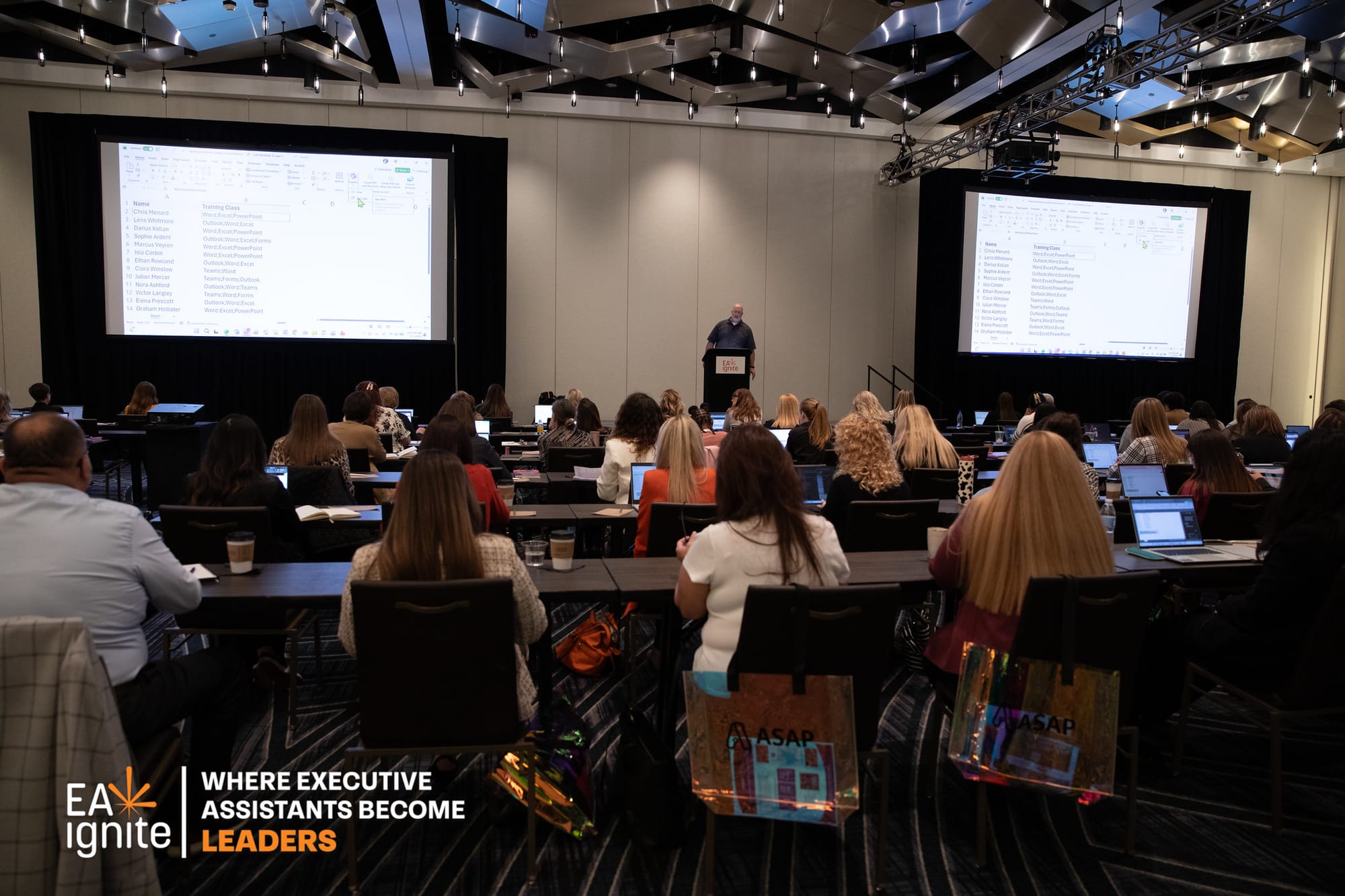
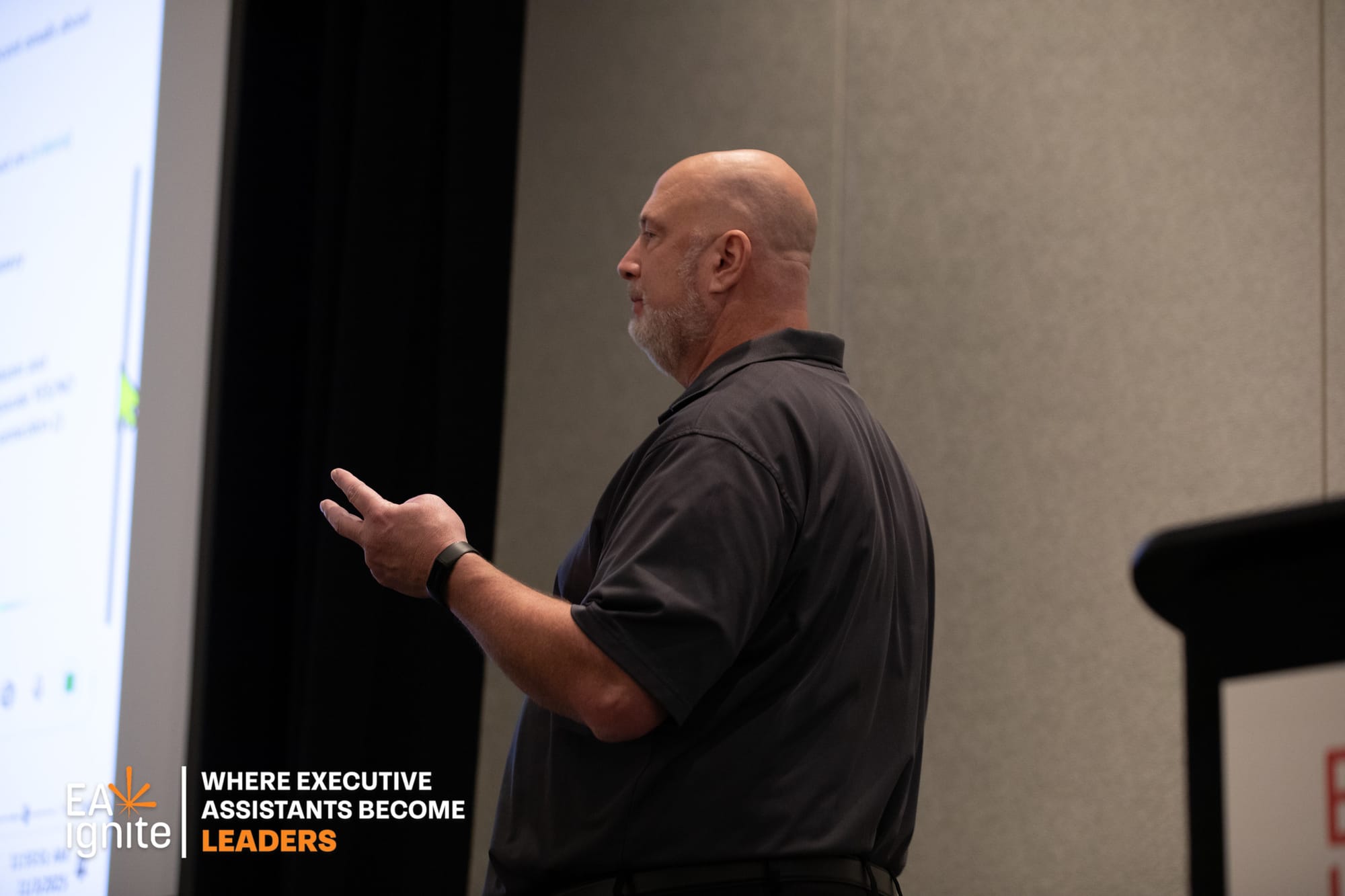
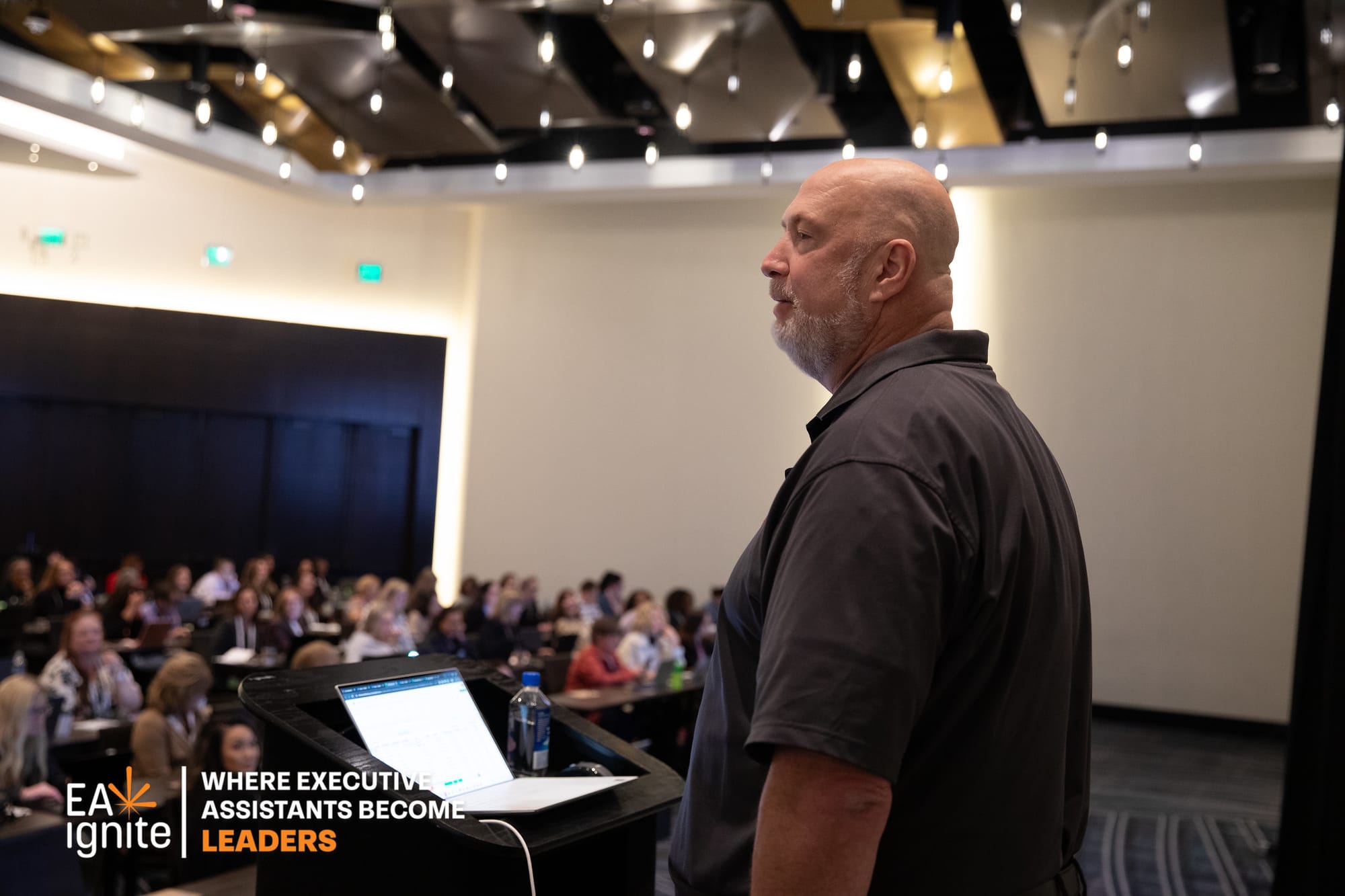
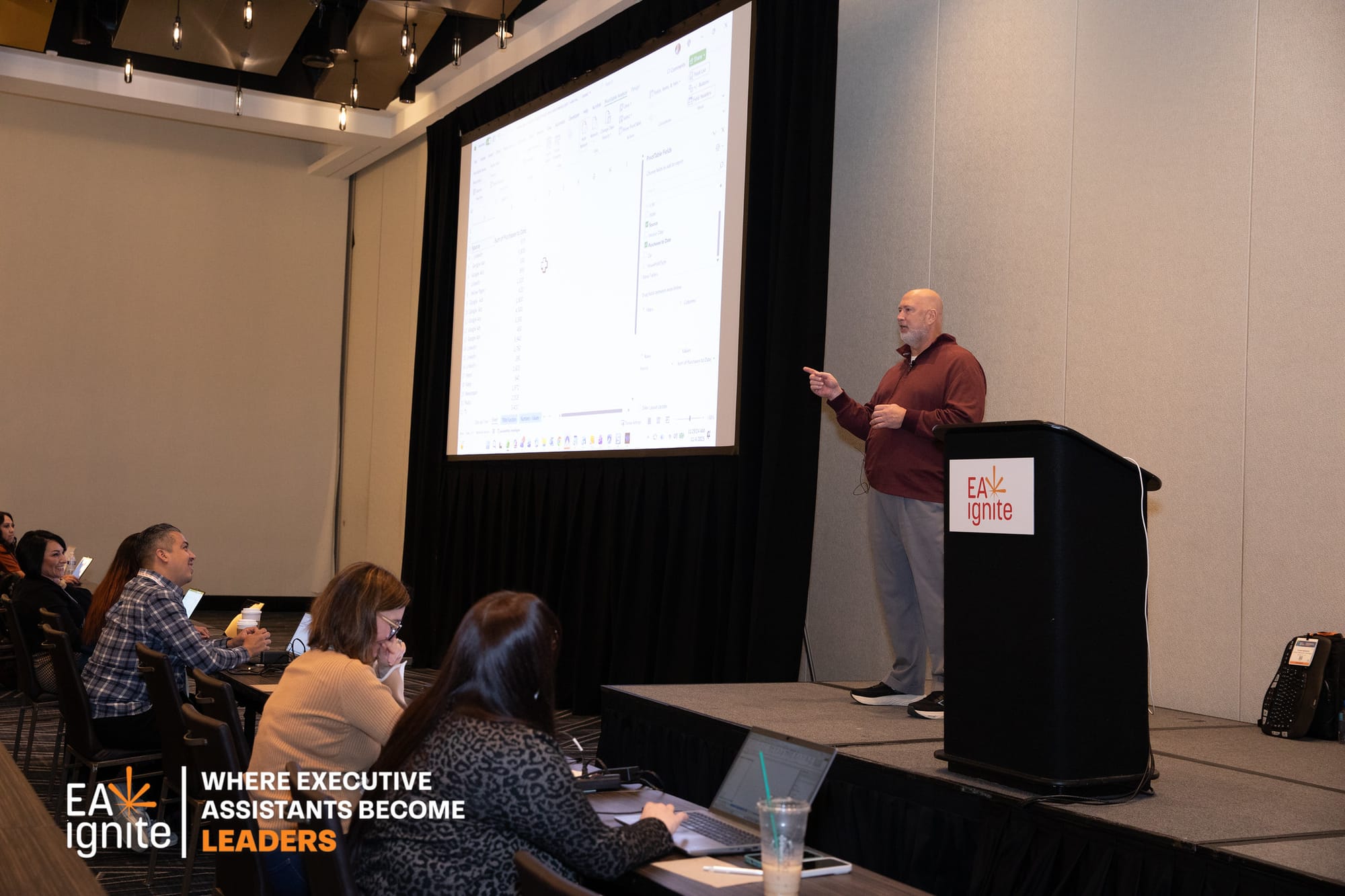
Photos from my last ASAP Session - Nov 2025
Photos from our last conference (EA Ignite) in Nashville -brought to you by the same company that hosts APC - the American Society of Administrative Professionals (ASAP)

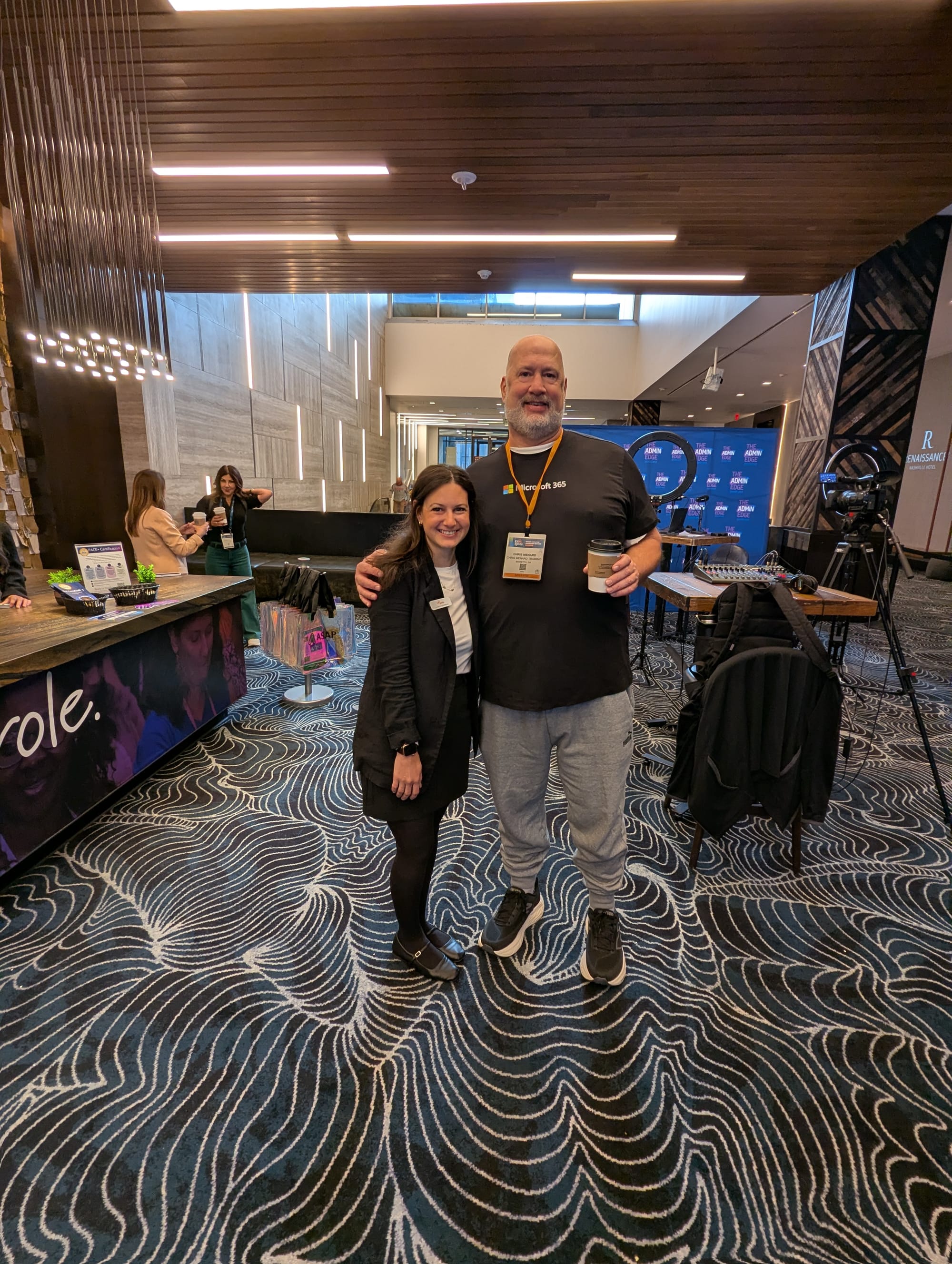
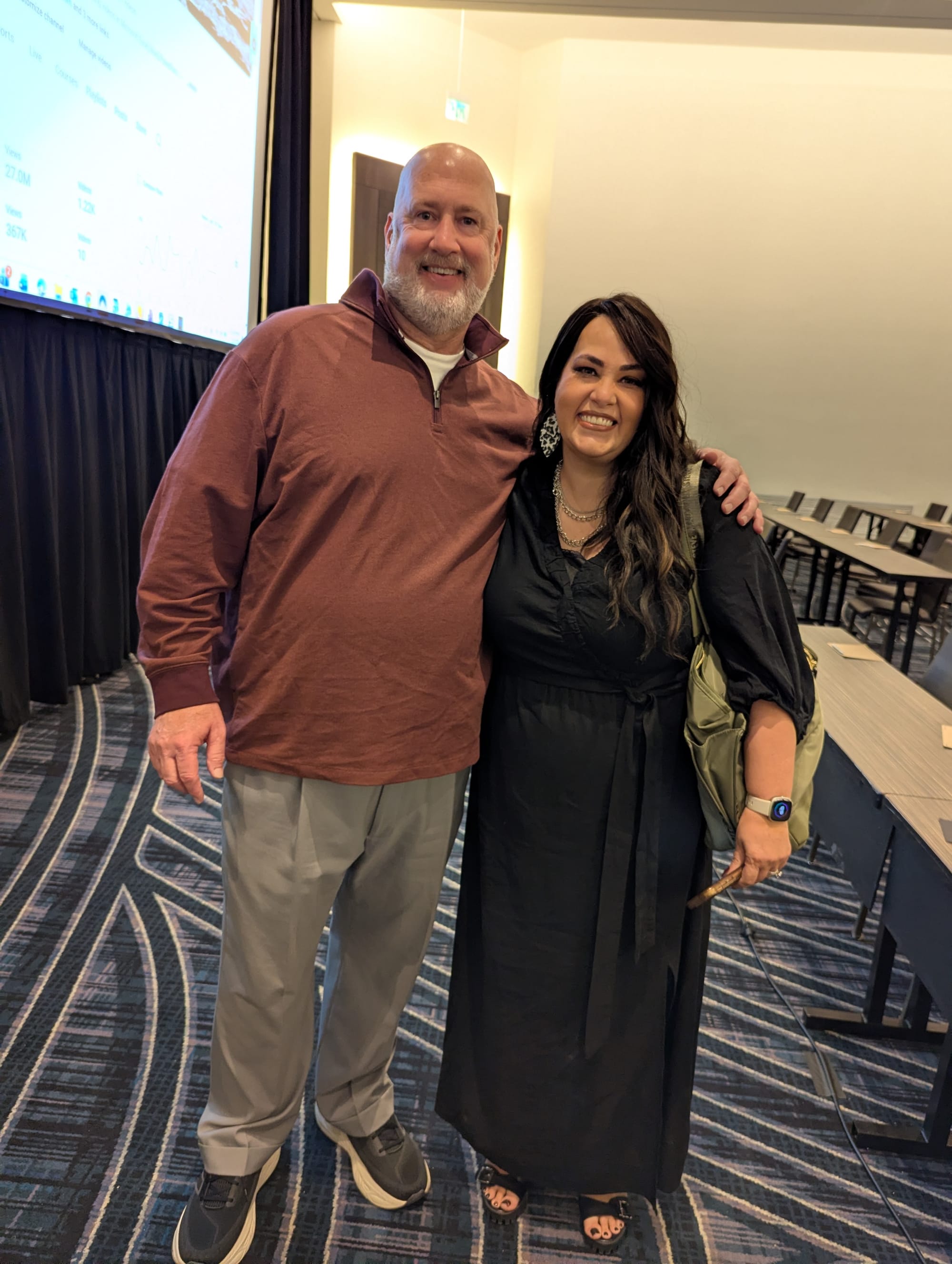


The four photos below are from ASAP and 5 Tool Productions. EA Ignite Fall 2025 Photos - Chris Menard teaching
Popular Articles
 Chris Menard
 Chris Menard
 Chris Menard