
Google Calendar - The Best Keyboard Shortcuts to Navigate and Move around


Google Calendar has been around since 2009 for general release. In this short video, I'll show keyboard shortcuts for navigating the Google calendar with different views, and quickly getting around. We will look at various views: day view, week view, month view, schedule view, and year view.
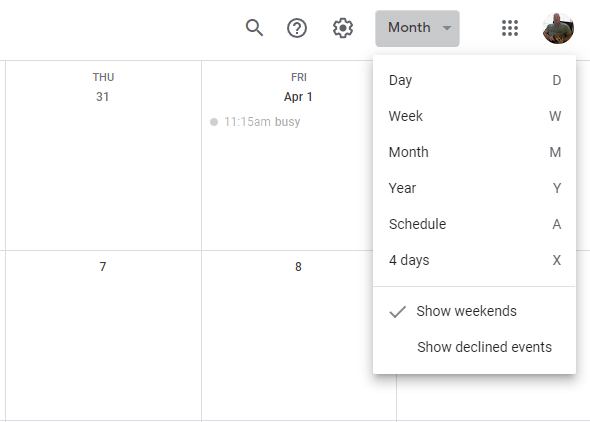
**Google Calendar Keyboard Shortcuts**
You can easily get to today by pressing the letter T, and quickly jump to any date with the letter G. Need to show the next to previous time period use P or N on the keyboard. P is previous and N is next - the same as the PowerPoint slideshow.
YouTube Video
Google Calendar - The Best Keyboard Shortcuts to Navigate and Move around
Keyboard Shortcuts to Change Views
| Display in Calendar | Keyboard | | --- | --- | | Day view | 1 or D | | Week view | 2 or W | | Month view | 3 or M | | Four-day view | 4 or X | | Schedule view | 5 or A | | Year view | 6 or Y |
Keyboard Shortcuts to Move Around
| Display in Calendar | Keyboard | | --- | --- | | Go to the next period | N | | Go to the previous period | P | | Go to a date | G | | Go to Today | T |
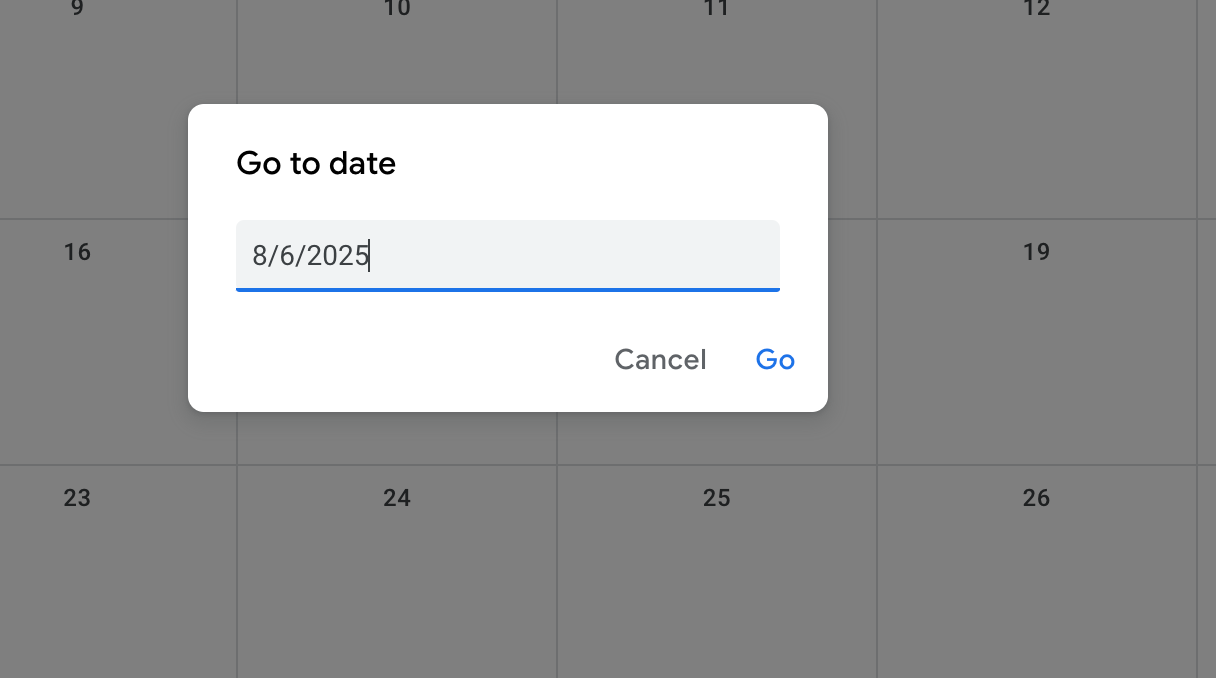
**Google Calendar Go to date**



