
Five examples of using named ranges in Excel

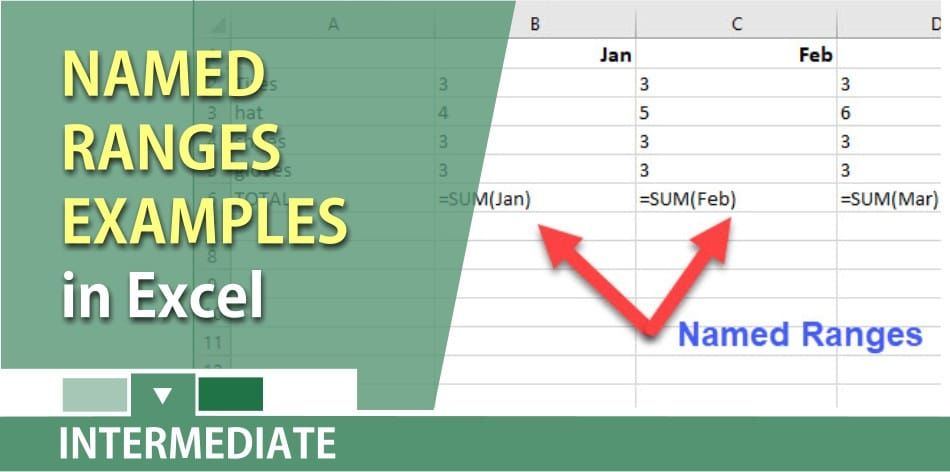
You can create a named range that refers to a single cell in Excel. You can also select a group of cells on the worksheet and make it a named range. After you define Excel names, you can use the names in a formula, instead of using a constant value or cell references.
For example, a cell that contains the revenue for each state could be named Revenue or Rev. Then you could use functions and reference the named range. Example: =Sum(Revenue) or =Average(Revenue).
YouTube Video of using Named Ranges by Chris Menard
_Shown in the video below:_
1. A single cell named range. 2. Using a named range in a formula. 3. Creating named ranges from a selection. 4. Applying named ranges. 5. Using named ranges in a data validation.
Five examples of when to use Named Ranges in Excel by Chris Menard
You can create a named range quickly
1. Select the cell(s) to be named. 2. Click in the Name box, to the left of the formula bar. 3. Type a valid one-word name for the list, e.g. Revenue. 4. Press the Enter key.



