
Excel - Getting Started with Autofill - MUST KNOW FEATURE


Using AutoFill in Excel is one of Excel's most used features. To be proficient in Excel, you need to master AutoFill. In this video, we will look at using Autofill with Series, Columns, Number Patterns, Dates, and Text.
Topics covered in the video
- Quick navigation around the sheet - Using the Format Painter - Adding a formula - Autofill - Autofill Tips - Autofill Series - Autofill column - Autofill with number pattern - Autofill with dates - Autofill with date pattern - Date and time tips - Insert date and time - Autofill with text
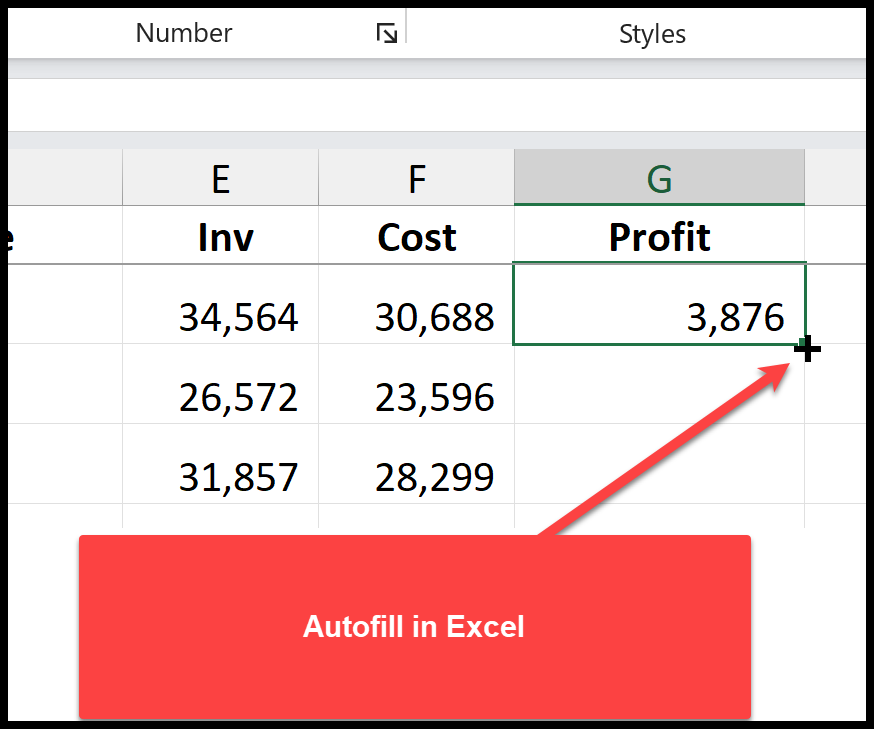
AutoFill in Excel
What is AutoFill in Excel?
AutoFill is a great feature that automatically picks up series or patterns and fills in data. For example, If you type January in cell B1, and Autofill to the right, AutoFill will start putting in February in C1, March in D1, April in E1, and will continue.
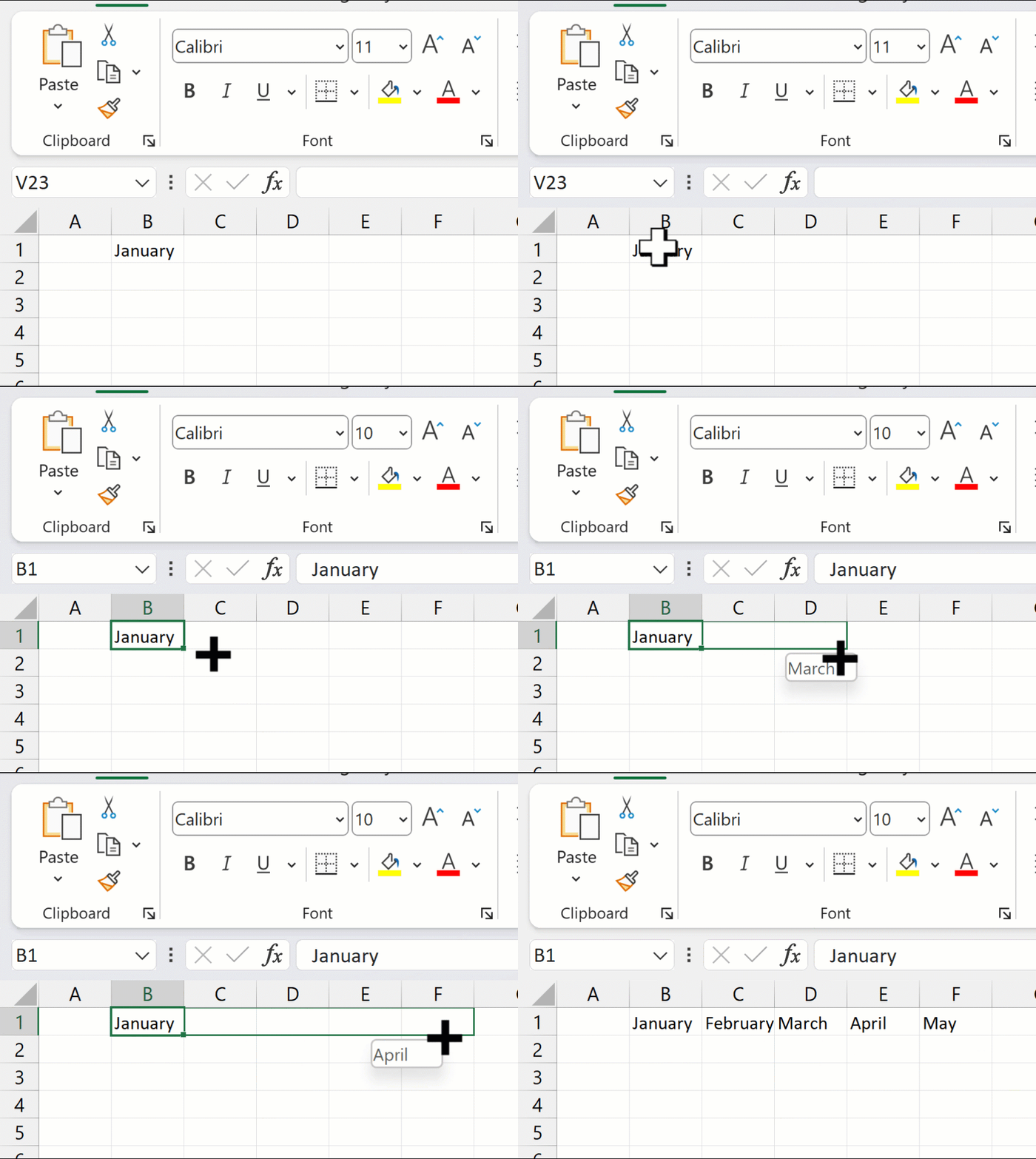
Autofill Months in Excel
AutoFill number. In cell A2, type in 1. In cell A3, type in 2. Select A2 and A3, and Autofill down the series.
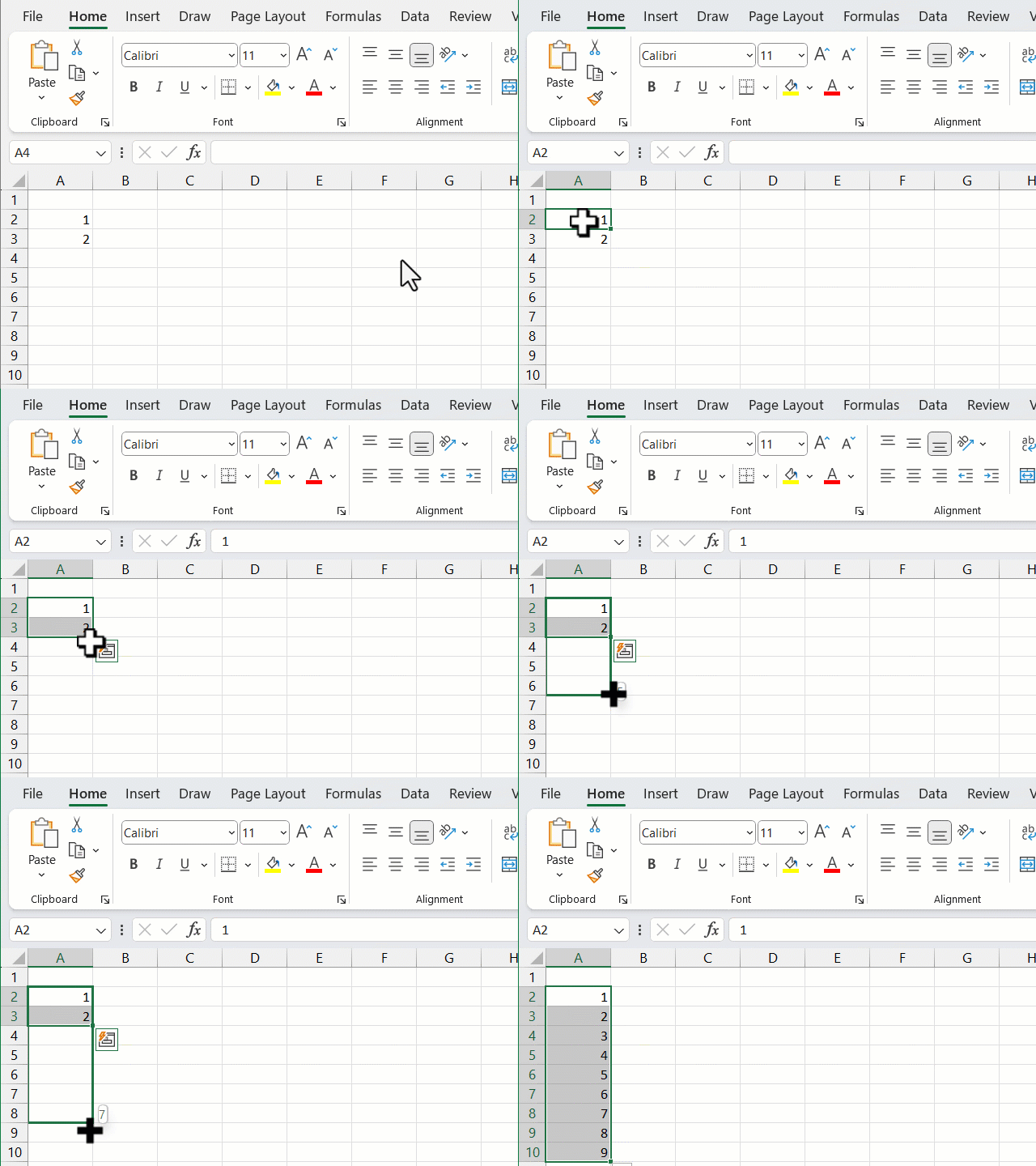
Autofill numbers
YouTube Video on AutoFill
Excel - Getting Started with Autofill - MUST KNOW FEATURE



