
Excel - Easily Break Up Data using Subtotals and Conditional Formatting


After sorting in Excel, we will look at two great methods for separating blocks of data or showing a clean separator between our groups.
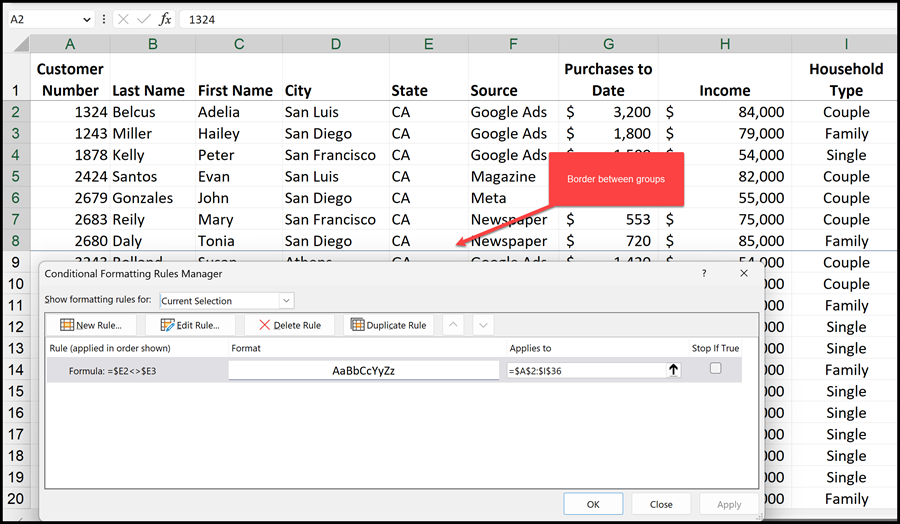
Break between groups in Excel
A group may be departments, states, countries, or cities. We will use the Subtotal command, and Page Breaks between Groups for one example. We will follow up with advanced conditional formatting using borders between groups. We will also print titles or our header rows to it is easy to identify the titles on every page.
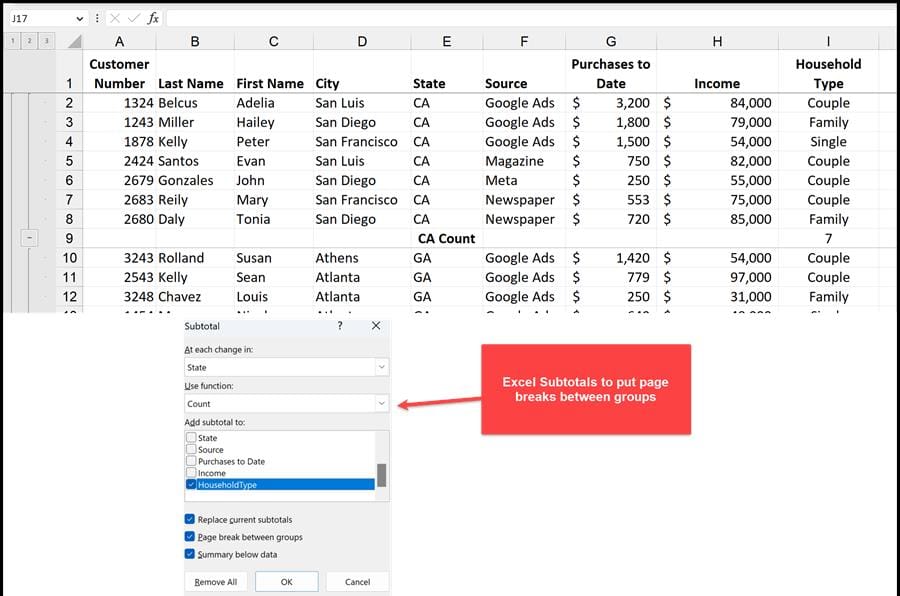
Excel Subtotals to put breaks between groups
YouTube Video
Excel - Easily Break Up Data using Subtotals and Conditional Formatting



