
Excel Charts vs PivotCharts | Comparison | Which is Best?


Which is best in Excel? Classic CHARTS or PIVOTCHARTS? I will show you both ways of creating charts in Excel. I demonstrate step by step what's involved in each method, which one is the most flexible and powerful, and which one I prefer.
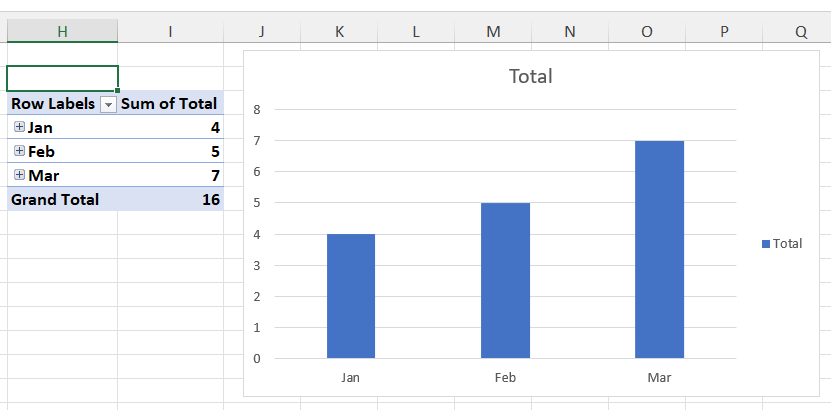
**Charts vs. PivotCharts**
We take a look at creating some classic charts (in Excel, the shortcut is ALT + F1) using a date-based cell range, and I show you how to customize the appearance to skip dates without data.
The second method, using PivotCharts, is also demonstrated in this tutorial. We look at how easy it is to create a PivotTable and then a PivotChart from it and obtain a powerful and flexible chart with a few clicks.
YouTube Video
Excel Charts vs PivotCharts \| Comparison \| Which is Best?
Video Chapters / Bookmarks
- 00:00 Introduction - 00:17 Creating a classic chart - 02:10 Creating a PivotChart - 03:15 Closing remarks
Keyboard shortcuts to create a chart
- **F11** \- Create a chart on a separate worksheet - **ATL + F1** \- create a chart on the current worksheet