
Excel Automatic Data Type: Dog Breeds and Diseases

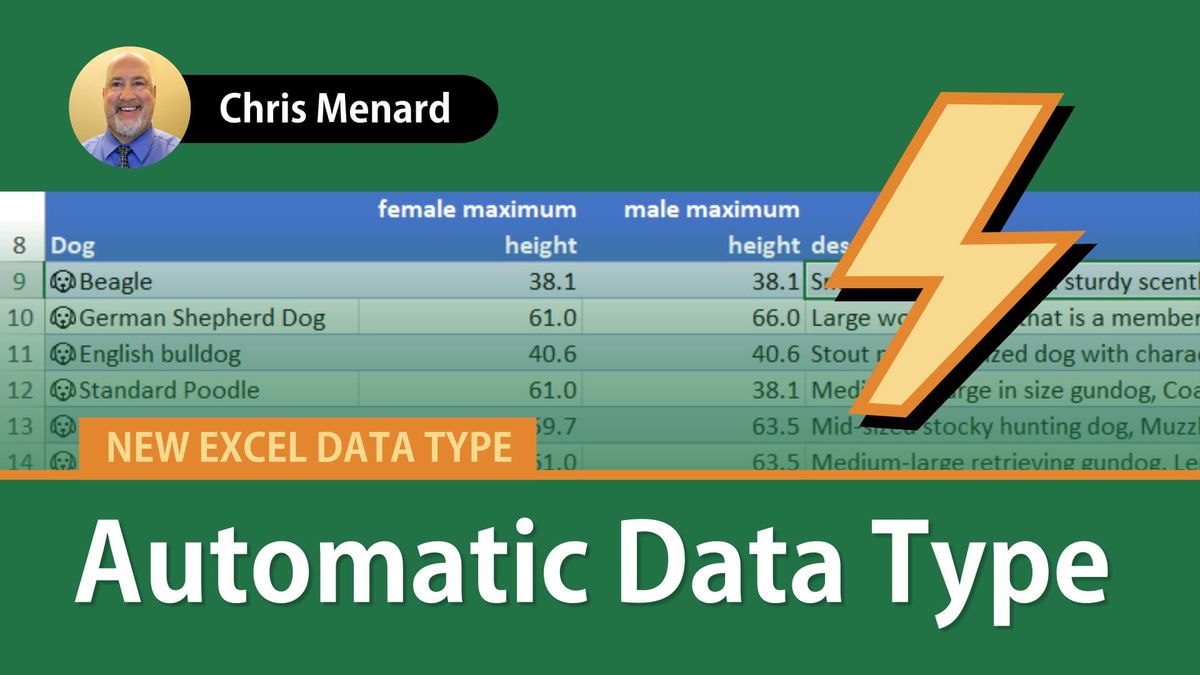
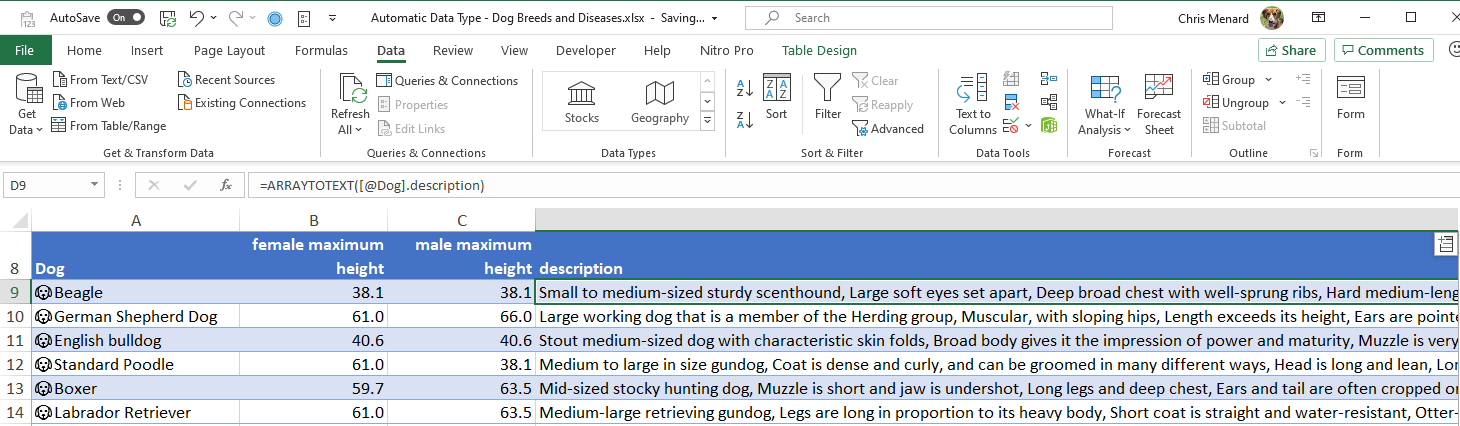
Excel's Automatic Data Types is an awesome feature. There are over 50 different data Automatic data types, not including the specific types listed when you go to Data - Data Types group. Excel's Automatic data types can recognize similar data. In this video, I type in different dog breeds in columns A and Excel finds the breeds and returns data information.
Just some of the fields for dog breeds:
1. AKC recognition year
2. Alternate names description
3. female maximum height
4. female maximum weight
5. female mean height
6. female mean weight
7. female minimum height
8. female minimum weight
9. hair length image
10. male maximum height
11. male maximum weight
12. male mean height
13. male mean weight
14. origin
15. shedding
16. size
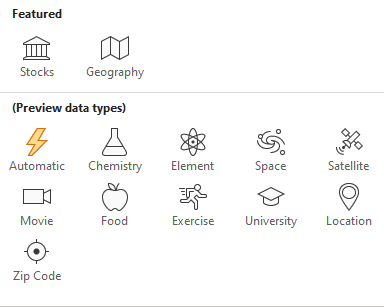
Other Automatic Data Types include:
artwork, book, music act, music work, music album, musical instrument
plant, animal species, dog breed, cat breed, Fictional characters, dinosaur, cattle breed, goat breed, pig breed, pigeon breed, poultry breed, sheep breed, animal anatomical structure, yoga pose, yoga position, yoga sequence, yoga prop, pilates exercise, physical activity
The Automatic Data type is one of the newer data types in Excel and is currently only available for beta users. It will work on Excel for Microsoft 365, Excel for Microsoft 365 for the Mac, and Excel for the web.
Excel Automatic Data Type: Dog Breeds and Diseases - YouTube
Video Time Stamps
Timestamps/Bookmarks
0:00 Intro
0:25 dollar-cost averaging
1:25 Dog breeds
3:07 Diseases
I used Automatic Data Type to identify diseases
1. Type in the diseases in column A. 2. Click in one cell that has the diseases. Make a table using **CTRL + T**. 3. Select the diseases. In my example, I selected **A2 to A5**. 4. Click the **Data** tab. In the Data tab group select **Automatic**. 5. Now add the fields you want.
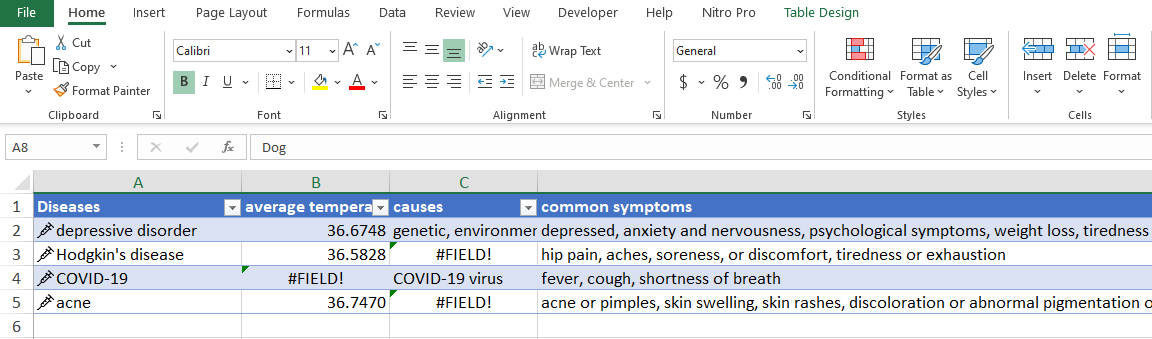
Note: **#FIELD!* error message means the record doesn't have any data for that particular field. Here is a Microsoft article on #FIELD! error message.
Microsoft support article for linked data types:
Related videos by Chris Menard:
- Five great tips when using the Geography Data Type
- Geography Data Type - Excel for the web
- Zip code data type



