Create a Poll in an Outlook Email


Outlook now allows you to create a poll in an email quickly. This works with in conjunction with Microsoft Forms, and you do NOT have to go to Forms to use this feature. You create your poll directly in the Outlook email. It is called a Quick Poll.
This is a great new feature for Microsoft 365 subscribers (formerly Office 365).
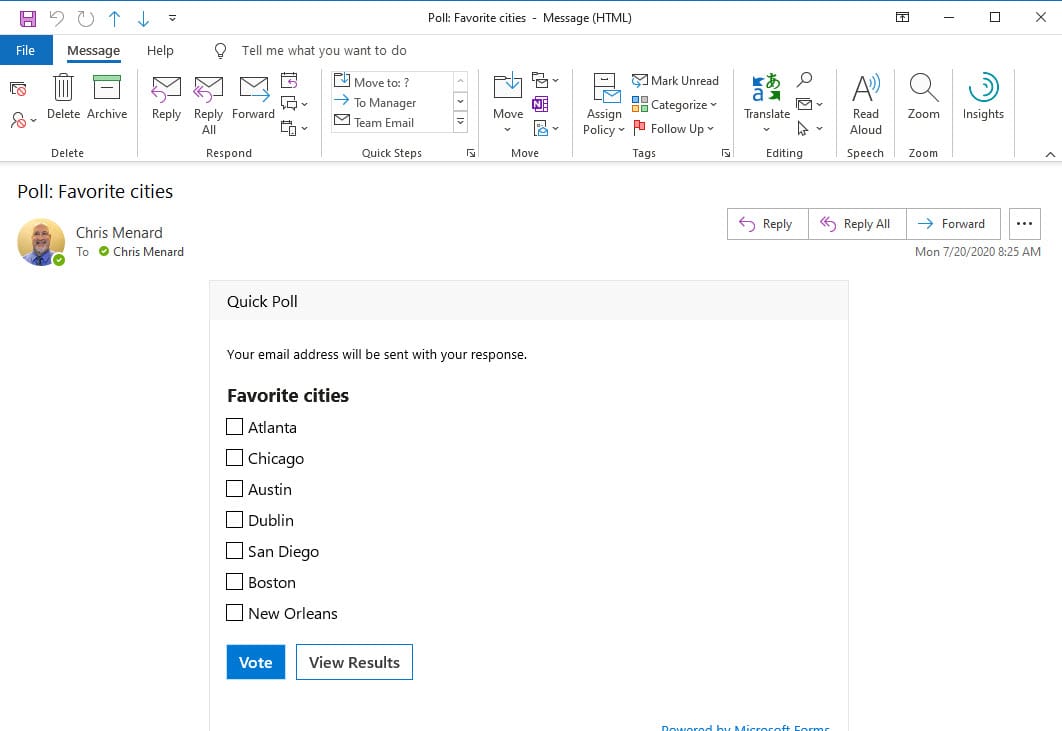
Outlook has allowed you to use "Voting Buttons," but users frequently get confused about how to create voting buttons, and then the recipient gets confused about clicking the voting button options.
Here are the steps for creating a poll in an email:
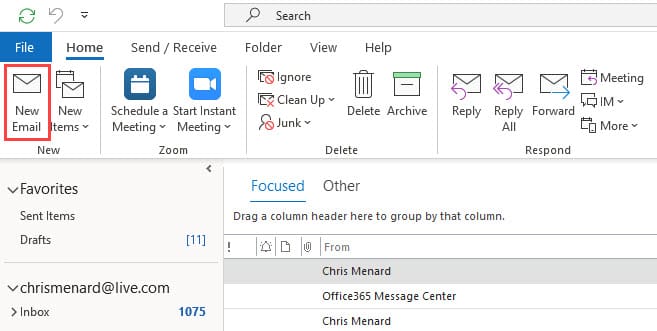
1. Click the New Email button on the Home tab.
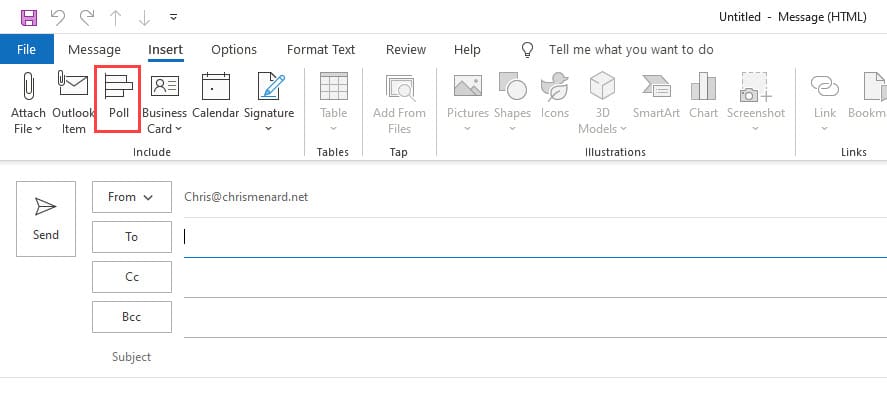
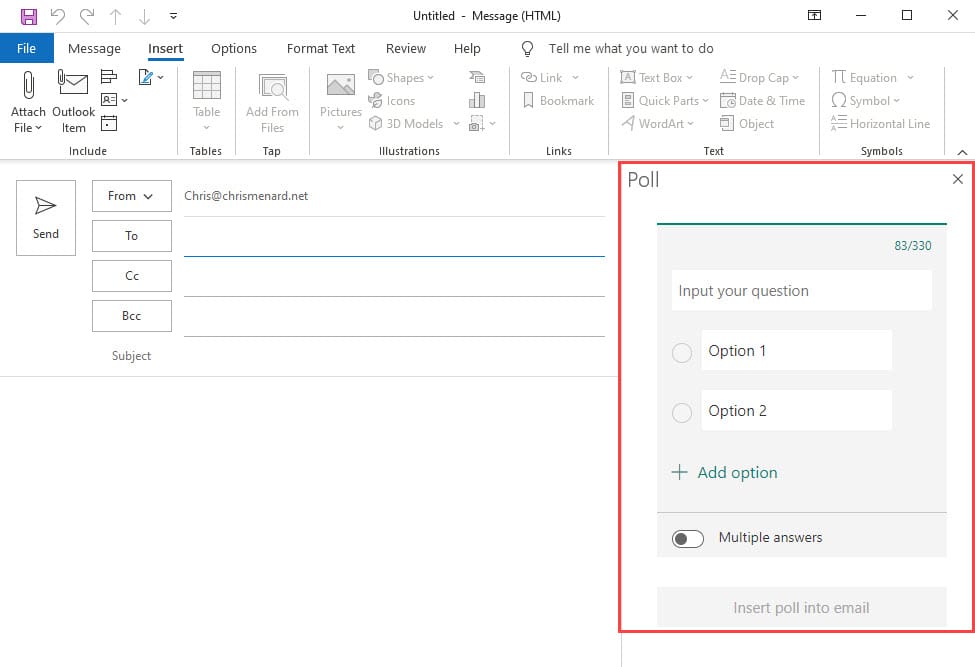
2. On the Insert tab, click the Poll button.
3. Create your poll by filling out the Poll form. You can do true/false or multiple answers.
Availability for Quick Polls
This feature is currently available for users running Insider builds on Windows.
1. Windows: Version 2004 Build 12730.20000 or later.
2. Requires a Microsoft 365 subscription.
This feature is not available for Office 2019 or 2016.
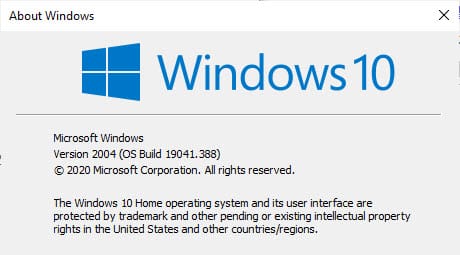
To find out what version and build of Windows you are running
1. Select the Start button and then select Settings.
2. In Settings, select System > About.
Menard's shortcut method: You can also press the Start button and type Winver and press ENTER.

Screenshot of my OS and Build