
Click and type anywhere in Microsoft Word

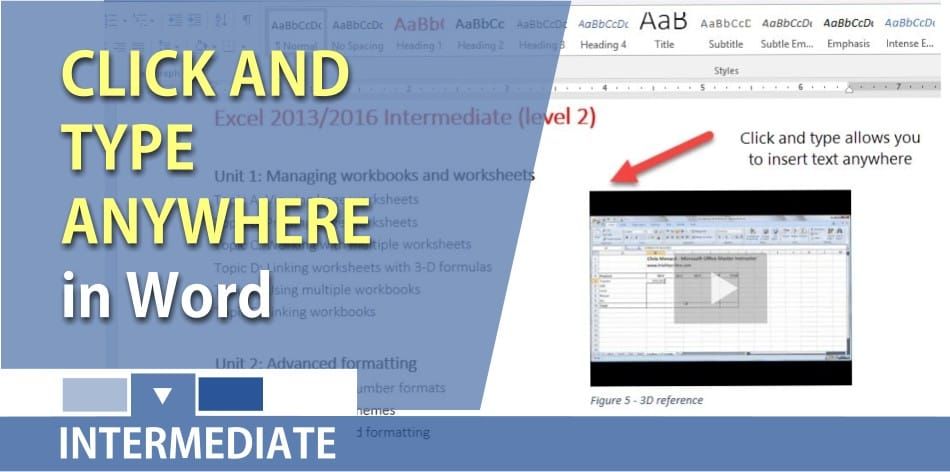
Microsoft Word has a feature that is rarely used but is very helpful. It is double click and type. Just double-click anywhere in the document and your insertion point (the cursor) will be placed exactly at that place. I use this all the time to add videos or images to the right side of my text.
YouTube video of clicking and typing in MS Word
Word 2016 just click and type instead of using a text box by Chris Menard - YouTube
Other helpful videos
Below are other helpful videos from Chris Menard’s YouTube channel:
Chris Menard
My channel covers technology training videos in Microsoft Excel, Word, PowerPoint, Outlook, Office365, Zoom, Teams, and Google mail and calendar. You can visit my website to see the latest tutorials, articles, and blog posts on everything Microsoft Office and related technologies. My website is: http://ChrisMenardTraining.com I’m a member of Microsoft’s Creator Team. Microsoft ask creators who make Microsoft videos to promote them on Microsoft’s YouTube channel. On this channel, you’ll find playlists of videos from a wide variety of YouTube channels. Creators are not Microsoft employees. We’re dedicated community experts who are sharing their expertise with the world, one video at a time. I’m located in Atlanta, Georgia.


Insert video from YouTube and Bing into Word
Insert Video into Microsoft Word by Chris Menard - YouTube



