
Analyze Results from Microsoft FORMS POLLS in Excel | Watch Chris Work


I recently spoke at the Administrative Professional Day Conference hosted by the University of Georgia. After reviewing my survey results in Microsoft Forms, I realized I needed to analyze the survey data. Forms results are immediately available in Excel.
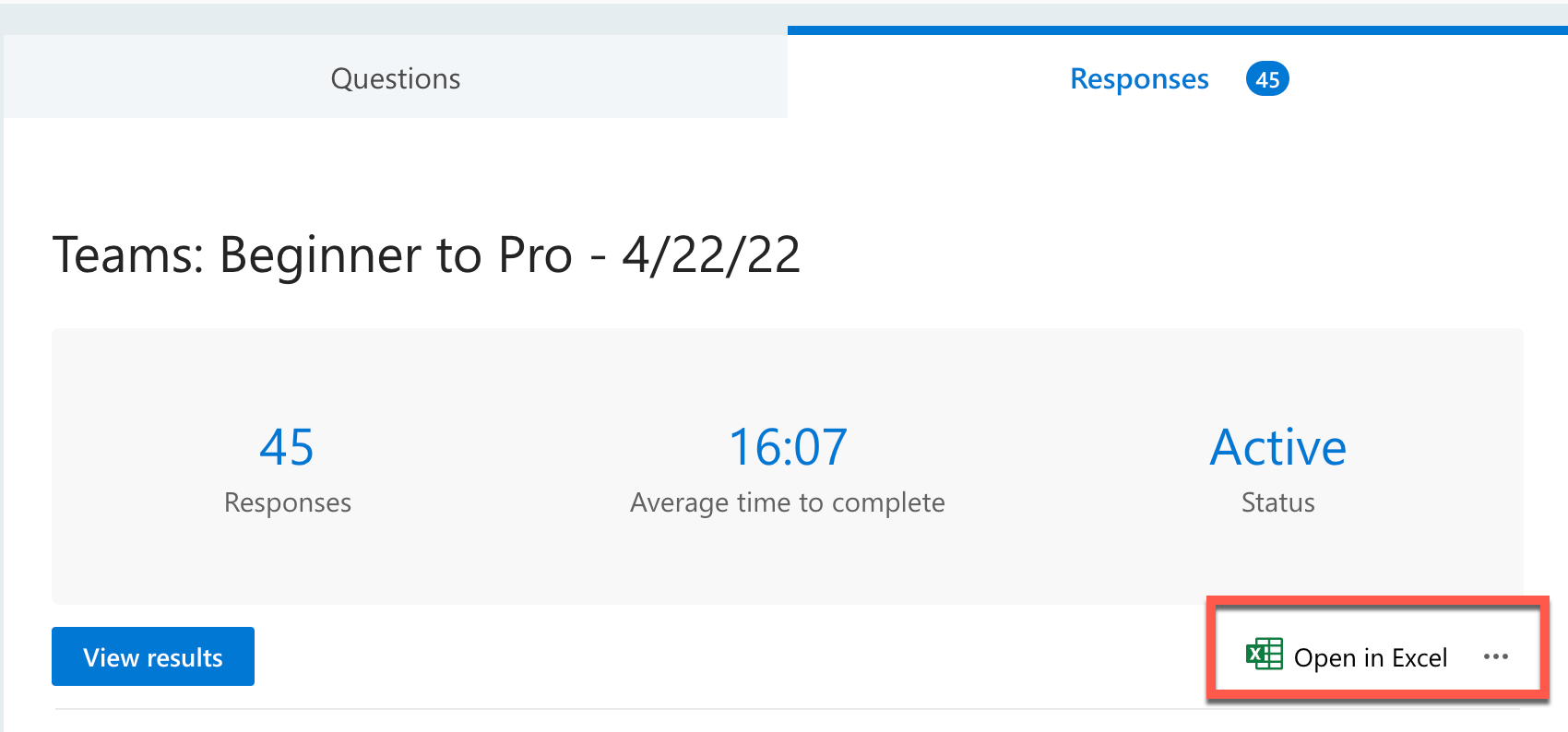
**Microsoft Forms - Analyze data in Excel**
After opening in Excel, I did the following functions in Excel: average, max, min, median, large, and trimmean functions. I added a helper column to calculate the time required to take the survey. Finally, I tested a few of the functions to ensure they were correct. This is something I needed to do so you actually get to see me work. I'm going to start a series called Watch Chris Work.
YouTube Video
Analyze Results from Microsoft FORMS POLLS in Excel \| Watch Chris Work
Video Chapters
- 00:00 Introduction - 03:45 Load results in Excel - 04:08 Add helper column - 06:56 Find maximum value - 07:03 Find minimum value - 07:16 Find average time - 07:25 Find median time - 08:18 Find top values - 10:44 Average excluding - 12:14 Test the formulas - 13:19 Closing remarks
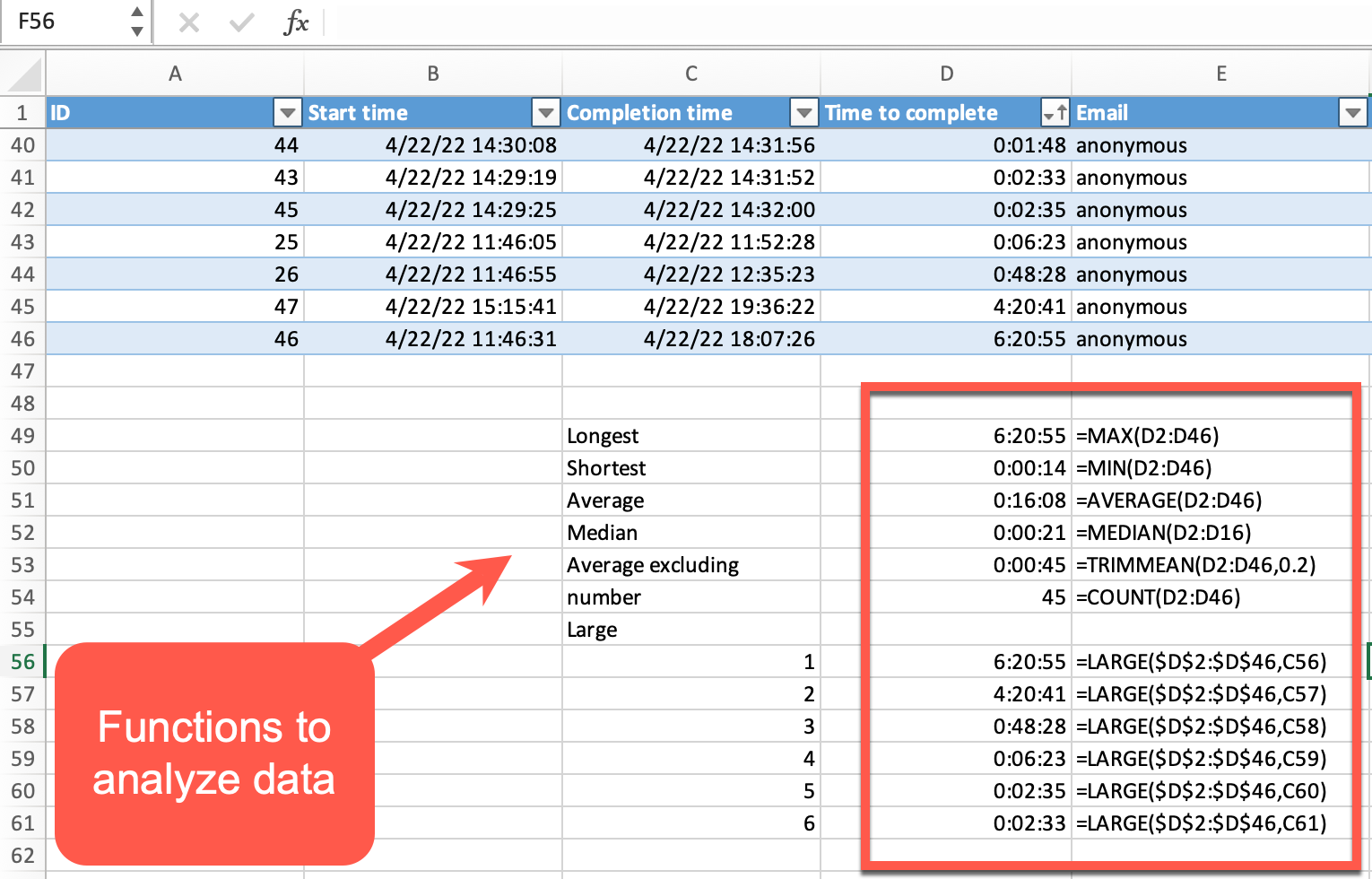
**Excel functions to analyze data**|



