
Analyze Data Command in Excel - Ask questions about your data using AI


Need to quickly understand your data in Excel and ask questions about your data? Easy to do using Excel's Analyze Data command located on the Home tab in Excel. Analyze Data using Artificial Intelligence (AI).
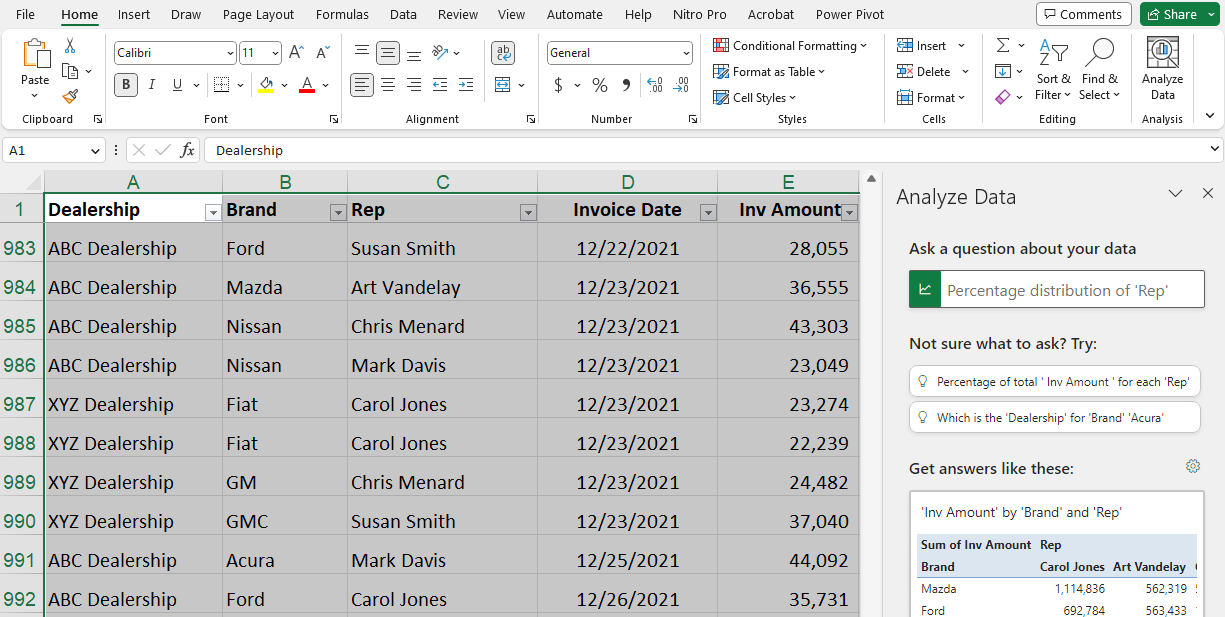
You can type questions, and Excel will return results in a PivotTable format. For example, I can type "Show me our three largest clients for 2023?" Analyze Data will give you the answer. Analyze Data also shows you charts for your data and even displays possible questions you may want to ask.
YouTube Video
Analyze Data Command in Excel - Ask questions about your data using AI - YouTube



