Microsoft 365 Copilot Chat Changes on April 15, 2026: What Unlicensed Users Need to Know

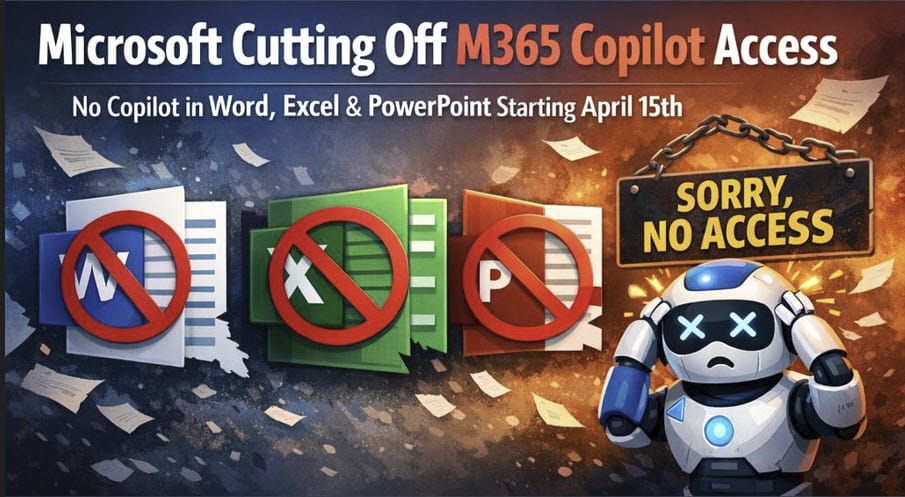
Microsoft is making an important change to Microsoft 365 Copilot Chat for users without a paid Microsoft 365 Copilot license. Starting April 15, 2026, many of those users will no longer have the same Copilot experience inside apps like Word, Excel, PowerPoint, and OneNote.
The image below shows how Copilot appears in MS Word for a non-licensed user before April 15, 2026.
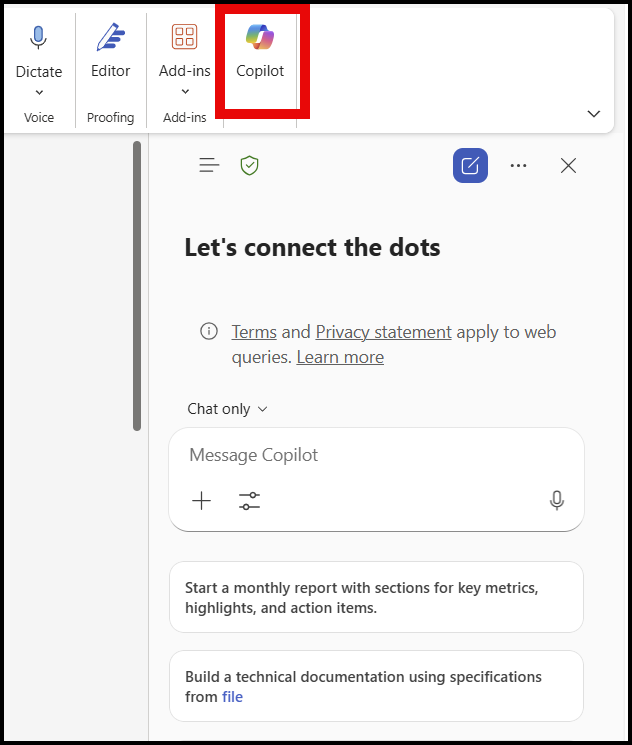
In simple terms, Microsoft is moving the best in-app Copilot experience behind the paid Microsoft 365 Copilot license. That means if your organization has been using the free or included Copilot Chat experience in those apps, things may change depending on your company's size.
Important detail: the impact depends on tenant size
For organizations with more than 2,000 users
Microsoft’s March 17 message for larger tenants says that, beginning April 15, 2026, unlicensed users will no longer be able to use Copilot in Word, Excel, PowerPoint, and OneNote entirely, while licensed users are unaffected.
For organizations with fewer than 2,000 users
A separate Microsoft message says unlicensed users will still have Copilot in Word, Excel, and PowerPoint, but it will run under “standard access”, meaning quality/performance can vary based on service capacity, and users may see upgrade prompts for the paid license.
Labels in Copilot
Microsoft is also introducing new labels to help people understand which Copilot experience they have. Users without a paid license may see Copilot Chat (Basic), while licensed users may see M365 Copilot (Premium).
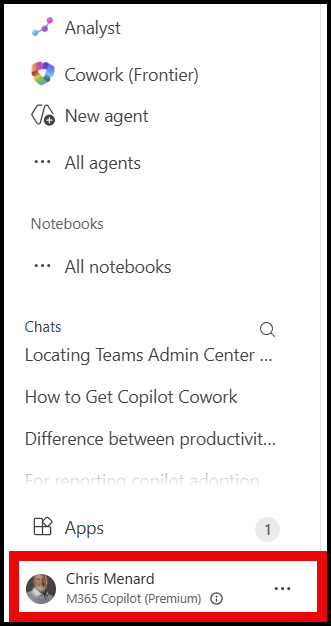
The big takeaway is this: Copilot Chat is not disappearing entirely for unlicensed users, but the in-app experience inside Word, Excel, PowerPoint, and OneNote is changing significantly on April 15, 2026. If you do not have a paid Microsoft 365 Copilot license, you may need to rely more on the Microsoft 365 Copilot app rather than using Copilot directly inside those desktop or web apps.
Popular Copilot Articles
 Chris Menard
 Chris Menard
 Chris Menard
 Chris Menard